
Custom Emojis and Stickers
This document describe how to implement sticker module in Tencent Cloud Chat Flutter UIKIt.
Two types of stickers, are available in Message widget, shows in the following list:
Sticker Type | MessageType | Integrate within Text | Sending Scheme | Rending Scheme | Usage | Default |
Small image | Text Message | Yes | Image name | The image is automatically matched against the local image assets by name. | Enabled as default
, with one set of default packages, while adding new packages and cutmization are also support. | One set of default packages are provided, shown as the screenshots below. |
Large image | Sticker Message | No | baseURL plus the image file name, which form the path of the emoji image asset |
The asset resources are parsed based on the path. | Images are stored as assets, and are defined in List | - |
Name | Small Image (Designed by us) | Tencent Large Image |
Type | Small image | Large image |
Description | Enabled as default located at first | |
Screenshots | 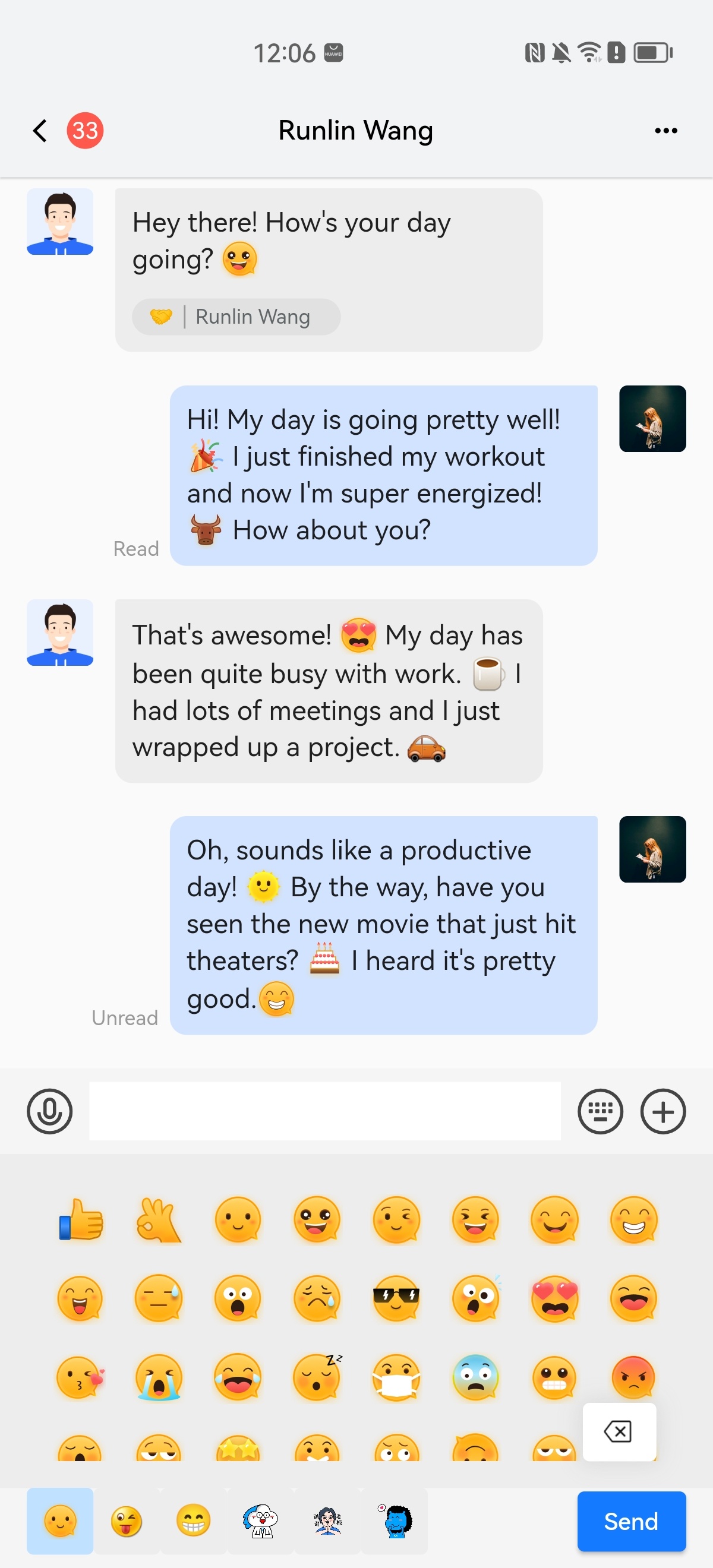 | 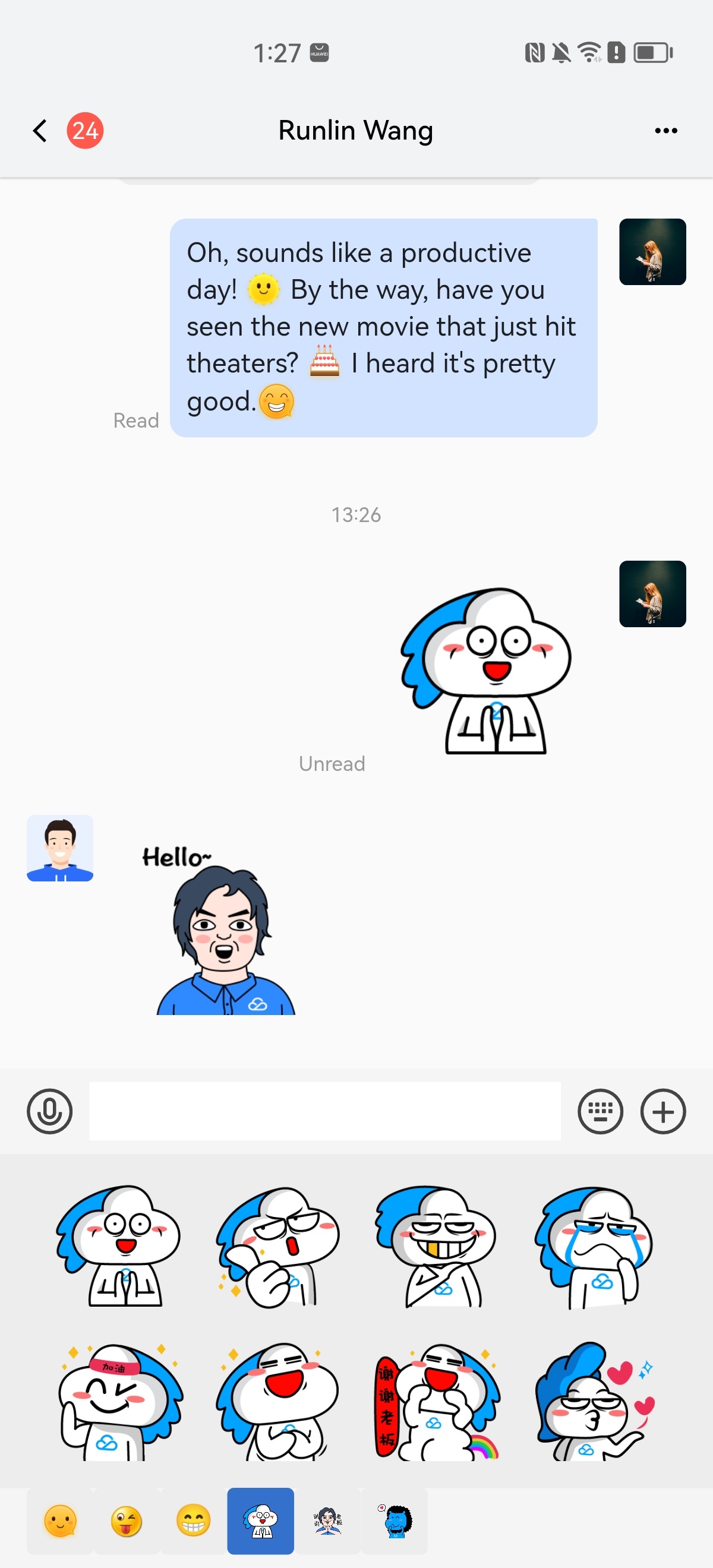 |
Usage
flutter pub add tencent_cloud_chat_sticker
To enable the plugin, add the following code to the
plugins list in initUIKit:TencentCloudChatPluginItem(name: "sticker",initData: TencentCloudChatStickerInitData(userID: TencentCloudChatLoginData.userID,).toJson(),pluginInstance: TencentCloudChatStickerPlugin(context: context,),)
In the
TencentCloudChatStickerInitData object, you can select which default sticker sets to enable and add additional sticker sets to suit your needs.

