
Message Translation
Feature Overview
Text Message Translation allows users to translate text messages directly within the chat interface. To use this feature, long-press any text message in the message list and select Translate from the menu to view the translated text.
Note:
The Text Message Translation feature is available to Pro, Pro Plus and Enterprise edition customers. To enable this feature, purchase Pro, Pro edition Plus or Enterprise edition. The Trial Edition offers limited free usage for one month.
Text Message Translation
Translate Button | Text Message Translation Result |
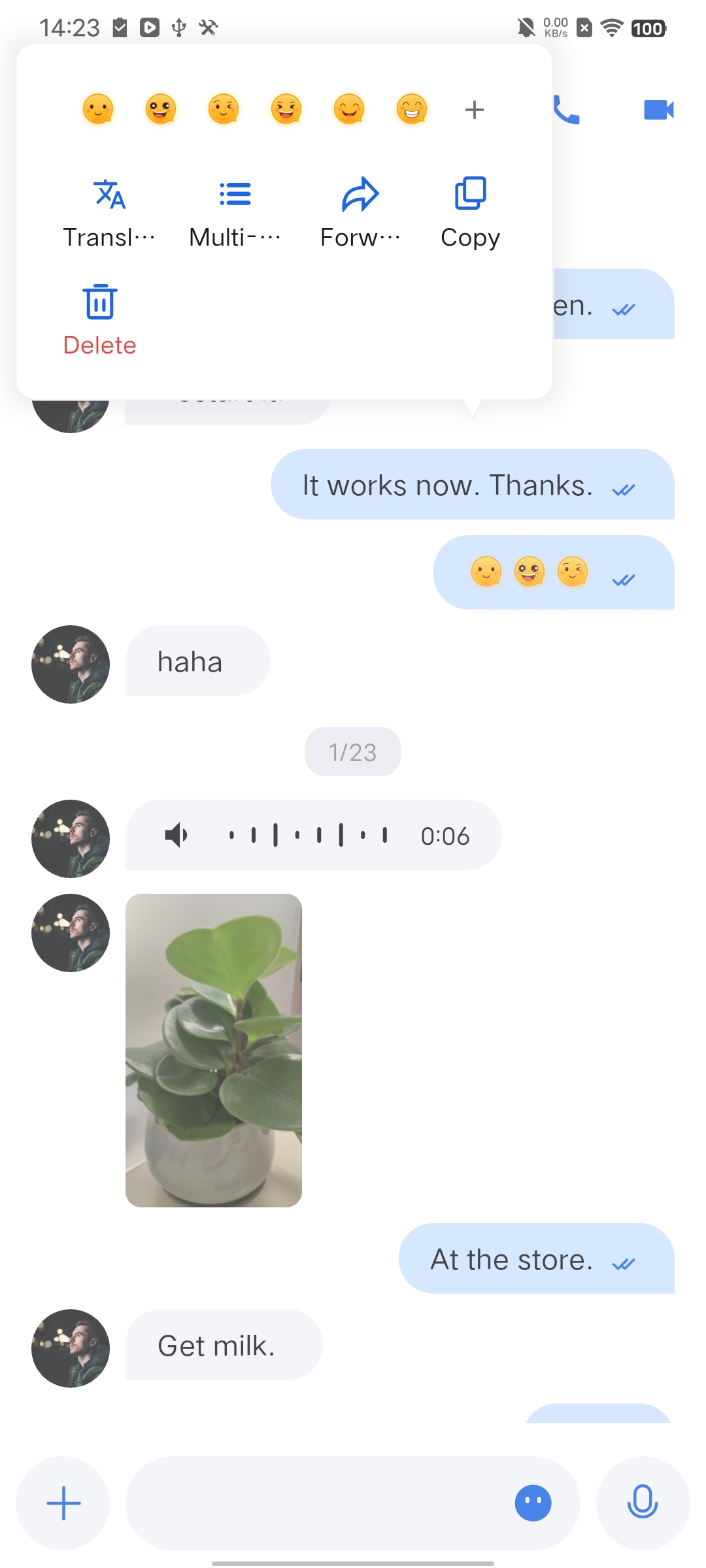 | 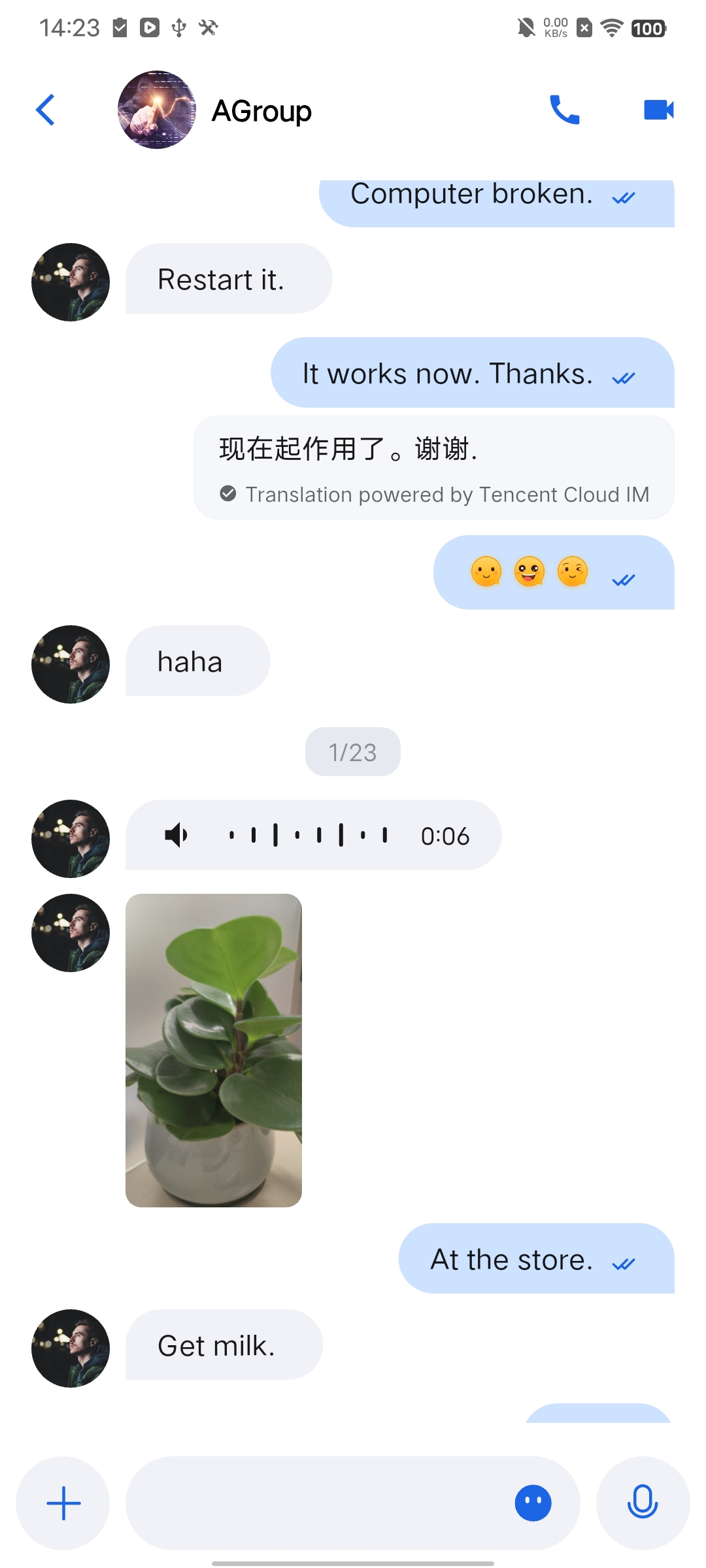 |
Configure Target Language
The target language for translation is managed by
AppBuilder. To set or retrieve the target language, refer to the demo:// Set the target language for translationAppBuilder.getInstance().translateConfig.setTargetLanguage('zh');// Get the current target language for translationfinal currentLanguage = AppBuilder.getInstance().translateConfig.targetLanguage;
Enable or Disable Text Message Translation
The
MessageList widget includes a toggle for the Text Message Translation feature in its config parameter. By default, this feature is enabled (true). To disable it, set the value to false:MessageList(config: ChatMessageListConfig(isSupportTranslate: false),),
Note:
Only text messages and text-based reference or reply messages are supported. Images, voice, video, files, emojis, custom messages, and other formats are not supported for translation.
The maximum translation request rate is 5 times per second.

