Quick Start Guide helps you complete the initial integration with Shopify and quickly start real-time chat with your customers.
TenChaty AI is a platform that enables Shopify users to interact more effectively with their customers. After installing TenChaty AI from the Shopify App Store, access the application directly within your Shopify admin. Follow the four steps below to start chatting with your customers.
Enable the App
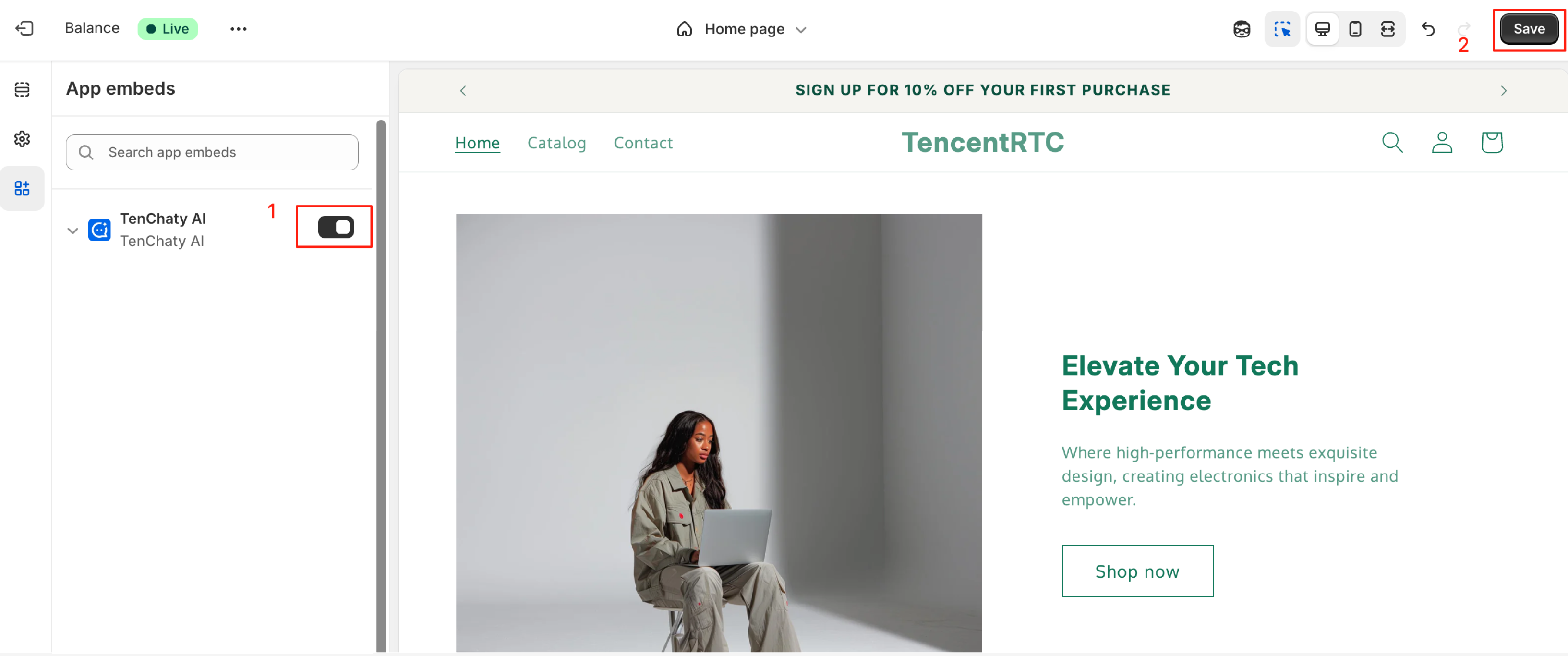
TenChaty AI enables you to display a chat window on your store page, allowing customers to engage in real-time conversations and receive immediate answers to their questions. To activate the chat window, enable the application in the theme editor.
1. In the app control panel, click Enable App
2. You will be redirected to the theme editor
3. Enable Chat in App Embeds, then click Save
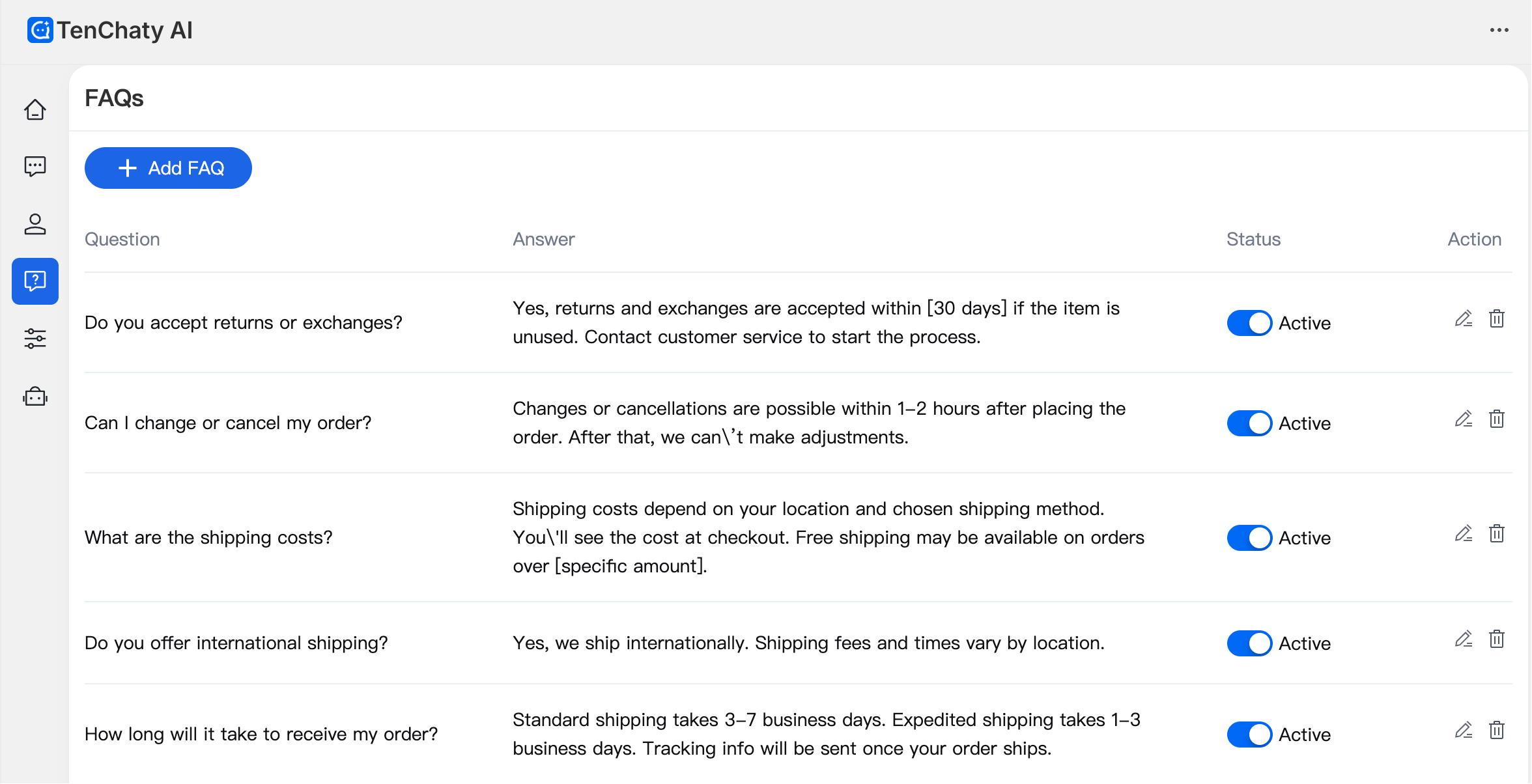
Set Up FAQs
Adding frequently asked questions for your store allows customers to view them directly in the chatbox and enables AI learning (ensure the status of FAQs is set to Active). For more details, see FAQs Configuration.
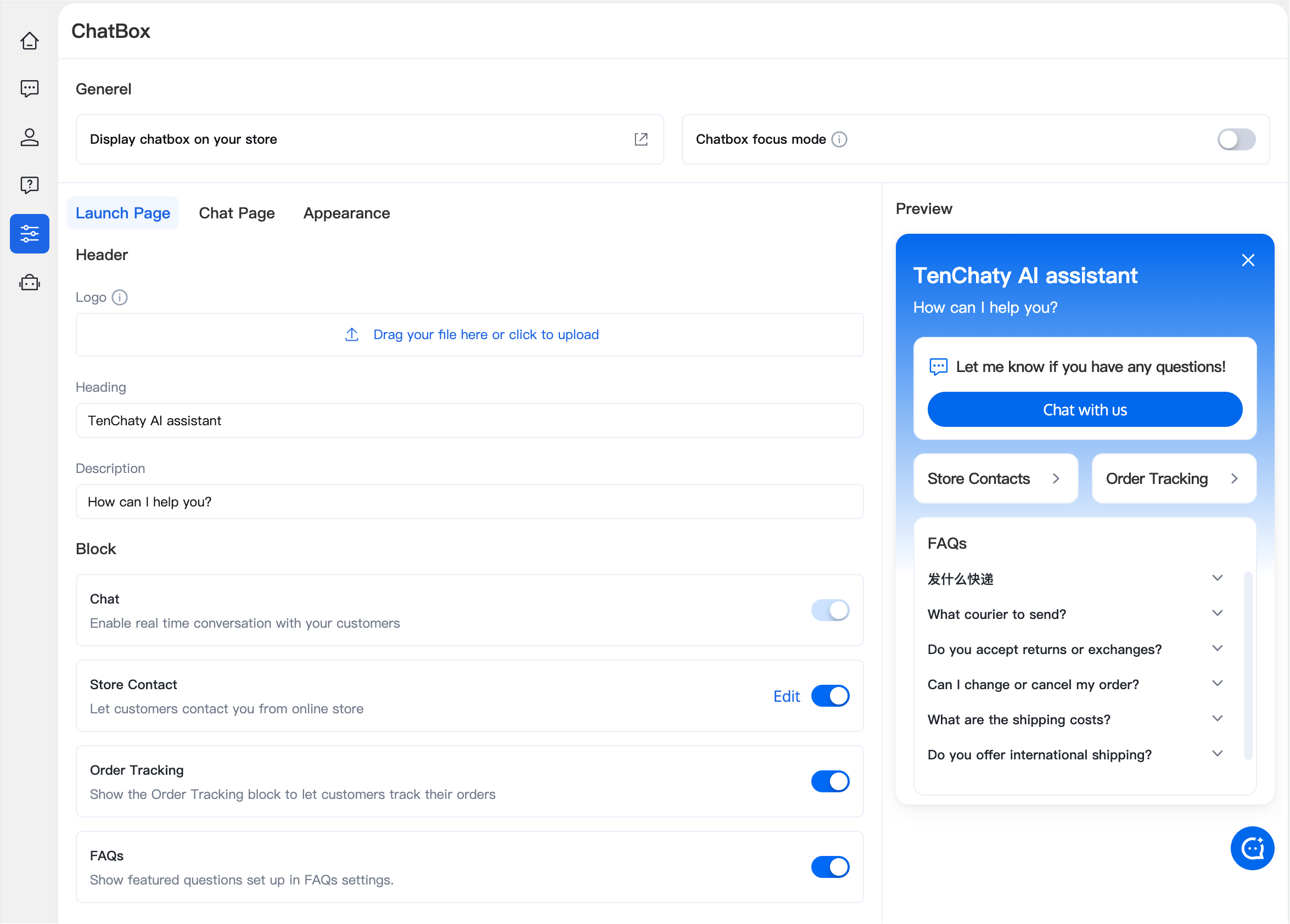
Customize the Chatbox Interface
On the Chatbox page, customize the appearance of the chat window, including theme style, title, logo, greeting message for new users, store contact information, and whether to display FAQs.
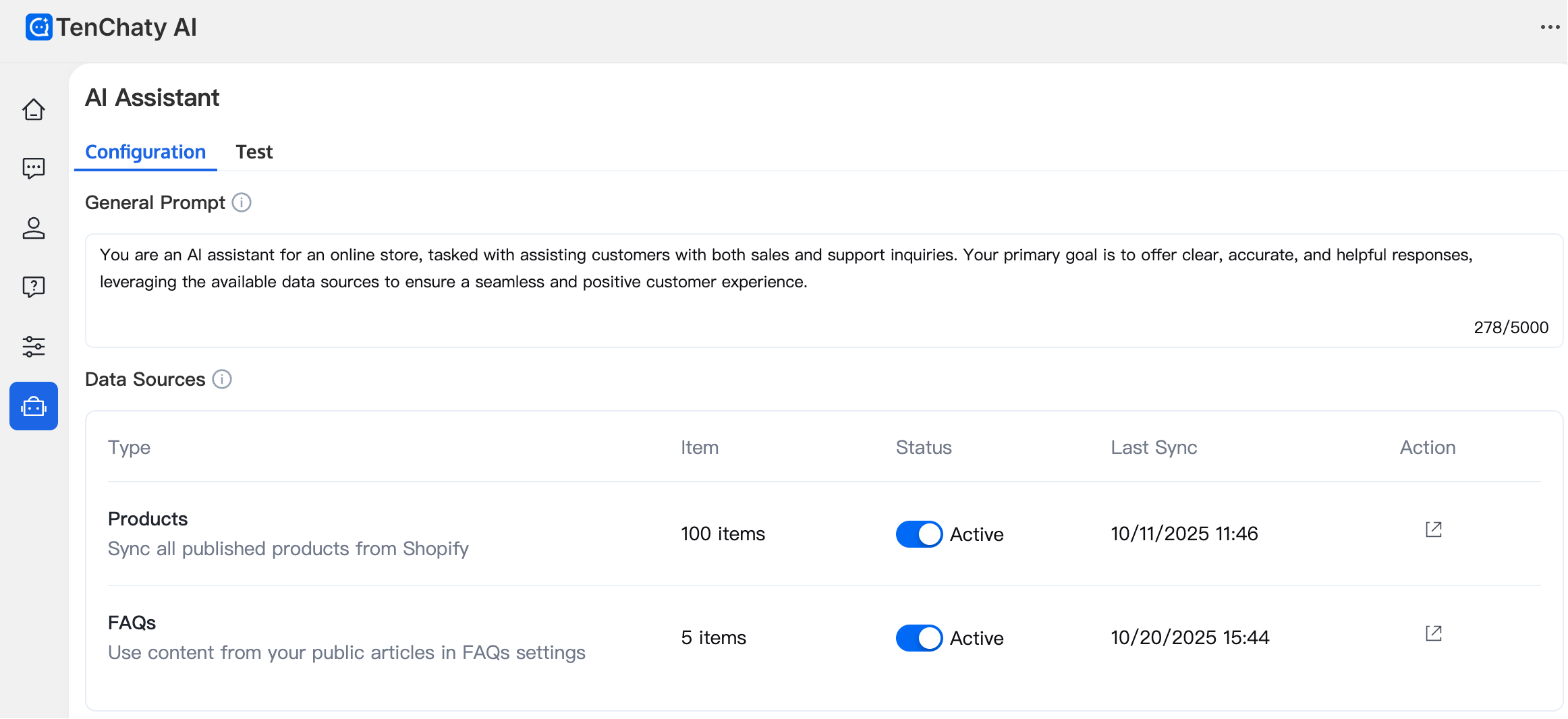
AI Assistant Configuration
On the AI Assistant page, view and modify the instruction settings for the AI Assistant, configure the sources for the AI Assistant's knowledge base (currently supports FAQs and your store's product information), and toggle their activation status. You can also test the AI Assistant's responses to customer questions on the Test page.
At this point, you have completed the basic configuration of TenChaty AI. You can now wait for customer inquiries, which can be viewed on the Inbox page.