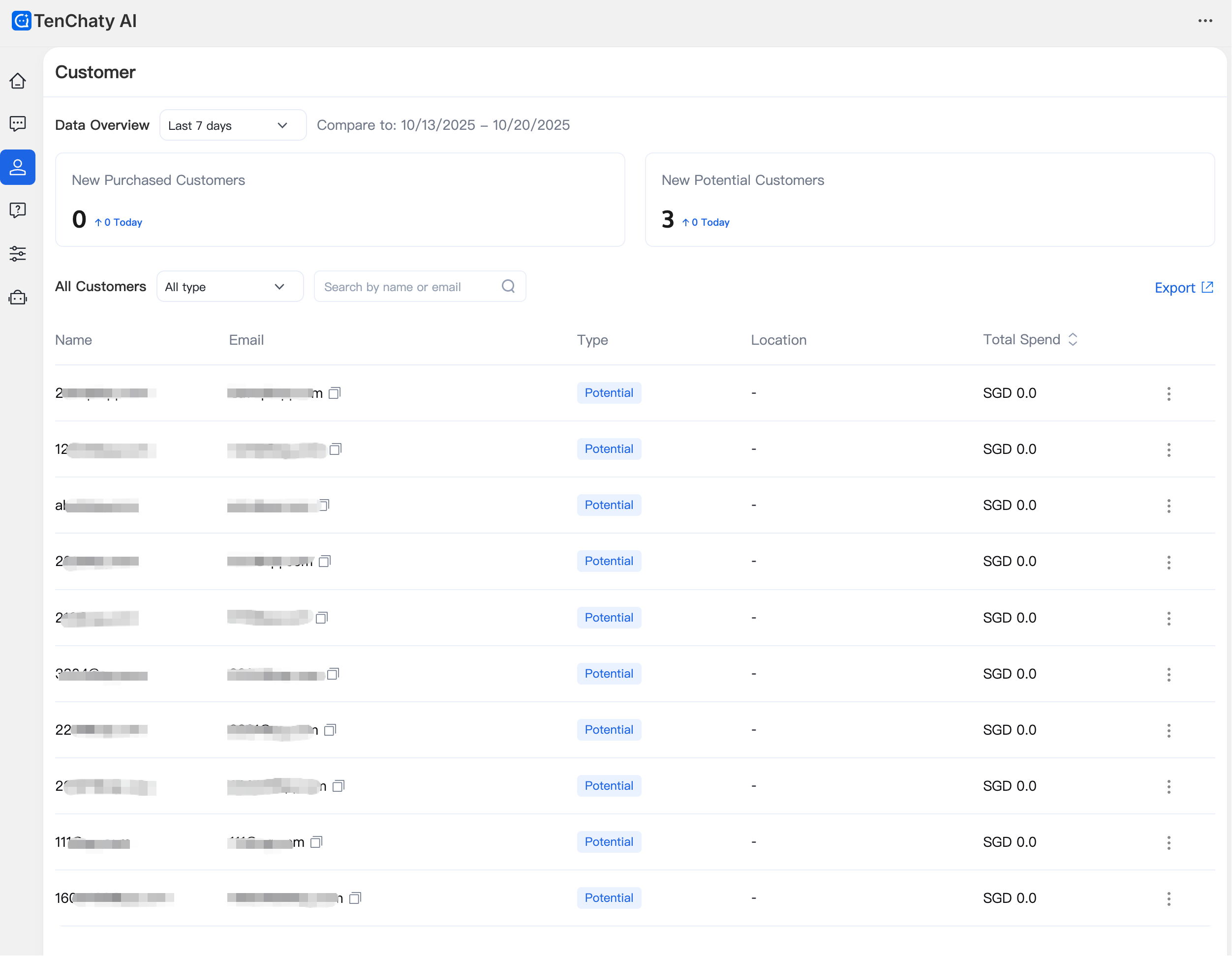
You can view and manage customer information on the Customer page. This includes monitoring the number of newly added paying customers and potential customers, as well as viewing details such as name and email.
User Types
Users are categorized into two types based on purchase status: potential customers and paying customers.
Manage Contacts
In the contact list, view the total number of contacts and search for customers by name or email.
Export Contacts
On the Customer page, click "Export" to download customer information in bulk. Supported fields include name, email, customer type, location, and total spending.