You can configure frequently asked customer questions in FAQs to enhance customer self-service efficiency and reduce the workload of live agents.
How to Add FAQs
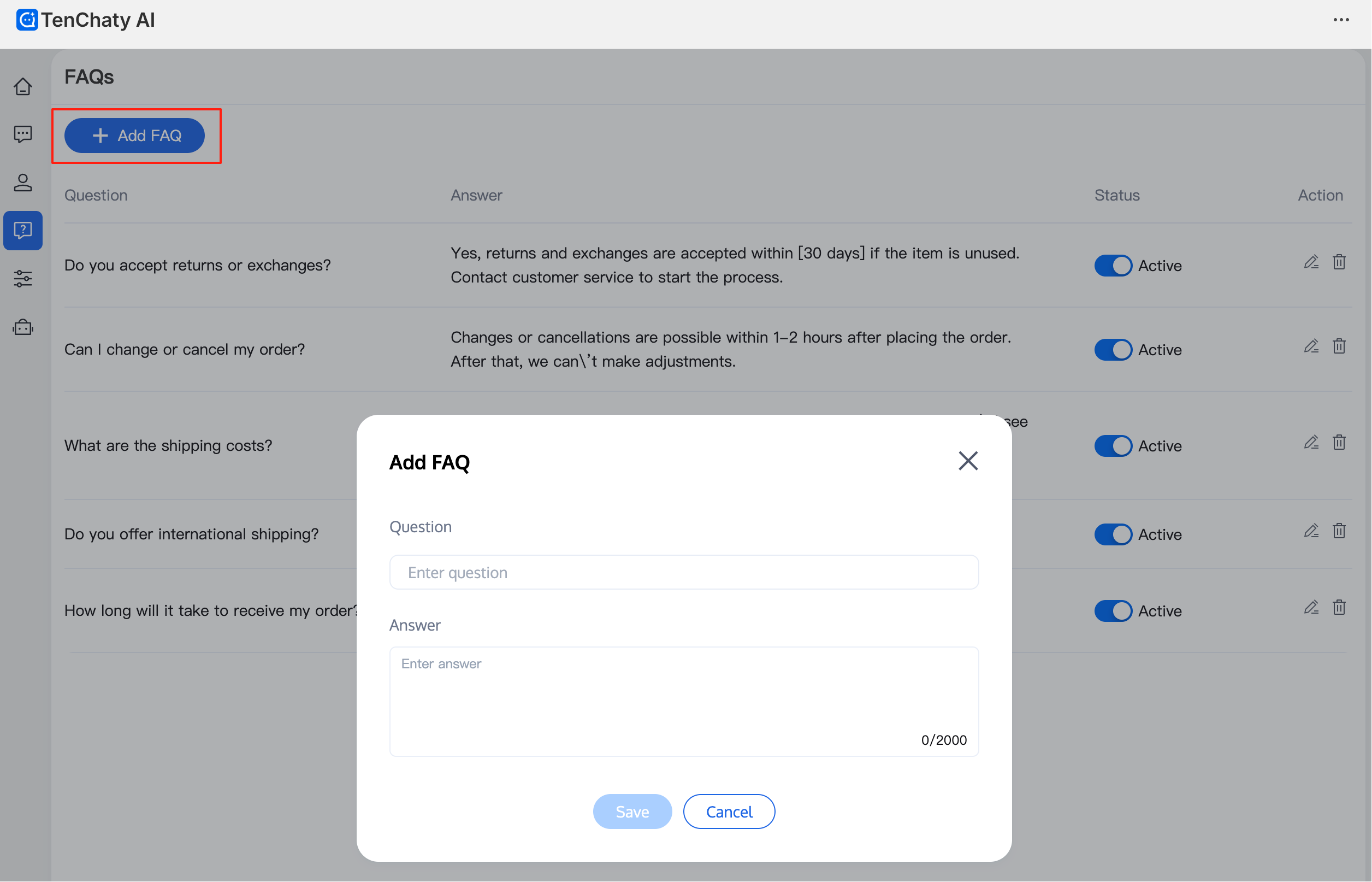
1. Go to the FAQs page and click "Create".
2. Enter the question and answer, then click "Save" to complete the creation.
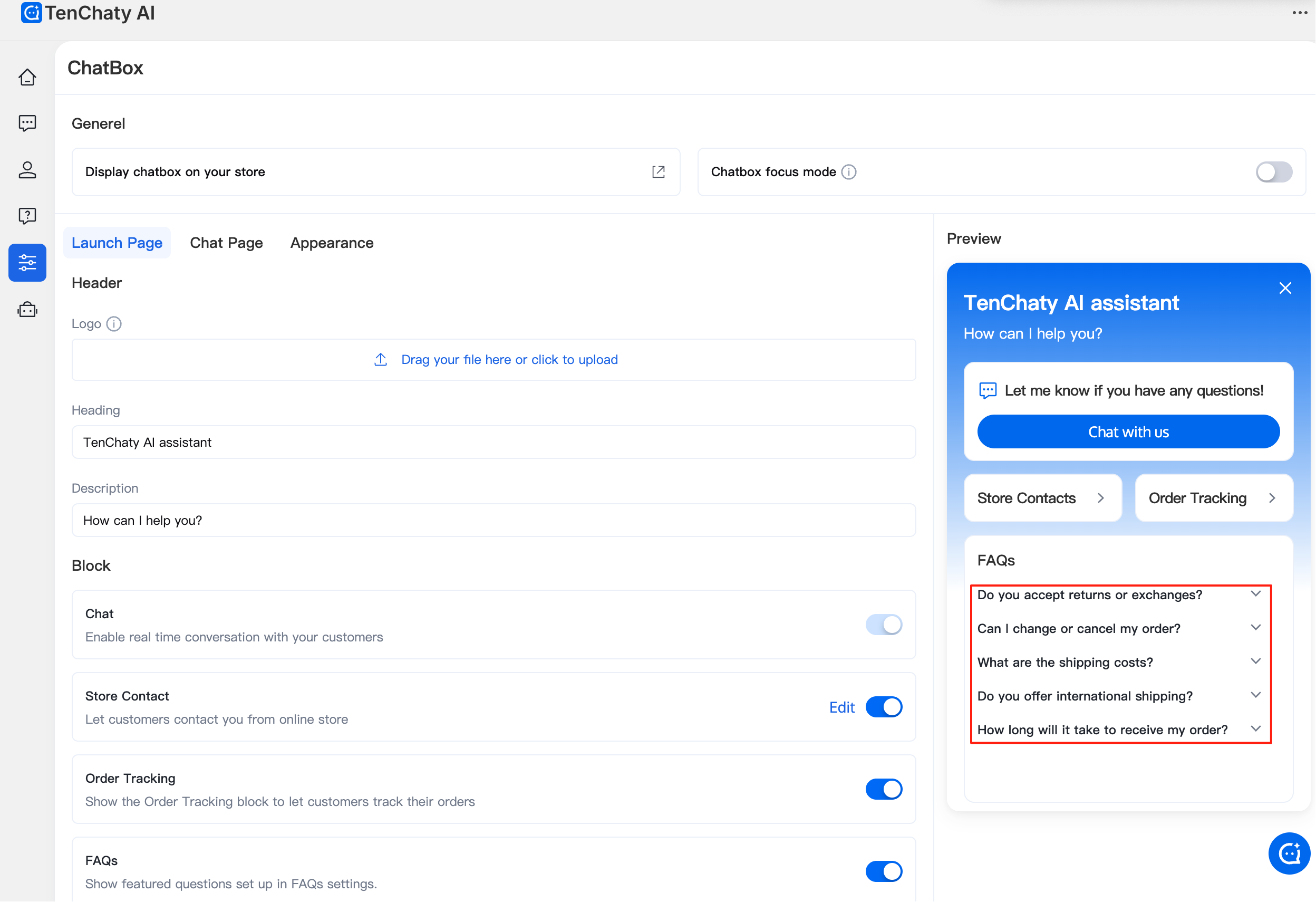
3. FAQs with the status "Active" are displayed in the Inbox conversation window and used for AI learning. To hide an FAQ, change its status to "Inactive".
Recommended FAQs to Add
Store return policy, shipping times and logistics, warranty information
Store business hours, contact information, etc.
For example:
Q: What is your shipping time? Which courier do you use?
A: Orders placed before 18:00 are shipped the same day. Orders placed after 18:00 are shipped the next day. We use EMS for shipping by default, but you can contact customer service to request a different courier.
Note:
Do not add specific product information (such as price, color, size, etc.) as FAQs. This information will be automatically learned by AI.