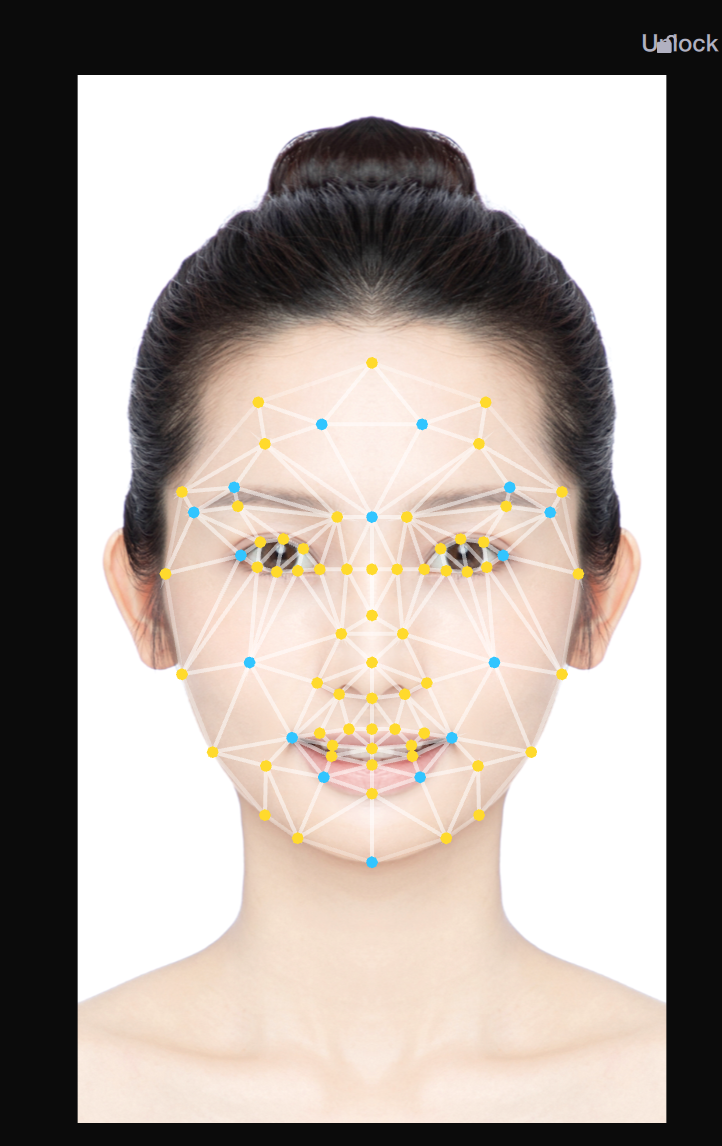
The Face Morphing feature enables you to adjust both the overall face shape and individual facial features for customizable effects. For example, you can change the chin width or the distance between the eyes.
Basic Usage
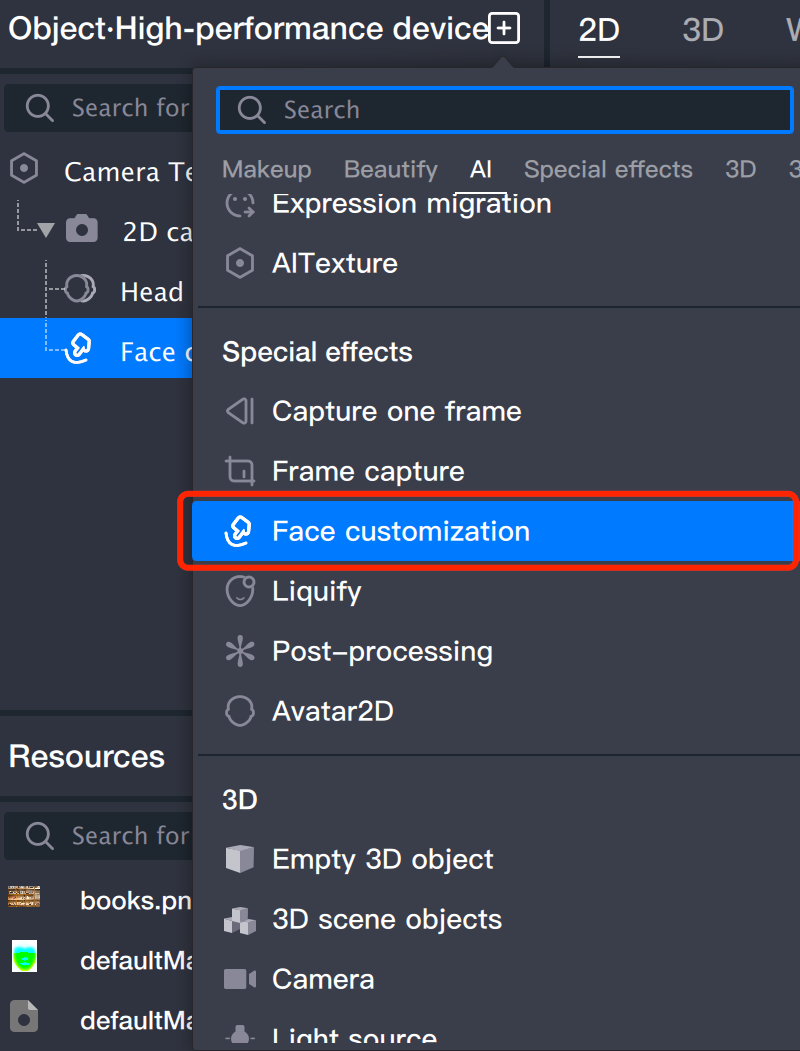
Step 1: Add Face Morphing Component
Add the Face Morphing component in the object panel.
Step 2: Adjust Parameters
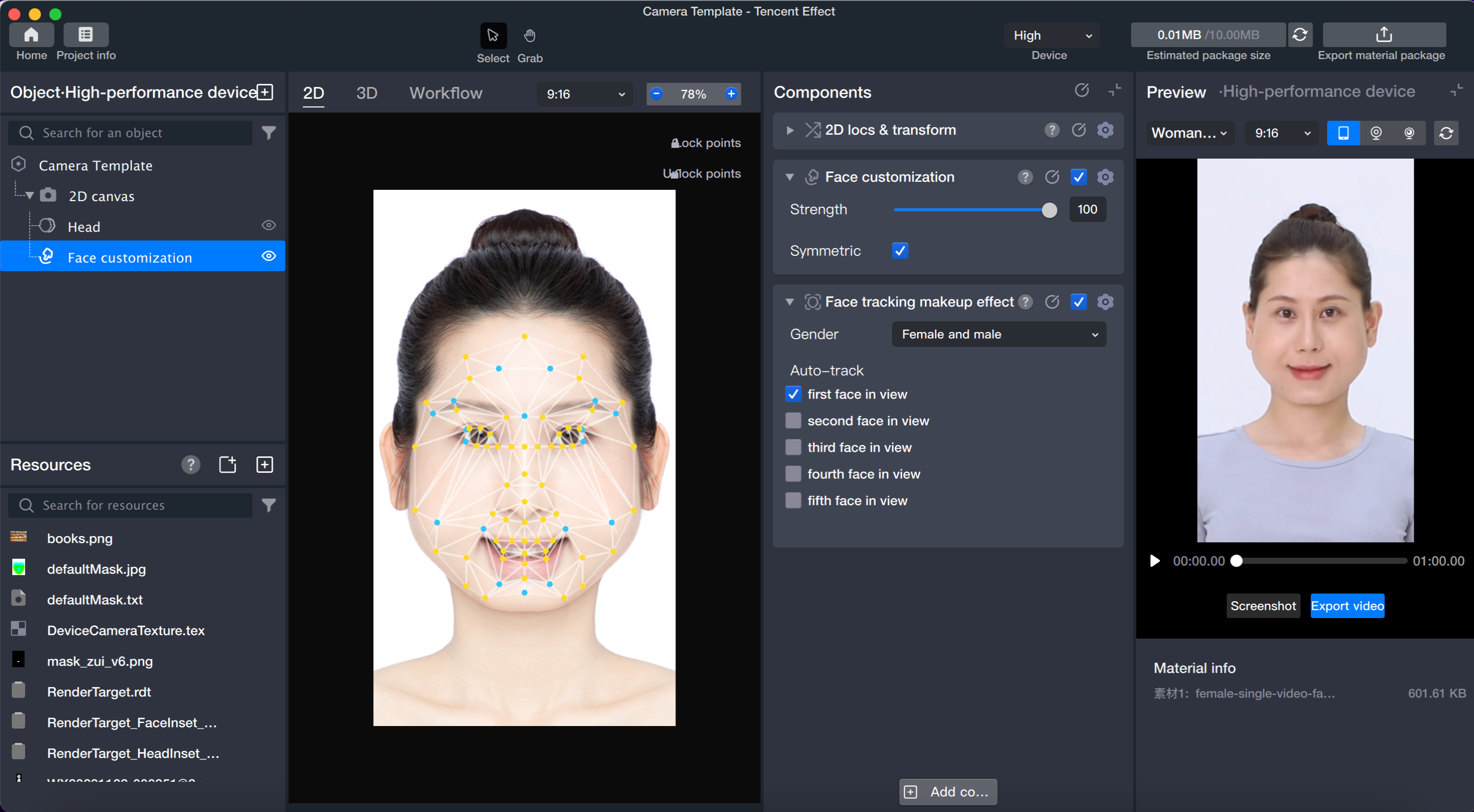
Drag the control points directly in the scene panel with your mouse to modify the facial features.
You can also fine-tune the morphing intensity and face symmetry in the component panel.