
Skeletal Dynamics
Adding Physics After Bone Rigging
This section describes how to apply physics effects, such as swinging motion, to a 3D model after you have completed bone rigging.
1. Open the component panel and add the
DynamicBone component to the root node of your skeleton.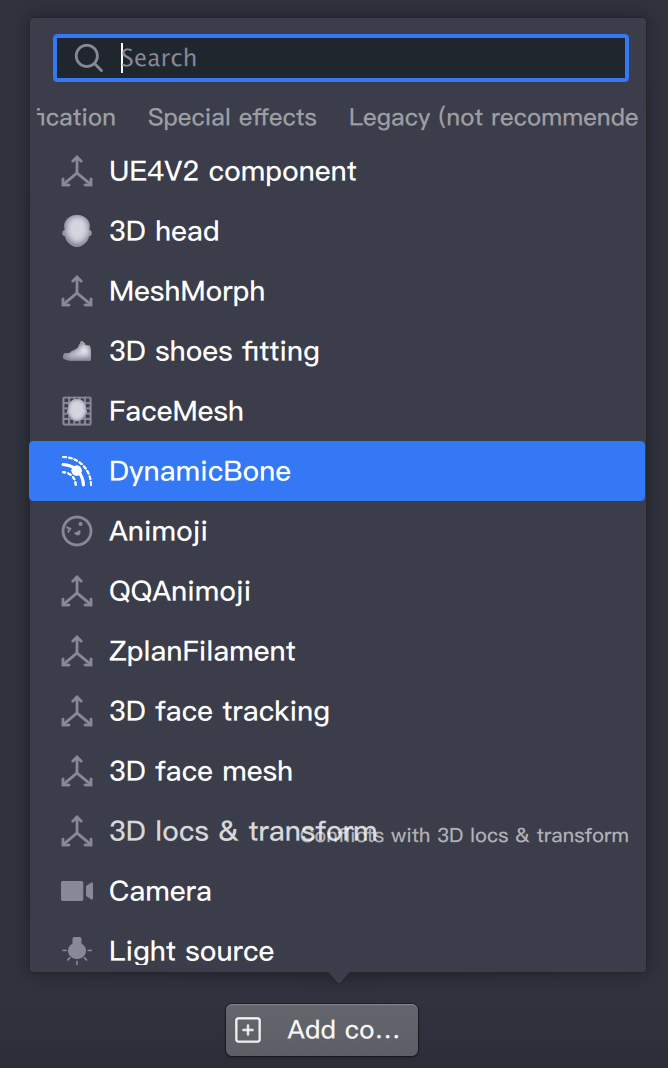
2. Set the root node:
Drag the first bone in the bone chain that you want to apply physics effects to into the Root field of the
DynamicBone component.3. Configure parameters:
To adjust the elasticity and simulate gravity, modify the
gravity and gravityFactor parameters.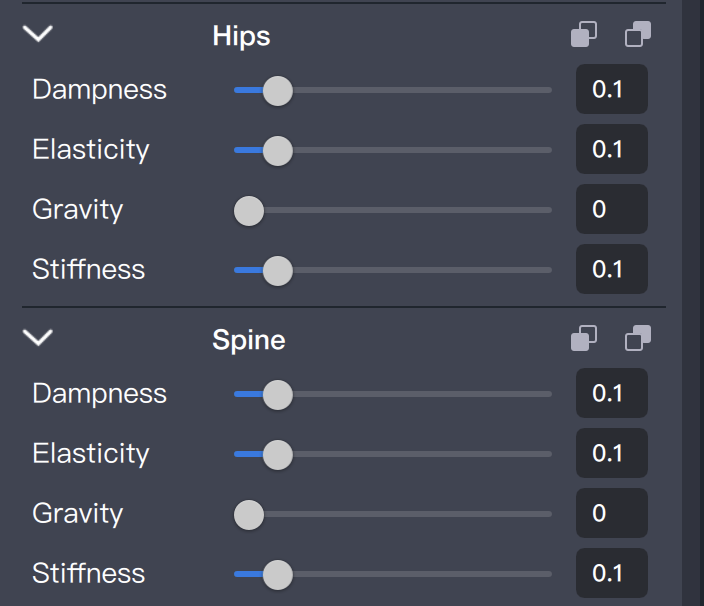
Common parameter presets:
Default settings for elastic, swinging motion:
dampness: 0.1elasticity: 0.1stiffness: 0.1gravityFactor: 0gravity: 0, -1, 0Floating effect, suitable for veils:
dampness: 0.3elasticity: 0.05stiffness: 0.3gravityFactor: 0gravity: 0, -1, 0Soft and elastic, ideal for bouncy ears:
dampness: 0.2elasticity: 0.1stiffness: 0.2gravityFactor: 0gravity: 0, -1, 0Soft with gravity:
dampness: 0.2elasticity: 0.1stiffness: 0.2gravityFactor: 0.08gravity: 0, -1, 0
