Asset import enables you to add local or cloud-based resources to the creation resource panel, making them accessible for further editing and creative workflows.
Basic Usage
Standard Asset Import
Method 1: Cloud Import
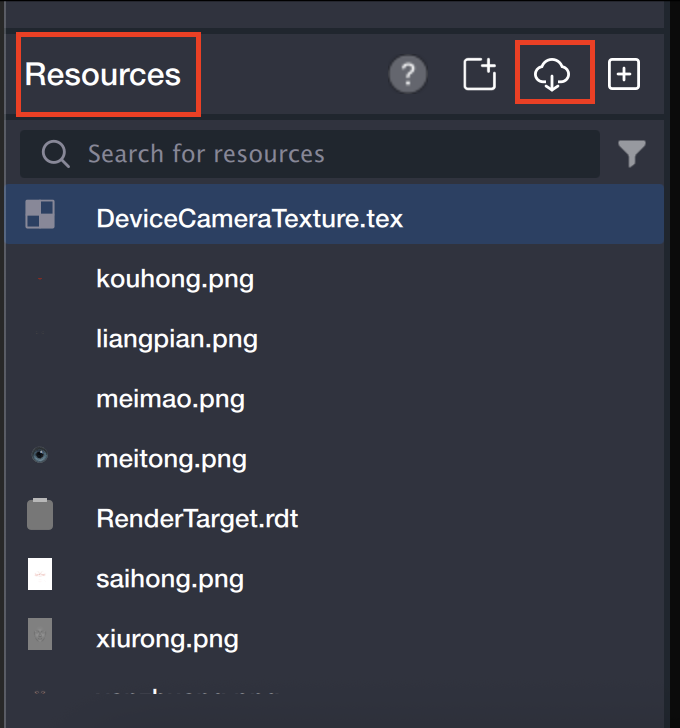
1. In the resource panel, click the cloud icon.
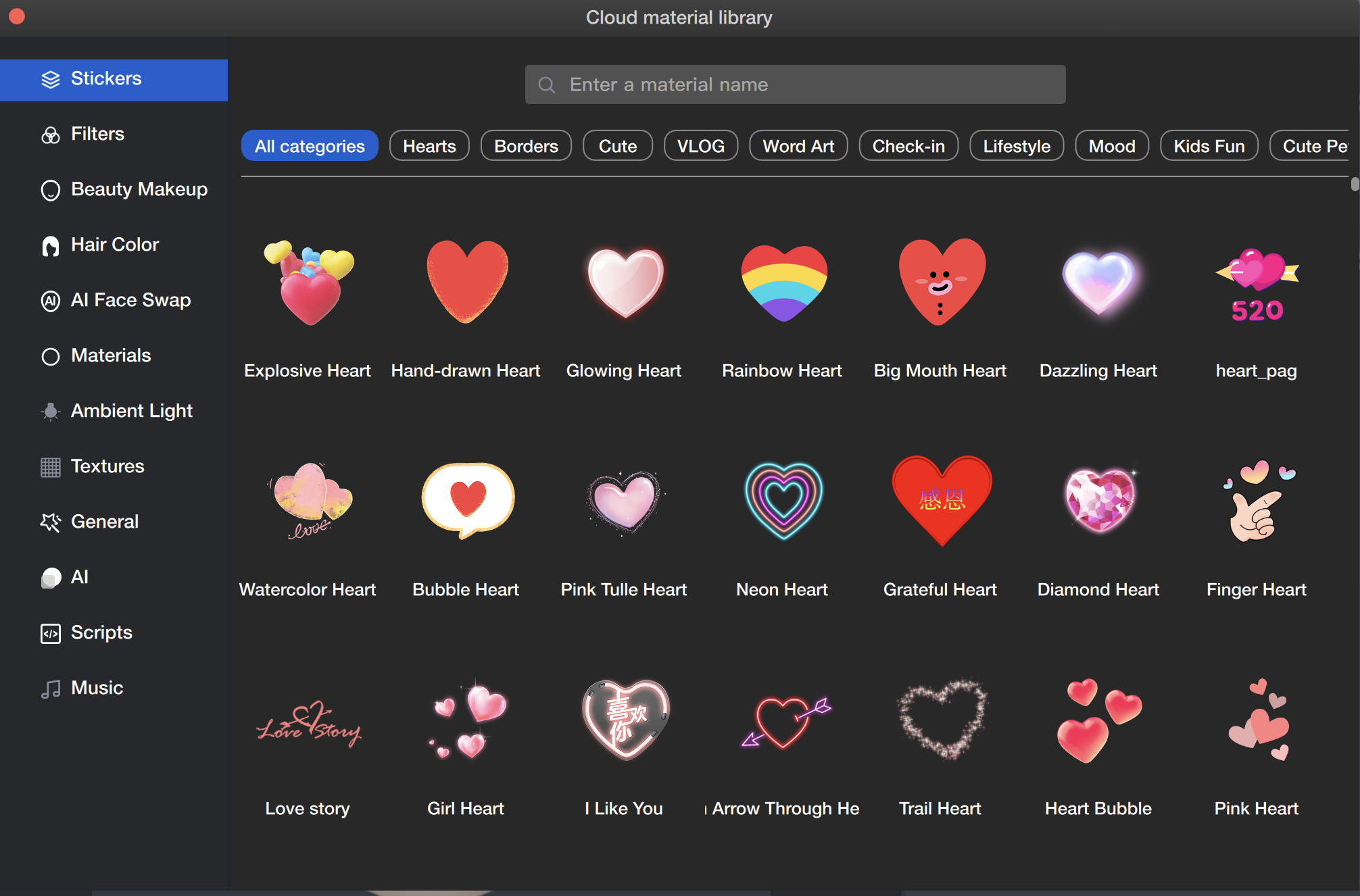
2. Select assets from the cloud asset library and download them. Batch download is supported.
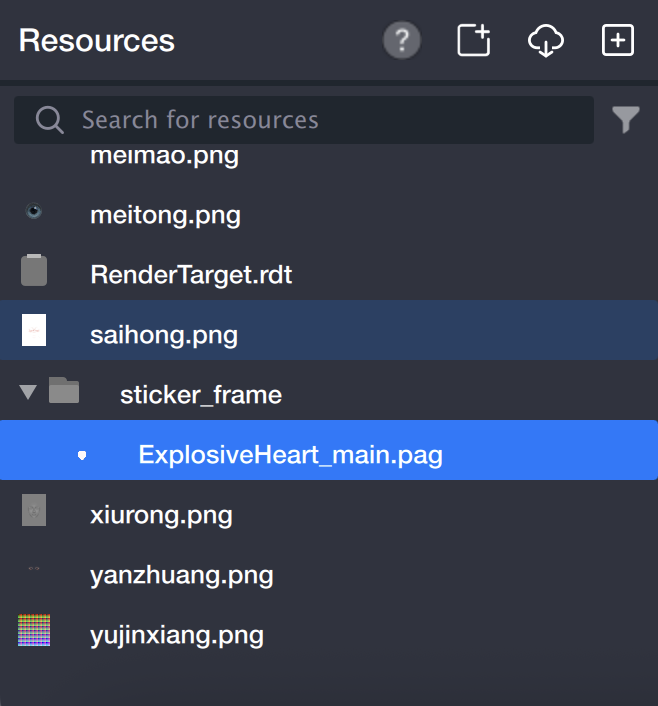
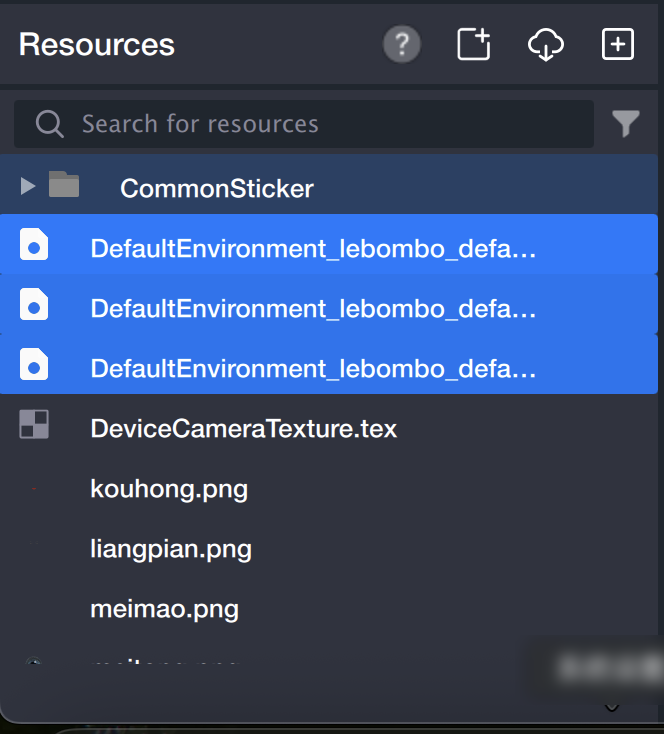
3. The downloaded assets will appear in the resource panel.
Method 2: Local Import
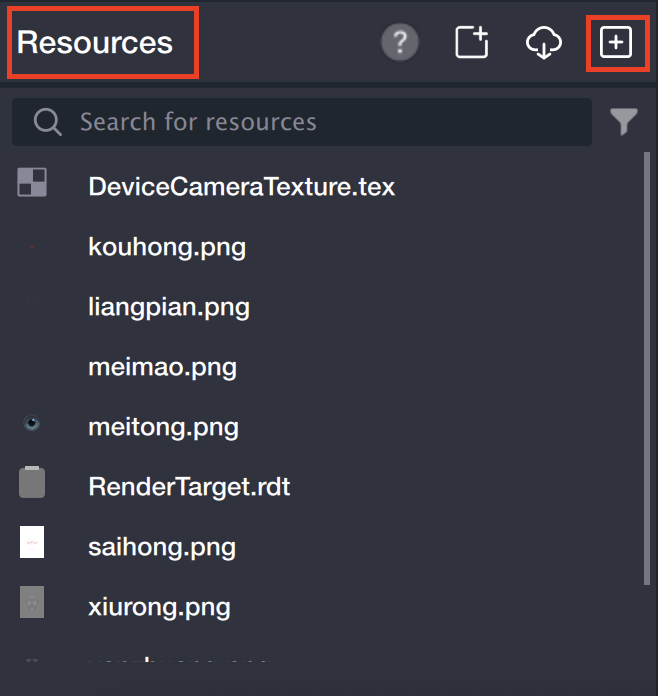
1. In the resource panel, click the local import icon.
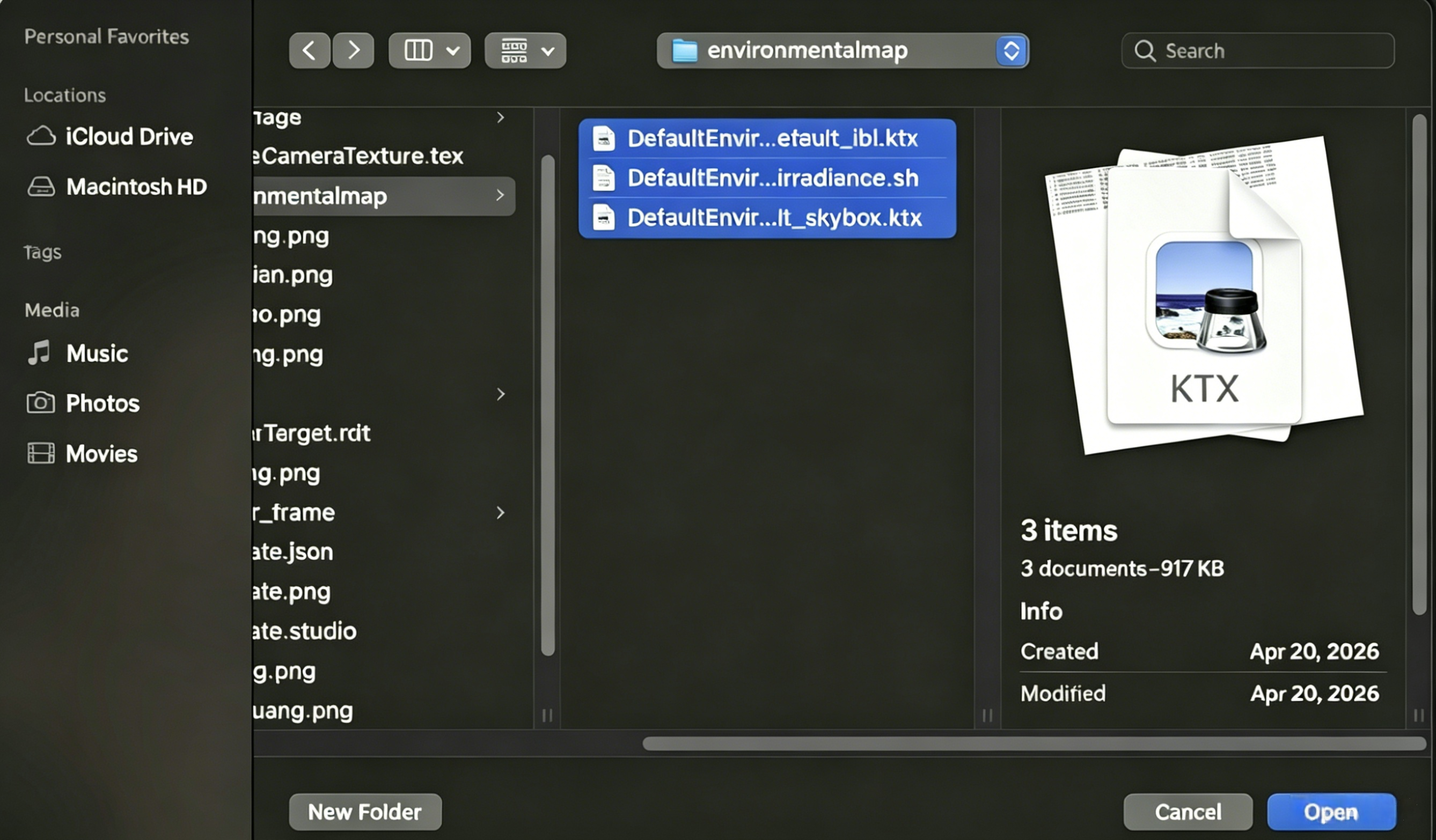
2. In the Add Resource window, select and import local files. Batch import is supported in this window.
3. The imported assets will be visible in the resource panel.
3D Asset Import
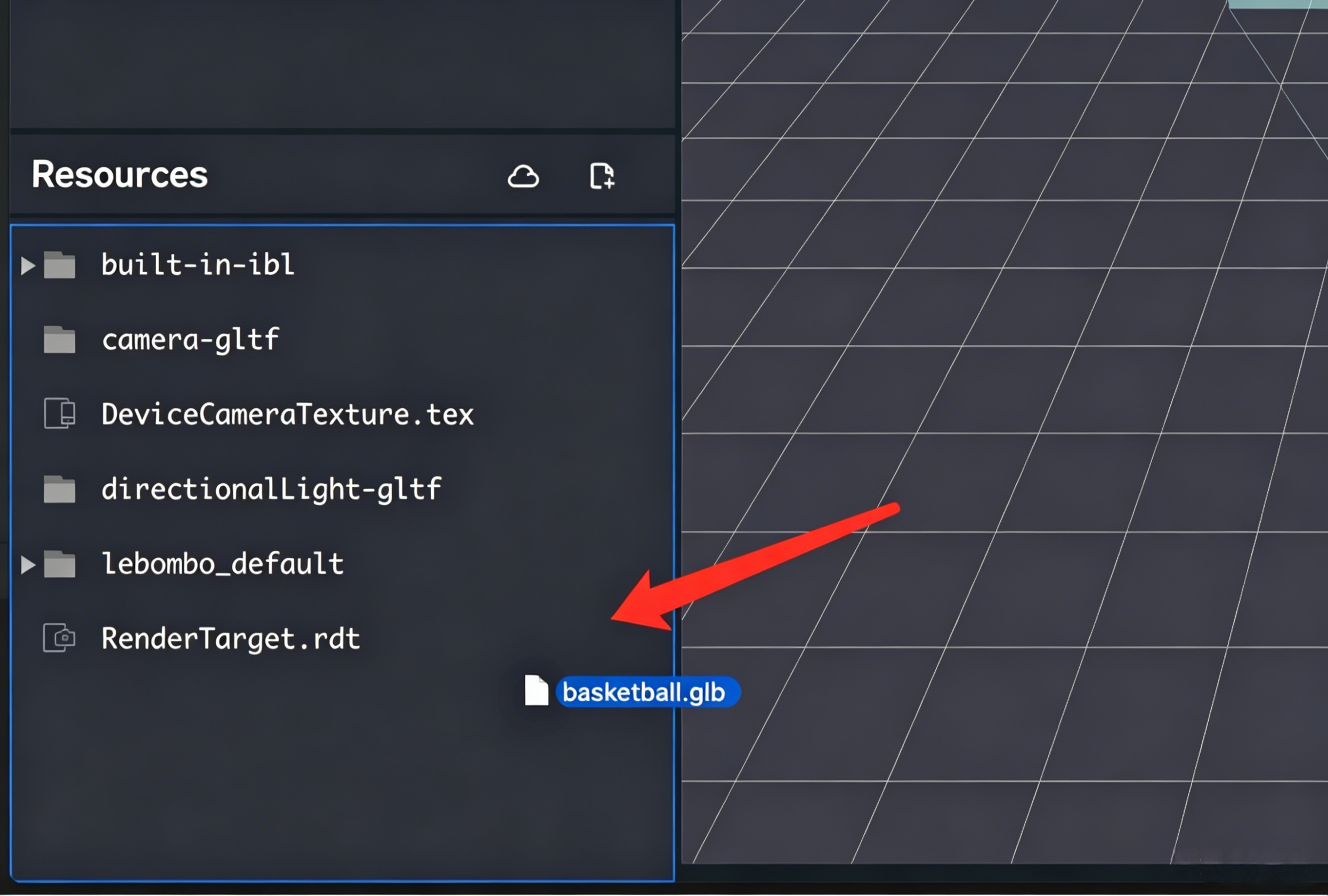
1. Drag and drop FBX or GLB model files exported from your design software into the Tencent Effect resource panel, or click the local add button and use the popup window to add files (same procedure as standard asset import).
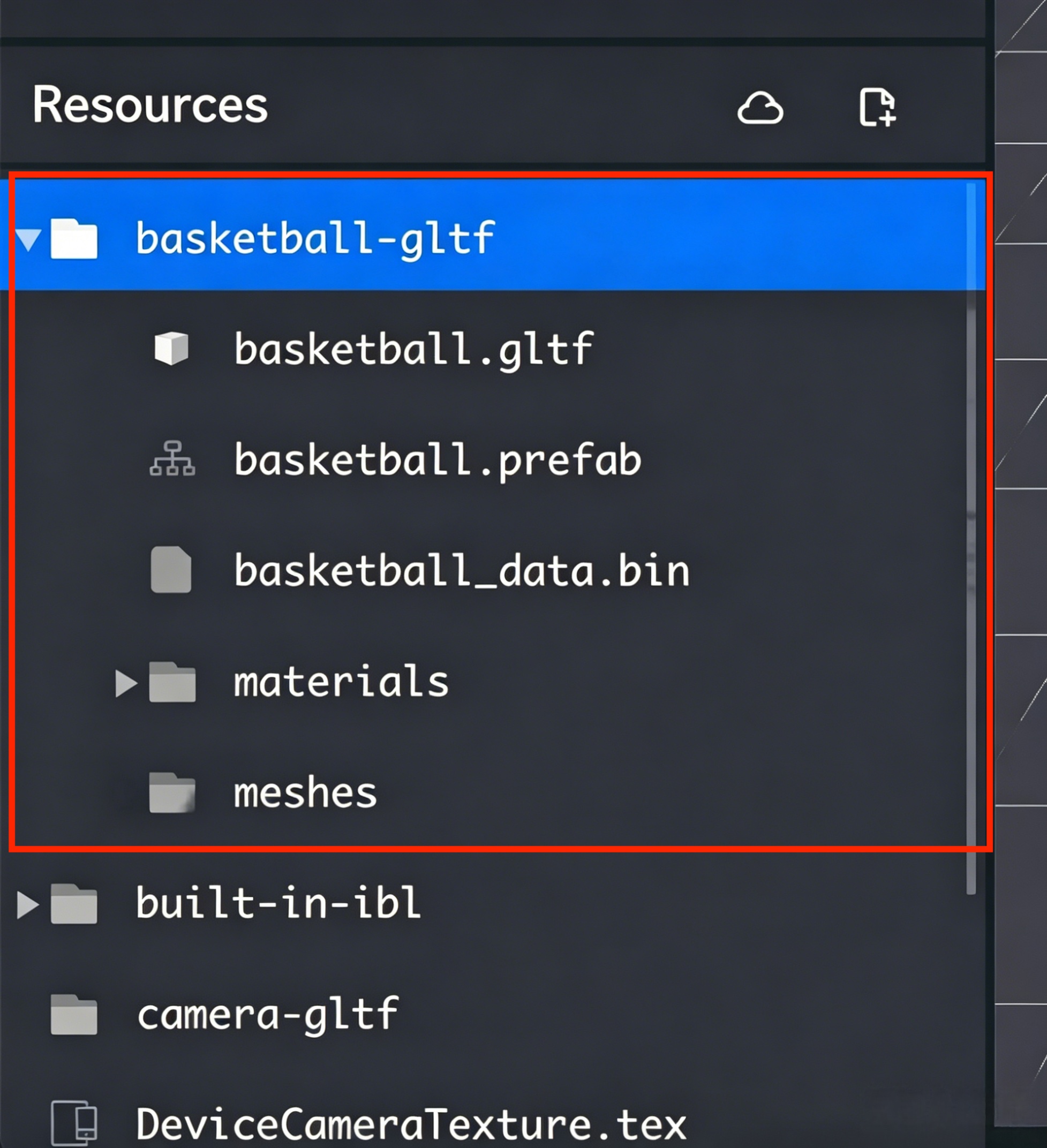
2. Tencent Effect automatically unpacks the model files into the following structure:
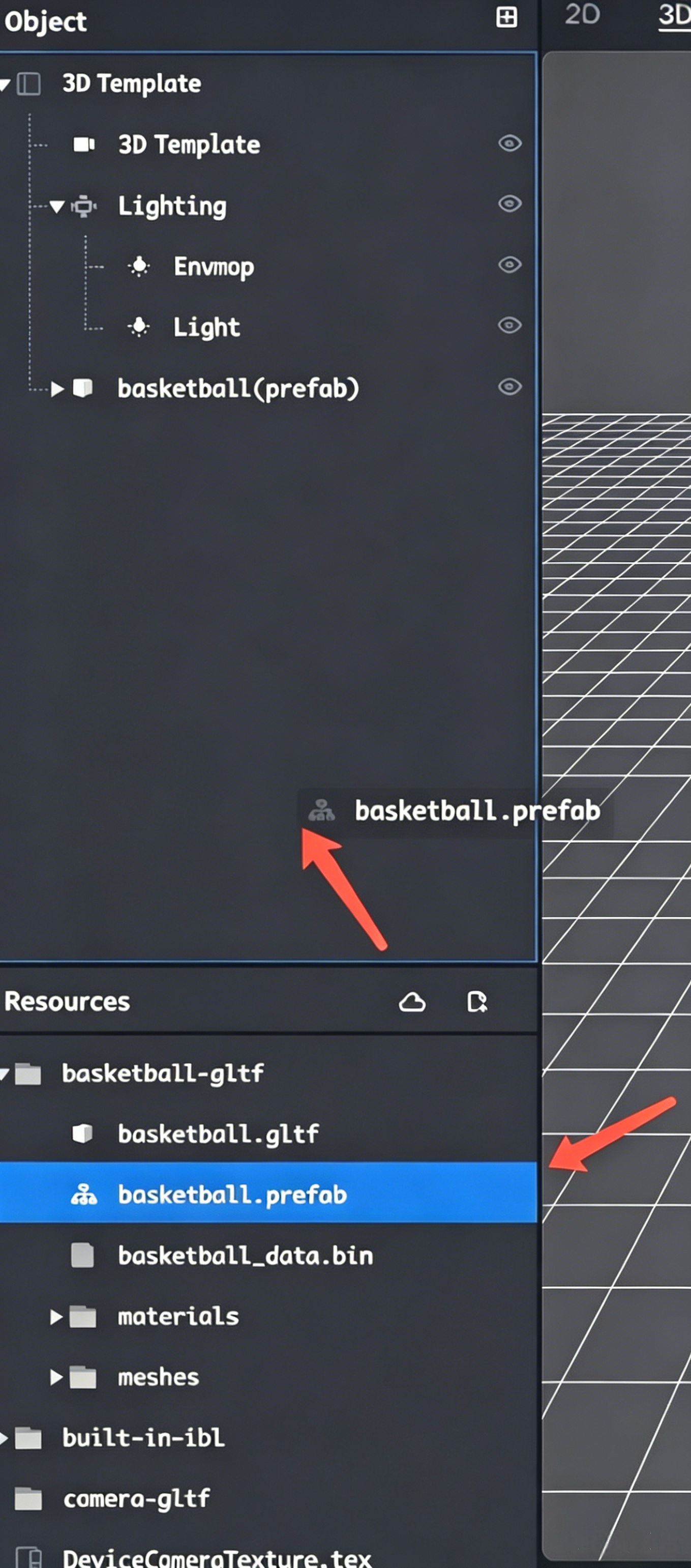
3. Select the .prefab file and drag it into the object panel:
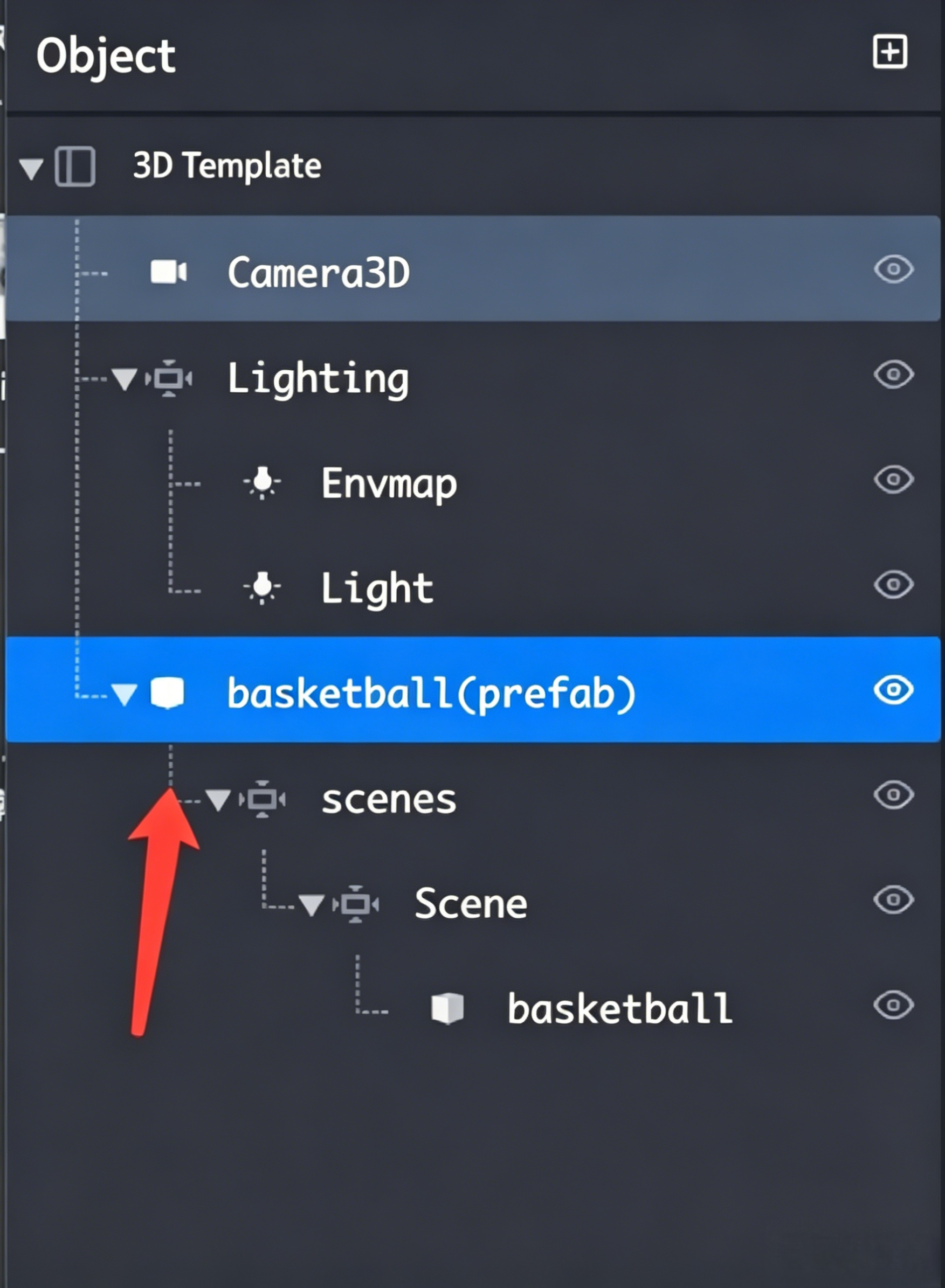
4. The object panel displays the model's hierarchical structure:
The hierarchy includes various node types, such as meshes and skeletal joints.
You can add components to each node to extend functionality.