
Product Introduction
AtomicXCore is an SDK designed for scenarios such as Video Live Streaming, Conferencing, Voice Chat Rooms, and Calling. It provides a “UI-less” integration approach, allowing you to focus exclusively on UI development and quickly build fully-featured, highly customizable real-time interactive applications.
Use Cases
AtomicXCore encapsulates all the business logic required to build a wide range of complex scenarios, enabling you to concentrate entirely on custom UI design.
Video Live Streaming
Use Cases
Social Entertainment | Gaming Interaction | E-commerce Shopping |
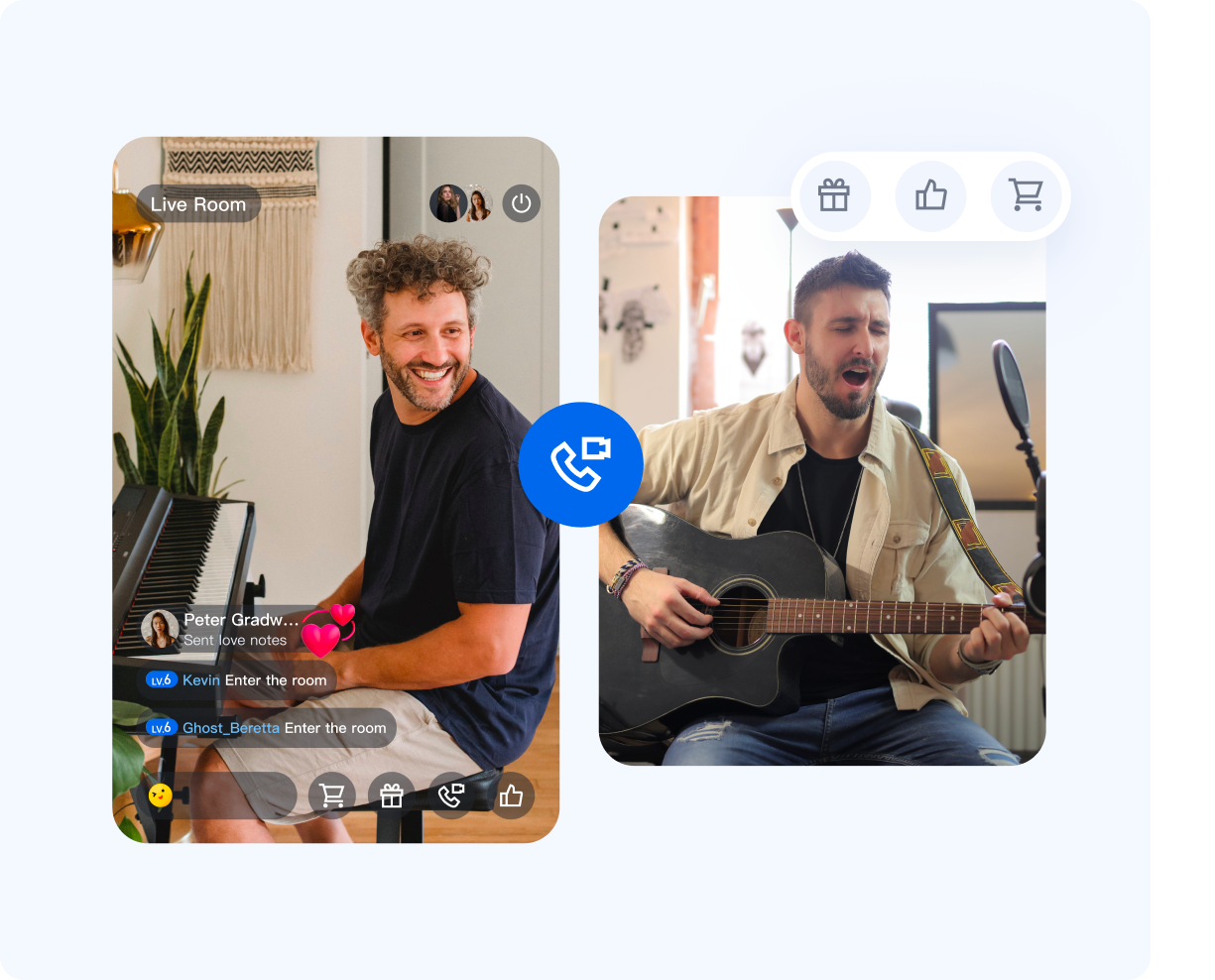 | 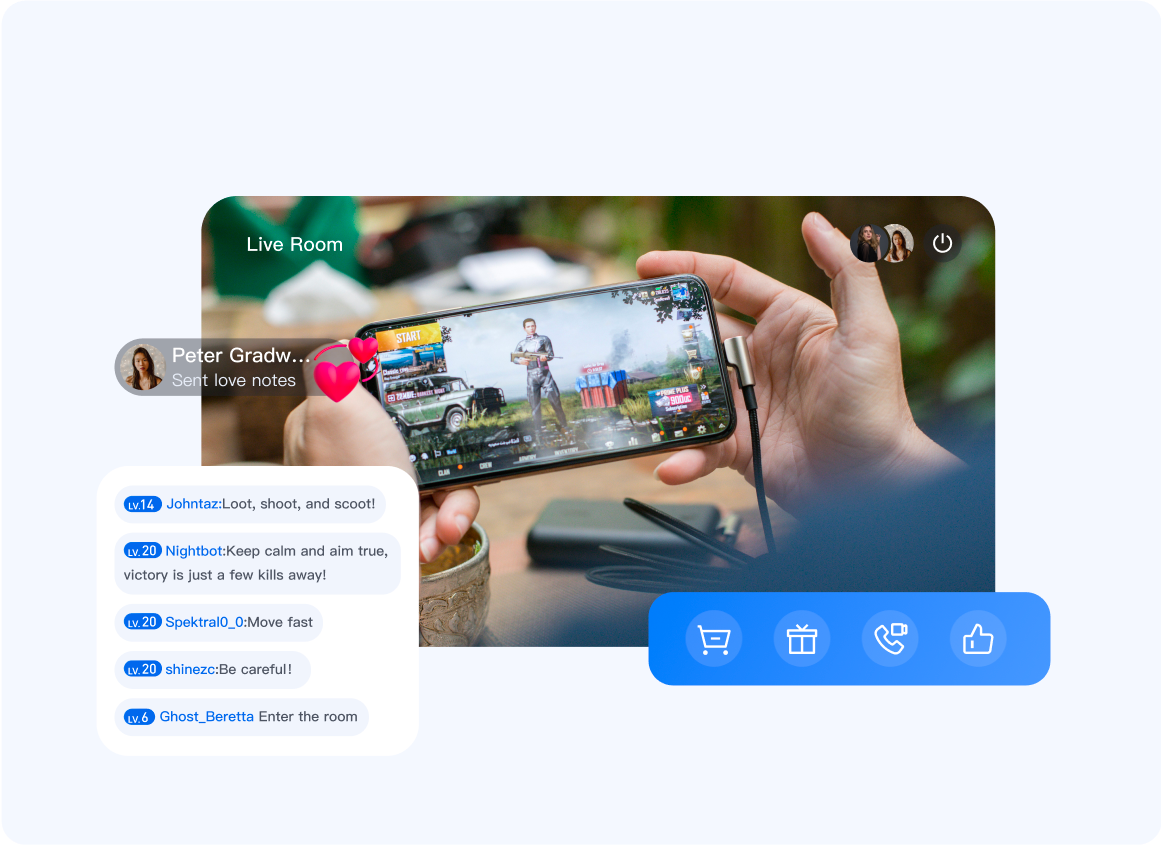 | 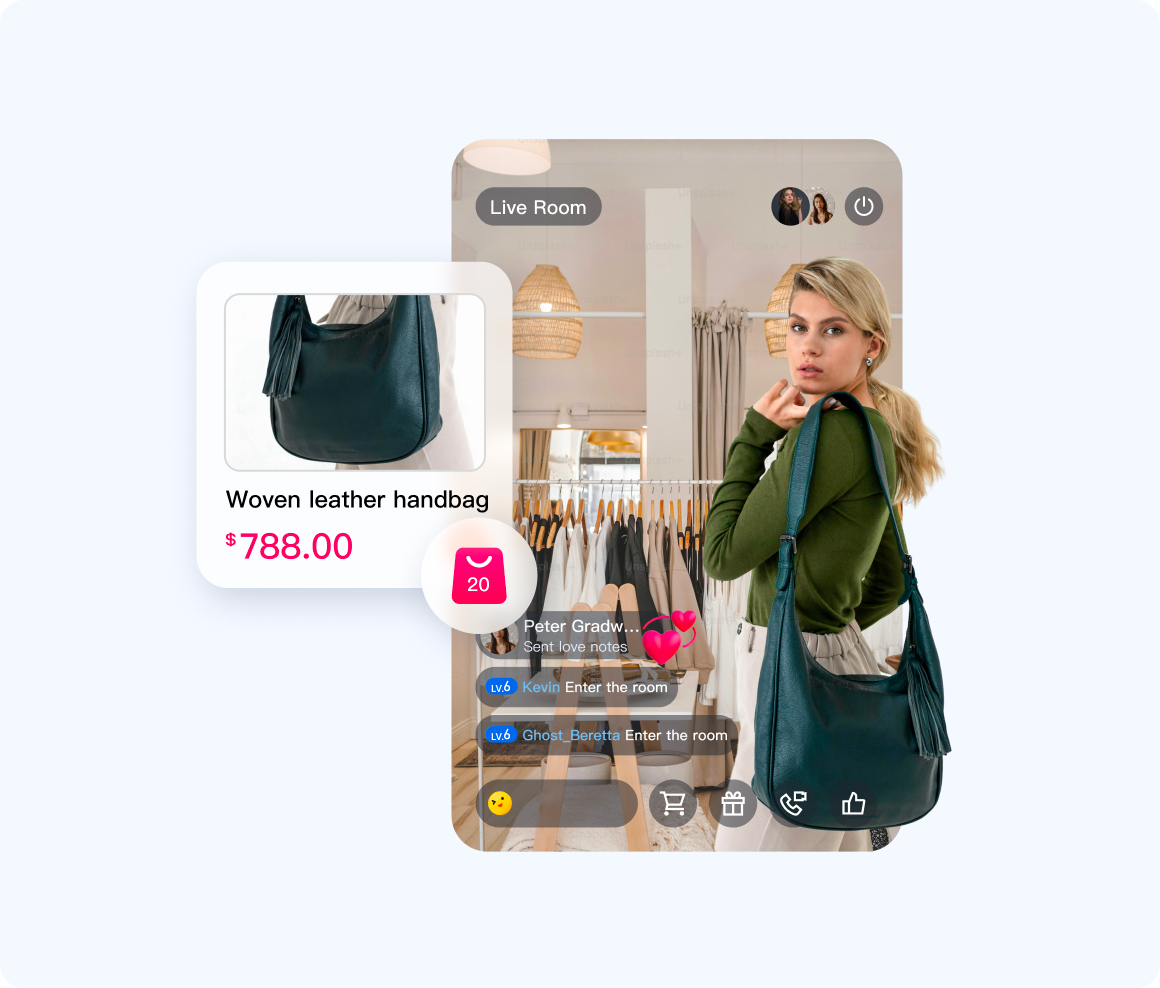 |
Core Features
HD Live Streaming: Delivers stable, high-definition streaming and viewing experiences.
Audience Co-hosting: Enables audio and video co-hosting between audience members and streamers.
Cross-room Connection / PK: Supports cross-room co-hosting and PK (Player Kill) competitions between streamers.
Live Chat: Allows real-time public chat messaging between audience and streamers.
Gifts and Likes: Supports sending gifts, full-screen gift animations, and like interactions.
Quick Start
Platform | Documentation Entry | Supported Language/Framework |
Android | Kotlin / Java | |
iOS | Swift / Objective-C | |
Web | Vue / TypeScript |
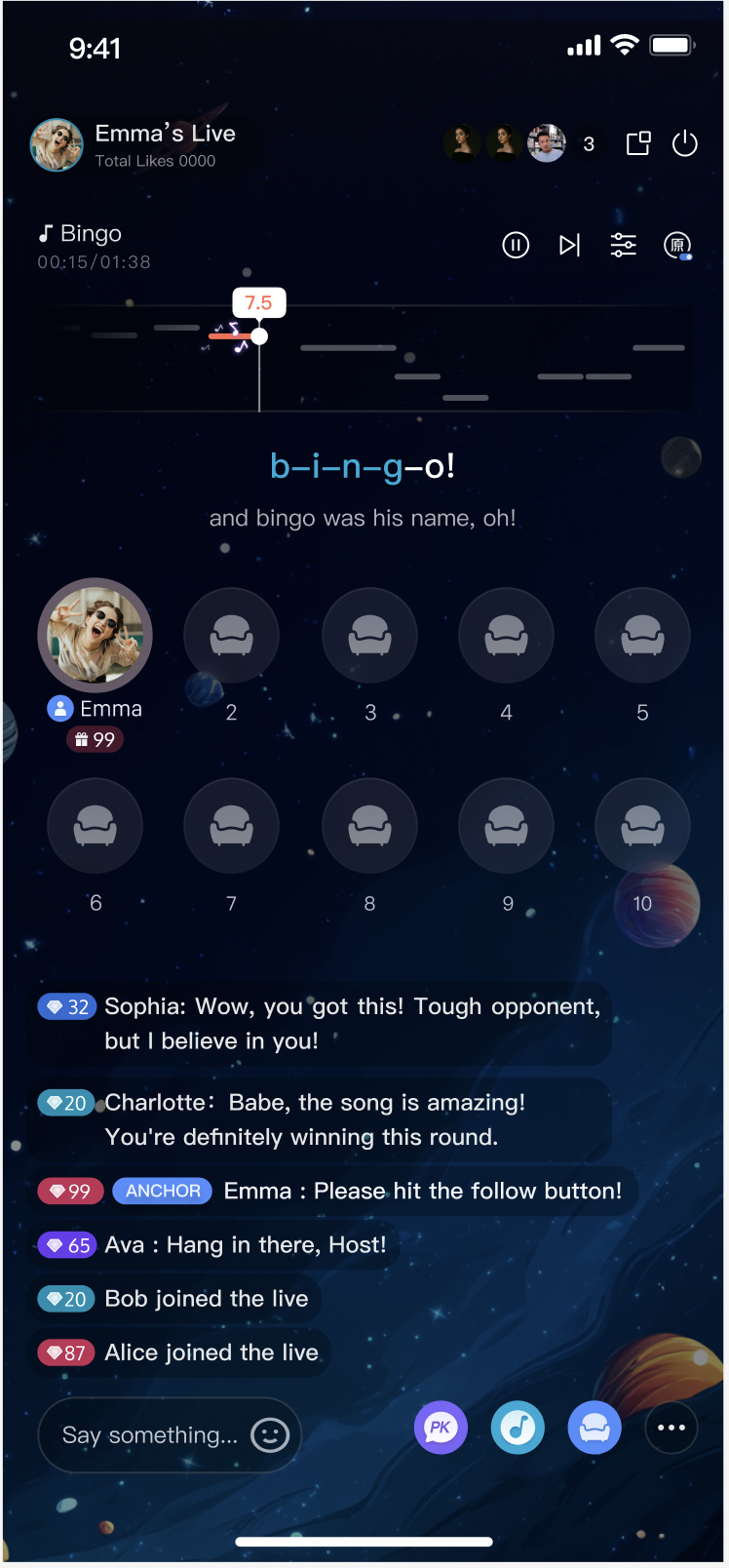
Voice Chat Room
Use Cases
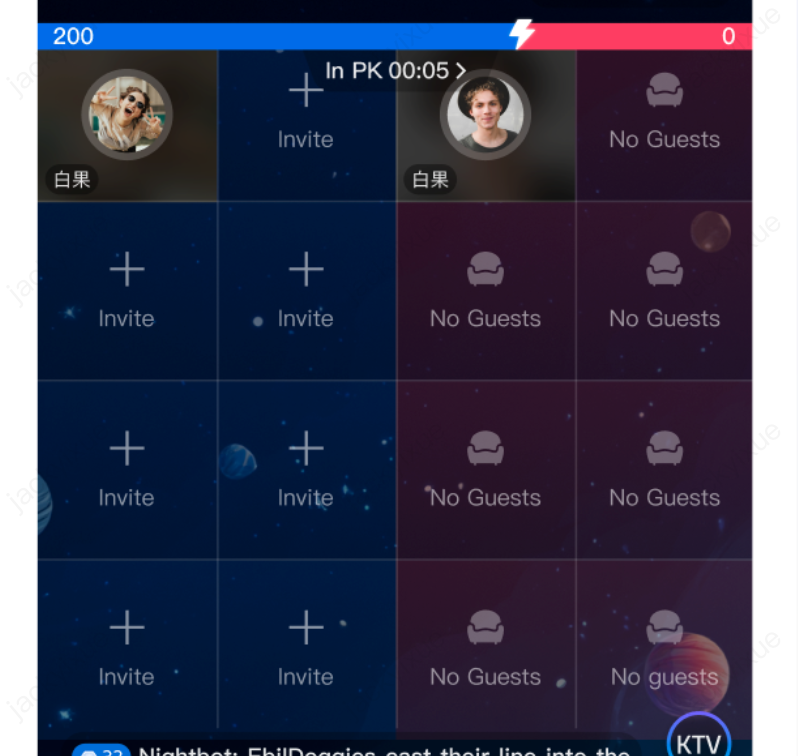
Group Chat | Karaoke | Cross-room Connection |
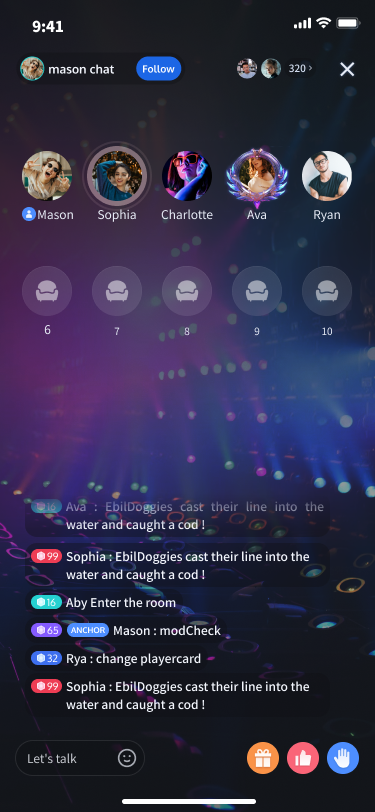 |  |  |
Core Features
High-quality Voice Chat: Provides advanced audio processing, including echo cancellation (AEC) and AI-powered noise reduction.
Seat Management: Enables room owners to lock or mute seats, manage audience requests to join, and send host invitations.
Cross-room Connection: Facilitates co-hosting between room owners across different rooms.
Live Chat: Supports real-time public chat messaging between audience and hosts.
Gifts and Likes: Allows sending gifts, displaying full-screen gift animations, and liking interactions.
Quick Start
Platform | Documentation Entry | Supported Language/Framework |
Android | Kotlin / Java | |
iOS | Swift / Objective-C |
AtomicXCore Core Concepts
Concept | Definition | Example |
Store (State Manager) | Store is the logic and state manager for AtomicXCore scenario modules (such as calls, live streaming, live chat). | • CallListStore: Call Manager • LiveListStore: Live Stream List Manager • ChatStore: Live Chat Manager |
State (State Data) | A snapshot of the data managed by a Store, typically represented as a struct. The UI updates automatically by subscribing to changes in State. | • CallParticipantState: Call Participant State • LiveSeatState: Live Room Seat State |
Action (Business Method) | Business operation methods provided by a Store. Invoking an Action is the only way to update the State. | • likeStore.sendLike(): Send a like in live stream• barrageStore.sendTextMessage(): Send a barrage message• coGuestStore.applyForSeat(): Apply for co-hosting |
Event (Event Notification) | One-time callback notifications published by a Store, used for handling asynchronous events such as triggering UI animations or prompts. | • GiftEvent.onReceiveGift: Gift Received Event • HostEvent.onInvitationReceived: Host Invitation Received Event |
AtomicXCore Working Principle
AtomicXCore abstracts each business function as a
Store (State Manager). Follow these core steps to integrate AtomicXCore: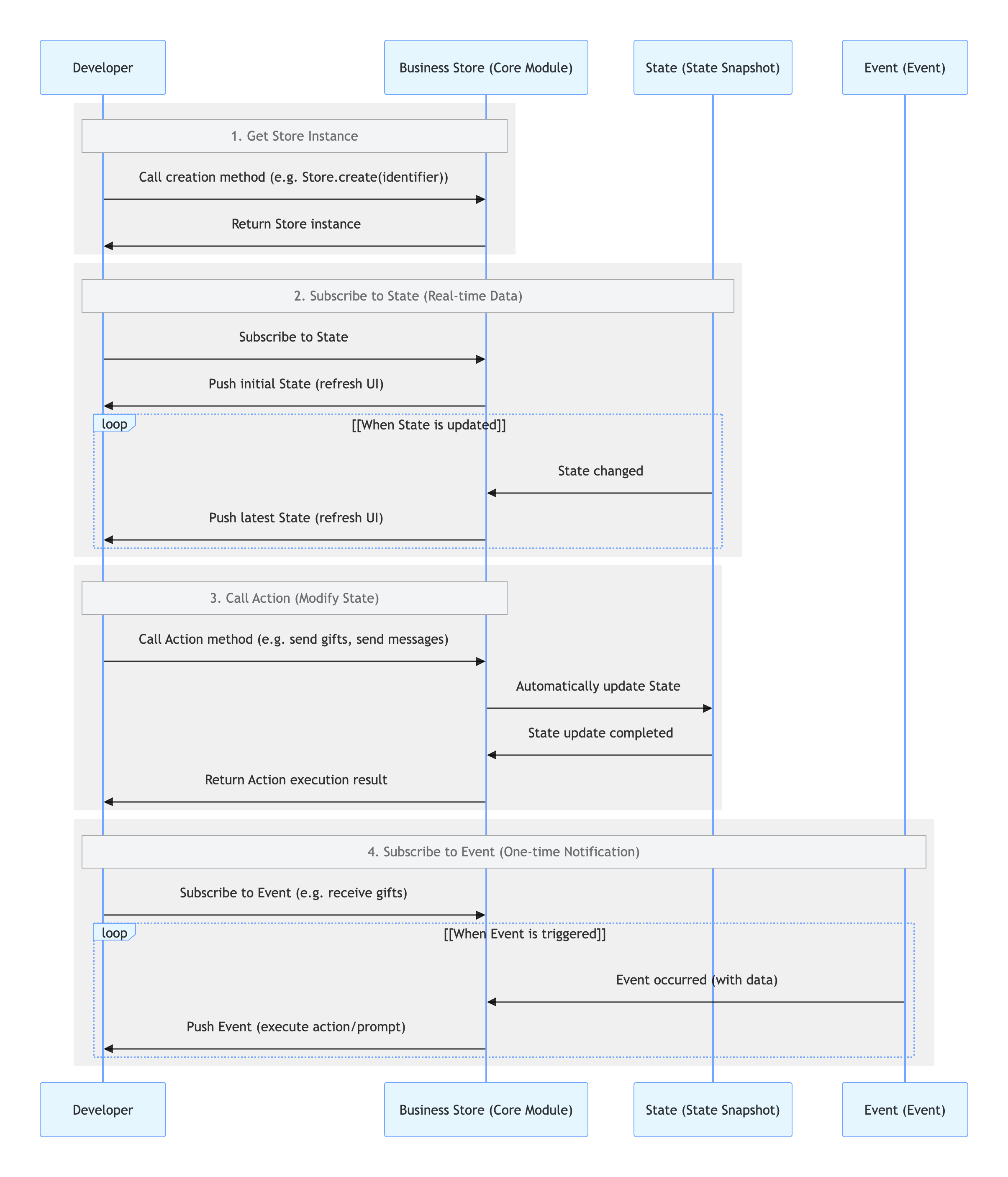
1. Get Store Instance (State Manager)
The
Store is the dedicated logic and state manager for each business module (such as live chat, gifts, calls). Perform all operations through the corresponding Store.2. Subscribe to State
State is a snapshot of the current data in the Store. Your UI should subscribe to changes in State and update automatically—do not modify State directly.3. Call Action (Method)
Action methods are the only way to update State. When a user interacts with the UI (for example, clicking the like button), invoke the appropriate Action method from the Store. The Store will process the business logic (which may include network requests) and update its State upon success. All subscribers to the previous State are notified automatically, triggering a UI refresh.4. Subscribe to Event
Event notifications differ from State. State reflects the current status (for example, total likes), while Event indicates what just happened (for example, a gift was received).Use
Event notifications to trigger one-time UI effects, such as animations or pop-up prompts.

