Seeking alternatives after Twilio video sunset?
Check our migration guide 
Only  $9.9! Get 50,000 minutes with our Starter Plan, perfect for your MVP project.
Only $9.9! Get 50,000 minutes with our Starter Plan, perfect for your MVP project.
Grab It Now 
Seeking alternatives after Twilio video sunset?
Check our migration guide 
Only  $9.9! Get 50,000 minutes with our Starter Plan, perfect for your MVP project.
Only $9.9! Get 50,000 minutes with our Starter Plan, perfect for your MVP project.
Grab It Now 
RTC Engine
Overview
  • Web
    • Demo Quick Run
    • SDK Quick Start
    • Basic Tutorials
      • Screen Sharing
      • Live Streaming
      • Media Device
      • Audio Volume
      • Set Encoding Profile
      • Detect Network Quality
      • Detect Capabilities
    • Advance Features
      • Enable AI Denoiser
      • Enable Virtual Background
      • Enable Audio Mixer
      • Enable Watermark
      • SEI Message
      • Custom Capturing and Rendering
    • Best Practices
      • Optimize Multi-Person Video Calls
      • Handle Autoplay Restriction
      • Handle Firewall Restriction
    • Client APIs
      • API List
      • Error Codes
      • Released Notes
      • Supported Platforms
      • Web FAQs
    • Android
      • Integration
        • 1.API Examples
        • 2.Importing the SDK
        • 3.Entering a Room
        • 4.Subscribing to Audio/Video Streams
        • 5.Publish Audio/Video Streams
        • 6.Exiting a Room
        • 7.Sensing Network Quality
        • 8.Enabling Screen Sharing
        • 9.Setting Video Quality
        • 10.Rotating Videos
      • Client APIs
        • Overview
        • TRTCCloud
        • TRTCStatistics
        • TRTCCloudListener
        • TXAudioEffectManager
        • TXBeautyManager
        • TXDeviceManager
        • Type Definition
        • Deprecated Interface
        • Error Codes
      • Release Notes
    • iOS
      • Integration
        • 1.API Examples
        • 2.Importing the SDK
        • 3.Entering a Room
        • 4.Subscribing to Audio/Video Streams
        • 5.Publish Audio/Video Streams
        • 6.Exiting a Room
        • 7.Sensing Network Quality
        • 8.Enabling Screen Sharing
        • 9.Setting Video Quality
        • 10.Rotating Videos
      • Client APIs
        • Overview
        • TRTCCloud
        • TRTCCloudDelegate
        • TRTCStatistics
        • TXAudioEffectManager
        • TXBeautyManager
        • TXDeviceManager
        • Type Definition
        • Deprecated Interface
        • ErrorCode
      • Release Notes
    • macOS
      • Integration
        • 1.API Examples
        • 2.Importing the SDK
        • 3.Entering a Room
        • 4.Subscribing to Audio/Video Streams
        • 5.Publish Audio/Video Streams
        • 6.Exiting a Room
        • 7.Sensing Network Quality
        • 8.Enabling Screen Sharing
        • 9.Sharing Computer Audio
        • 10.Setting Video Quality
        • 11.Rotating Videos
      • Client APIs
        • Overview
        • TRTCCloud
        • TRTCCloudDelegate
        • TRTCStatistics
        • TXAudioEffectManager
        • TXBeautyManager
        • TXDeviceManager
        • Type Definition
        • Deprecated Interface
        • ErrorCode
        • Release Notes
      • Release Notes
    • Windows C++
      • Integration
        • 1.API Examples
        • 2.Importing the SDK
        • 3.Entering a Room
        • 4.Subscribing to Audio/Video Streams
        • 5.Publish Audio/Video Streams
        • 6.Exiting a Room
        • 7.Sensing Network Quality
        • 8.Enabling Screen Sharing
        • 9.Setting Video Quality
        • 10.Rotating Videos
      • Client APIs
        • Overview
        • ITRTCCloud
        • ITRTCStatistics
        • TRTCCloudCallback
        • ITXAudioEffectManager
        • ITXDeviceManager
        • Type Definition
        • Deprecated Interface
        • Error Codes
      • Release Notes
    • Electron
      • Integration
        • 1.API Examples
        • 2.Importing the SDK
        • 3.Entering a Room
        • 4.Subscribing to Audio/Video Streams
        • 5.Publish Audio/Video Streams
        • 6.Exiting a Room
        • 7.Sensing Network Quality
        • 8.Enabling Screen Sharing
        • 9.Sharing Computer Audio
        • 10.Setting Video Quality
        • 11.Rotating Videos
      • Client APIs
        • Overview
        • Error Codes
    • Flutter
      • Integration
        • 1.API Examples
        • 2.Importing the SDK
        • 3.Entering a Room
        • 4.Subscribing to Audio/Video Streams
        • 5.Publish Audio/Video Streams
        • 6.Exiting a Room
        • 7.Sensing Network Quality
        • 8.Enabling Screen Sharing
        • 9.Sharing Computer Audio
        • 10.Setting Video Quality
        • 11.Rotating Videos
      • Client APIs
        • Overview
        • Error Codes
    • Unity
      • Integration
        • 1.API Examples
        • 2Importing the SDK
      • Client APIs
        • Overview
        • Error Codes
    • Qt
      • Integration
        • 1.Importing the SDK
    • Overview
      • Overview
    • Concepts
    • Features
    • Performance Statistics
    • Pricing
      • RTC-Engine Packages
      • Free Minutes
      • Pay-As-You-Go
    • FAQs
      • FAQs for Beginners
      • Migration Guide
        • Twilio Video to Tencent RTC
        • Billing
        • Features
        • UserSig
        • Firewall Restrictions
        • How to Downsize Installation Package
        • TRTCCalling for Web
        • Audio and Video Quality
        • Others
    RTC Engine

    Enable Virtual Background

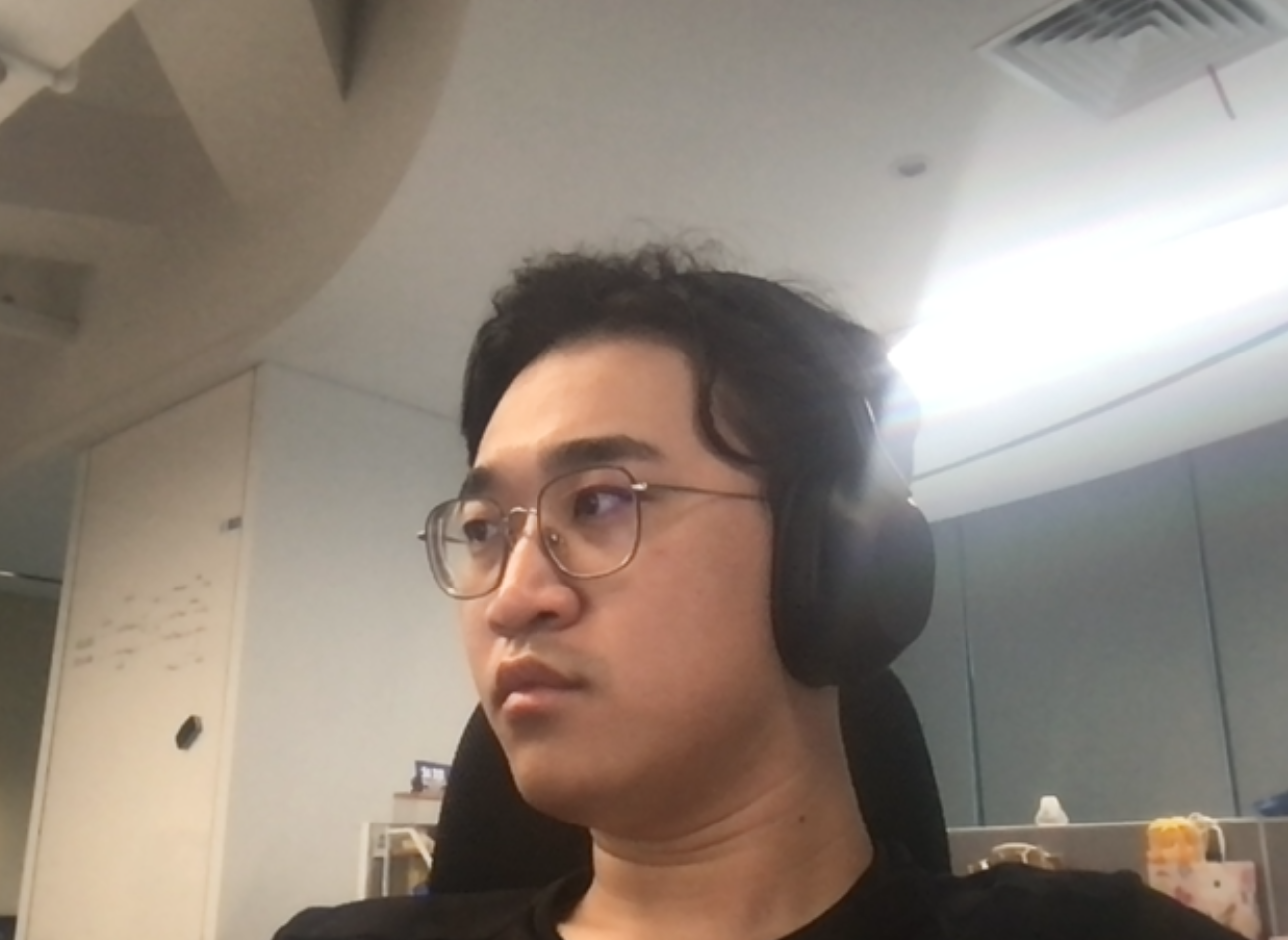
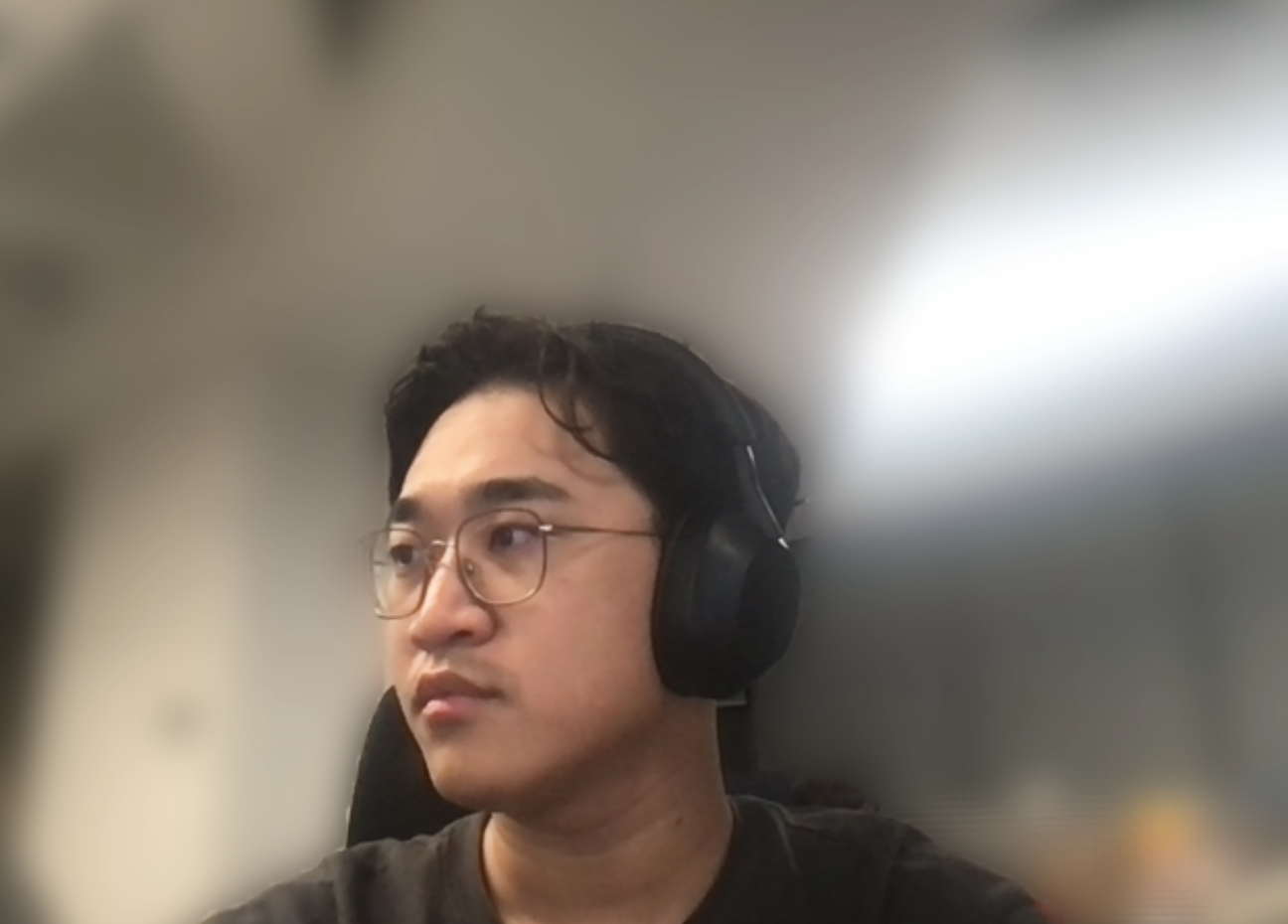
    This document will describe how to implement the virtual background feature during a call.
    Original Camera
    Background Blur
    Background Image


    Prerequisites

    Pricing see RTC-Engine Packages.
    TRTC SDK version must be >= 5.5
    System and configuration requirements for various platforms are as follows:

    Implementation Steps

    Registering the Plugin

    import { VirtualBackground } from 'trtc-sdk-v5/plugins/video-effect/virtual-background';
    
    let trtc = TRTC.create({ plugins: [VirtualBackground] });

    Starting the Local Camera

    await trtc.startLocalVideo();

    Enabling the Virtual Background Plugin

    await trtc.startPlugin('VirtualBackground', {
    sdkAppId: 123123,
    userId: 'userId_123',
    userSig: 'your_userSig'
    });

    Updating Parameters as Needed

    // Changing to an image background
    await trtc.updatePlugin('VirtualBackground', {
    type: 'image',
    src: 'https://picsum.photos/seed/picsum/200/300'
    });

    Disabling Virtual Background

    await trtc.stopPlugin('VirtualBackground');

    API Documentation

    trtc.startPlugin('VirtualBackground', options)

    Used to enable the virtual background.

    options

    Name
    Type
    Attributes
    Description
    sdkAppId
    number
    Required
    Current application ID
    userId
    string
    Required
    Current user ID
    userSig
    string
    Required
    UserSig corresponding to the user ID
    type
    string
    Optional
    image for image background
    blur for background blur (default)
    src
    string
    Required if type is image
    Image URL, such as https://picsum.photos/seed/picsum/200/300
    onError
    (error) => {}
    Optional
    Callback for errors that occur during runtime
    error.code=10000003 indicaes high rendering latency
    error.code=10000006 indicates insufficient browser feature support, which may lead to lagging.
    Recommended solutions can be found in the Common Issues section at the end of the document.
    Example:
    await trtc.startPlugin('VirtualBackground', {
    sdkAppId: 123123,
    userId: 'userId_123',
    userSig: 'your_userSig',
    type: 'image',
    src: 'https://picsum.photos/seed/picsum/200/300'
    });

    trtc.updatePlugin('VirtualBackground', options)

    Allows modification of virtual background parameters.

    options

    Name
    Type
    Attributes
    Description
    type
    string
    Required
    image for image background
    blur for background blur
    src
    string
    Required if type is image
    Image URL, such as https://picsum.photos/seed/picsum/200/300
    Example:
    await trtc.updatePlugin('VirtualBackground', {
    type: 'blur'
    });

    trtc.stopPlugin('VirtualBackground')

    Disables the virtual background.

    FAQs

    1. When running the demo in Chrome, the video appears upside down and laggy?
    This plugin uses GPU acceleration, and you need to enable hardware acceleration mode in your browser settings. You can copy and paste chrome://settings/system into your browser's address bar and enable hardware acceleration mode.
    2. When device performance is insufficient, causing high latency and rendering issues?
    You can reduce video resolution or frame rate by listening to events.
    async function onError(error) {
    const { code } = error;
    if (code === 10000003 || code === 10000006) {
    // Reduce resolution and frame rate
    await trtc.updateLocalVideo({
    option: {
    profile: '480p_2'
    },
    });
    // await trtc.stopPlugin('VirtualBackground'); // Or disable the plugin
    }
    }
    
    await trtc.startPlugin('VirtualBackground', {
    ...// Other parameters
    onError,
    });
    3. When device performance is insufficient and causes high latency with long rendering times?
    You can reduce video resolution or frame rate by listening to events.
    async function onError(error) {
    const { code } = error;
    if (code === 10000003 || code === 10000006) {
    // Reduce resolution and frame rate
    await trtc.updateLocalVideo({
    option: {
    profile: '480p_2'
    },
    });
    // await trtc.stopPlugin('VirtualBackground'); // Or disable the plugin
    }
    }
    
    await trtc.startPlugin('VirtualBackground', {
    ...// Other parameters
    onError,
    });