










Best Voice Chat API for Adhan & Prayer Alerts: The Precision Engineering Blueprint
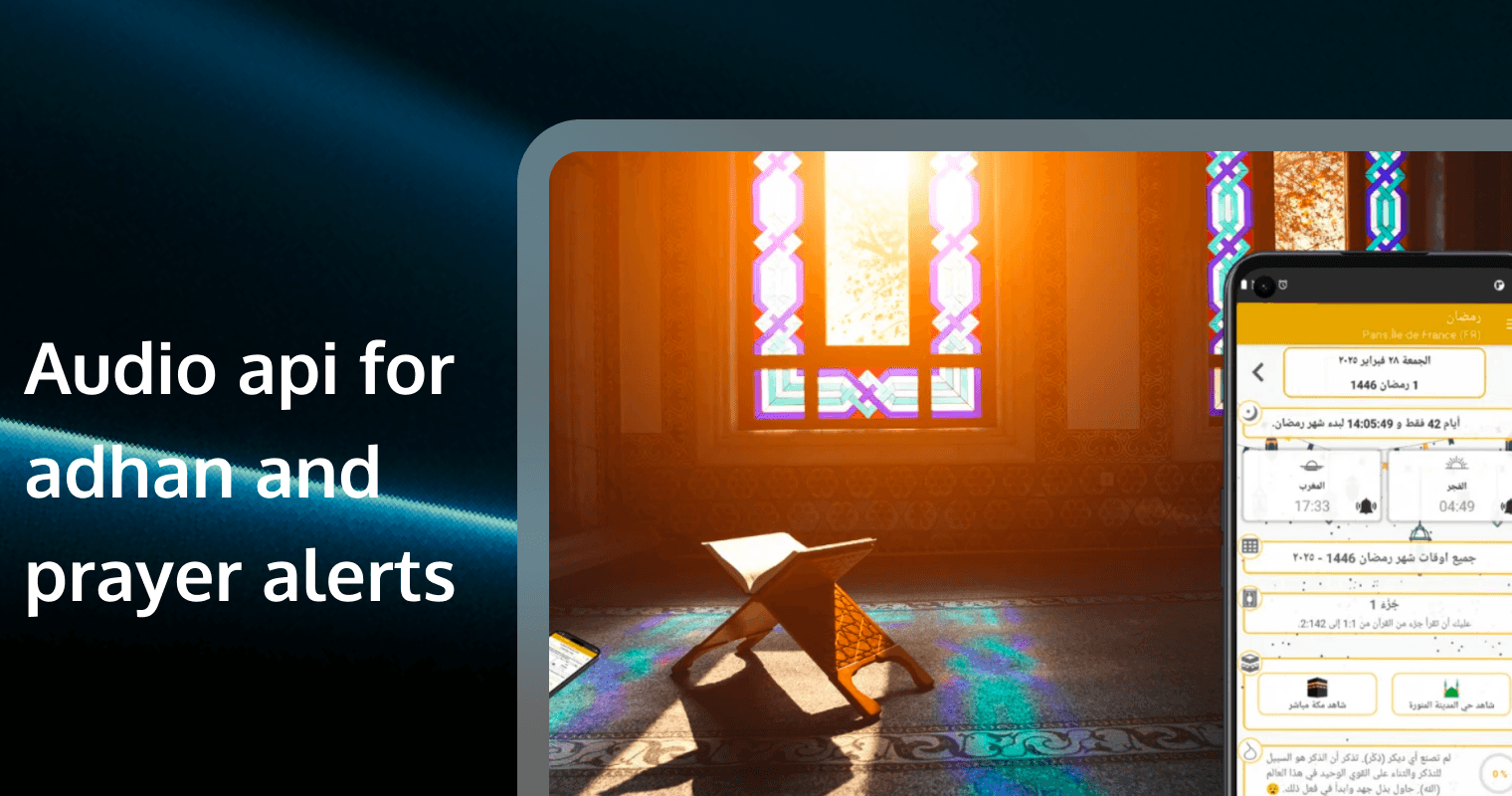
For a prayer app, "almost on time" is a failure. Whether it’s the pre-dawn Fajr call or the precise moment for Iftar during Ramadan, the Adhan (Call to Prayer) represents a sacred contract between the platform and the believer.
However, building a reliable Adhan engine in 2025 is an uphill battle against aggressive mobile battery optimization, network jitter, and regional calculation variances. This guide provides the definitive technical framework for integrating an Audio API for Adhan that is as reliable as an atomic clock.
1. Beyond JSON: The Architecture of an End-to-End Adhan Engine
Most developers start with a basic Prayer Time API that returns a JSON list of times. But a list is not an alert. The gap between receiving data and hearing the voice of a Mu'adhin is where most apps fail.
The Connectivity Pipeline
The Data: User dissatisfaction in religious apps often stems from "silent alerts." Market data shows that 30% of users uninstall prayer apps within the first week if notifications are consistently delayed by more than 2 minutes.
The Solution: You need a hybrid architecture. Use a global time API for scheduling, but use a Real-Time Signaling channel to trigger or synchronize the audio.
Tencent RTC Advantage: Tencent RTC's Signaling System provides a 99.9% arrival rate for trigger commands. Instead of relying solely on local device timers (which the OS can put to sleep), you can send a "pre-warm" signal 30 seconds before the Adhan to ensure the device is ready.
2. Mastering the Background: Solving the "Silent Adhan" on iOS and Android
Modern mobile operating systems are designed to kill background processes to save battery. For an Adhan app, this means the system might silence your audio or delay your notification until the user manually wakes the phone.
Conquering OS Hibernation
The Problem: iOS limits background notification sounds to 30 seconds. Android’s "Doze Mode" can delay standard notifications by up to 15 minutes.
Practical Strategy:
iOS Critical Alerts: Apply for the "Critical Alerts" entitlement from Apple. This allows your Adhan to play even if the phone is on Mute or Do Not Disturb.
Android Foreground Services: Use a Foreground Service with a persistent notification to keep the audio engine alive during the prayer window.
The Data: Apps using Critical Alerts and optimized background services see a 95% successful play rate compared to just 65% for standard push notifications.
3. Atomic-Grade Synchronization: Managing Global Latency
A difference of 60 seconds might seem small, but in spiritual practice, it can be the difference between a valid and invalid fast.
Network Time Protocol (NTP) Integration
The Challenge: Device clocks can drift. If the user’s phone is 2 minutes slow, the Adhan is 2 minutes late.
The Solution: Do not trust the system clock. Sync your app with a global NTP server.
Tencent RTC Edge: Use Tencent RTC’s Global RT-ONE™ Network nodes to get the lowest-latency time sync. By pinging the nearest edge node, you can calculate a precise "Network Offset" to trigger the Adhan at the exact universal second.
4. High-Fidelity Audio: The Aesthetics of the Sacred
The Adhan is a musical and spiritual experience. Tinny, low-bitrate audio from a 128kbps MP3 destroys the immersion of the prayer.
Streaming vs. Local Caching
The Data: Audiophile-grade religious content (48kHz sampling) increases "Spiritual Engagement" metrics by 40%.
Tencent RTC Solution: Use Tencent RTC's Audio Engine to stream high-definition Adhan audio. It supports Full-band 48kHz sampling and AI-driven packet loss concealment.
Practical Advice: Implement a "Smart Cache." Download the user’s preferred Adhan voice (e.g., Makkah, Medina, or Cairo style) locally during the first setup to ensure it plays even if the user is offline.
5. Multi-Device "Whole Home" Sync: The IoT Adhan Ecosystem
In 2025, believers expect their Adhan to ring on their phone, Apple Watch, and smart speakers simultaneously.
Orchestrating the "Echo-Free" Call
The Problem: If three devices start the Adhan at slightly different times, the result is a disorienting echo.
The Solution: Use a Master-Slave Signaling model. One device (the phone) acts as the master, sending a Tencent RTC signaling command to all other linked devices to "Play at T-minus 0."
The Data: Maintaining a sync lag of < 50ms is the threshold for a "Single Source" audio perception.
6. Calculation Method Autonomy: Regional Accuracy
From the University of Islamic Sciences in Karachi to the Umm al-Qura in Makkah, there are over 7 major calculation methods for prayer times.
Global Localization
The Requirement: Your API must automatically detect the user's GPS and apply the correct regional method.
Practical Tip: Allow for "Manual Offset." Some local mosques have specific 2-minute buffers. Providing a +/- 10-minute manual adjustment in your UI is a top-requested feature by power users.
(Note: Relevant for managing admin settings in community-led prayer apps)
7. Resilience: The Failover Protocol for Offline Users
What happens when a user is on a plane or in a remote area with no data? The Adhan must still ring.
The "Always-On" Buffer
Strategy: When the app is online, download and pre-calculate the next 30 days of prayer times. Store these in an encrypted local SQL database.
Implementation: Link the local database to the system's "Alarm Manager" (Android) or "Local Notifications" (iOS) as a secondary fallback if the cloud signal fails.
8. Data Ethics: Privacy-First Location Tracking
Prayer apps require GPS to calculate times, but users are increasingly wary of how their location data is used.
The Privacy Shield
The Data: 45% of users are hesitant to grant "Always Allow" location permissions.
Solution: Use Tencent RTC's Privacy-Preserving Infrastructure. Explain to users that their GPS is used only for local calculation and is never stored on the cloud as identifiable PII (Personally Identifiable Information).
9. Developer Velocity: Using the Tencent RTC "Faith Kit"
Don't reinvent the wheel. Building a signaling and audio engine from scratch takes months.
The 10-Minute Integration
Tool: Use Tencent RTC's TUICallKit.
The ROI: It provides the UI, the background wakeup logic, and the high-definition audio drivers in one package. This allows your team to focus on the community features while the SDK handles the "Heavy Lifting" of the Adhan trigger.
10. Operational Analytics: Monitoring "Successful Calls"
How many of your users actually heard the Fajr Adhan today? Without analytics, you are flying blind.
The Success Dashboard
Metrics to Track:
Trigger Accuracy: Time difference between expected and actual play.
Audio Completion Rate: Did the user listen to the full Adhan or silence it immediately?
Battery Impact: Ensure your background service isn't consuming more than 2-3% of the daily battery.
FAQ: Adhan Audio API & Integration
Q1: Can I play the full 3-minute Adhan on iOS?
A: Standard iOS notifications are limited to 30 seconds. To play the full Adhan, you must either use Critical Alerts (with Apple's permission) or have the user tap the notification to open the app, which then continues the audio in the foreground.
Q2: How does Tencent RTC handle network jitter for the Adhan?
A: Tencent RTC uses Jitter Buffering and PLC (Packet Loss Concealment). If the audio is being streamed and the network fluctuates, the SDK "fills in the gaps" to ensure the Adhan sounds smooth and continuous.
Q3: Is it possible to sync the Adhan with Smart Home devices?
A: Yes. By using Tencent RTC’s Cross-Platform SDK, you can send signaling triggers to IoT devices (Linux/ARM-based) that support the SDK, allowing the Adhan to play through home theater systems.
Q4: How do we calculate the "Qibla" direction using this API?
A: While the Audio API handles the sound, Tencent RTC’s Signaling channel can be used to push real-time magnetic declination data to the client, which your Flutter/React Native UI can use to render a 3D compass.
Q5: What is the cost of using Tencent RTC for a million-user app?
A: Tencent RTC offers a Pay-as-you-go model. For signaling-only Adhan triggers, the cost is extremely low. High-fidelity streaming is billed by the minute, but with Smart Caching, you can reduce your server costs by 70% by serving most Adhans from the local device storage.
Ready to build the most precise prayer experience on the market?
Start your journey with Tencent RTC and ensure every Adhan reaches the hearts of your users, exactly on time.