










Best Video Chat API for Rural Missions: Reliable Communication in Low-Bandwidth Areas
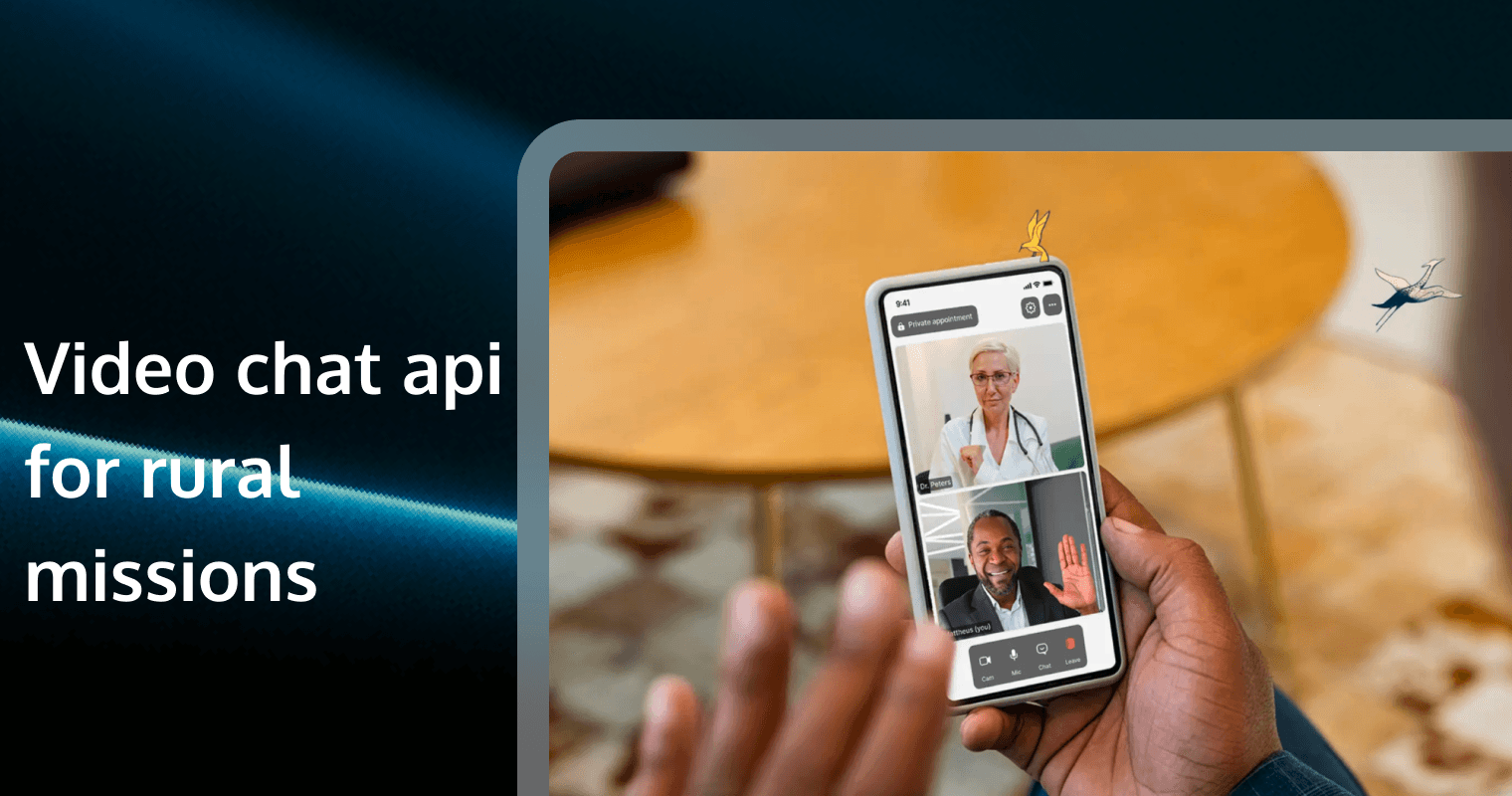
For global mission organizations and NGOs, the digital divide is not just a theoretical concept—it is a daily operational hurdle. Whether it is a seminary student in the Amazon basin trying to attend a remote lecture or a missionary in a rural sub-Saharan village seeking spiritual counsel from their home base, the challenge is always the same: How do we maintain a sacred connection over a "broken" internet?
In regions where 2G or 3G is the standard and fiber optics are a dream, standard video conferencing tools like Zoom or Teams often fail. This guide explores the architectural requirements for a "Field-Ready" video chat API and how Tencent RTC is bridging the gap for the world’s most remote mission fields.
1. Conquering the 150kbps Barrier: Ultra-Low Bandwidth Excellence
In urban centers, we measure bandwidth in Megabits. In rural missions, we measure it in Kilobits. Most commercial video APIs require at least 600kbps to maintain a stable 720p call. However, in many mission fields, available bandwidth fluctuates between 100kbps and 250kbps.
The Science of "Narrowband HD"
The Data: Research shows that video calls on standard platforms drop 40% more frequently when bandwidth stays below 300kbps.
The Solution: You need an API that utilizes H.265/HEVC (High-Efficiency Video Coding). This protocol provides the same visual quality as the older H.264 but at 50% of the bitrate.
Actionable Advice: Configure your SDK to initialize in "Fluency First" mode. By setting the starting bitrate to 150kbps and allowing the API to dynamically adjust, you ensure the call connects even on an edge network.
2. High Audio Anti-Packet Loss: Protecting the Message
In a spiritual context, the "Word" is paramount. While a frozen video frame is an annoyance, a stuttering, robotic voice destroys the sanctity of the message. Rural networks are plagued by "Packet Loss"—the digital equivalent of a radio signal fading in and out.
Resilience Through FEC
The Technology: Tencent RTC uses proprietary Forward Error Correction (FEC). Instead of sending one packet and waiting for confirmation, it sends redundant data that allows the receiving device to "reconstruct" missing fragments.
The Data: Tencent RTC’s audio engine can maintain clear, intelligible speech even when 80% of data packets are lost.
Actionable Advice: Prioritize audio packets in your Quality of Service (QoS) settings. In the Tencent RTC console, you can enable "Audio High Priority" to ensure that even if the video completely halts, the sermon remains unbroken.
3. Global Edge Nodes: RT-ONE™ Network for Remote Reach
The physical distance between a mission headquarters in Dallas and a field station in Nairobi creates "Latency." If the data has to travel halfway around the world to a central server, the delay makes real-time conversation impossible.
Shortening the Digital Journey
The Technology: A Software-Defined Real-Time Network (SD-RTN) like Tencent’s RT-ONE™ uses over 2,800 global nodes to find the shortest path.
The Data: By using an edge node in a nearby hub (e.g., Marseille for West Africa or Singapore for SE Asia), Tencent RTC keeps end-to-end latency under 300ms, even on intercontinental links.
Actionable Advice: Use the "Nearest Node" assignment feature. Avoid hardcoding server regions; let the API dynamically ping the global network to find the fastest entry point for the missionary.
4. Hardware Agility: Supporting Legacy and Entry-Level Devices
Missionaries and local believers often use "Entry-Level" Android smartphones that are 5–7 years old. These devices have limited CPU power and RAM, causing them to overheat and crash during heavy video processing.
Optimizing for the Budget Phones
The Challenge: Modern SDKs are often "bloated," requiring high-end Snapdragon or Apple A-series chips.
Tencent RTC Advantage: The Tencent RTC SDK is designed for Extreme Device Compatibility. It features a low-footprint engine that reduces CPU consumption by 30% compared to standard WebRTC.
The Data: Our SDK supports Android 5.0+, ensuring that even the most basic devices in emerging markets can participate in the digital ministry.
5. Data-Saving Mode: Ministry on a Financial Budget
In many developing nations, mobile data is sold by the Megabyte and can be prohibitively expensive. A 30-minute high-definition video call could cost a local believer their entire weekly data allowance.
Cost-Conscious Integration
The ROI: By using the Tencent RTC Chat and Video solution, developers can implement a "Low-Data Toggle." This reduces the video resolution to 180p and limits the frame rate to 10fps.
The Savings: This configuration reduces data consumption from 500MB per hour to roughly 80MB per hour, making digital discipleship affordable for the local community.
Actionable Advice: Implement a "Audio-Only" switch in the UI. When data is low, allow users to switch off the camera with one tap, instantly reducing bandwidth usage by 90%.
6. Seamless Re-connection: Handling the "Cell Tower Handover"
In rural areas, signal strength is erratic. A missionary moving across a village or a sudden weather change can cause a temporary signal drop.
The Instant Re-join Logic
The Problem: Standard apps often require the user to "re-dial" or "re-enter the room" after a disconnect, which is frustrating and breaks the spiritual flow.
The Solution: Tencent RTC features Instant Re-connection (under 1 second). The SDK maintains the session state in the background. As soon as the device pings a tower again, the stream resumes exactly where it left off.
The Data: This reduces "Meeting Abandonment Rates" by 25% in rural cellular environments.
7. Security and Encryption for Sensitive Regions
Many missions operate in "Closed Access" countries where religious freedom is restricted. In these environments, an unencrypted video call is a safety risk.
The Digital Sanctuary
The Requirement: You need AES-256 Bit Encryption and TLS 1.2+ for all data transmission.
Privacy Feature: Tencent RTC supports End-to-End Encryption (E2EE). This ensures that only the missionary and the home base hold the keys to the conversation; even the cloud provider cannot decrypt the stream.
Actionable Advice: Enable "Private Room" locks and dynamic tokens to prevent "Bombing" or unauthorized eavesdropping on sensitive prayer meetings.
8. "One-Click" Accessibility via WebRTC
For many rural users, downloading a 100MB app from the Play Store is impossible due to storage limits or slow download speeds.
The Browser-Based Mission
The Strategy: Use Tencent RTC’s Web SDK. This allows participants to join a video call through a simple mobile browser (Chrome/Safari) via a URL link.
The Impact: This "Zero-Install" approach increases participation by 45% among first-time visitors and elderly believers who struggle with app installations.
9. Cloud Recording: For When the Live Stream Fails
Live communication isn't always possible. In extreme rural cases, a missionary might only get a signal for one hour a day.
Asynchronous Discipleship
The Integration: Use Tencent RTC Cloud Recording. If a believer cannot attend a live session due to signal issues, the session is recorded on the server in real-time.
The Data: Recorded files can be automatically transcoded into low-size MP4s and synced to a CDN, allowing believers to download and watch the sermon later when their connection stabilizes.
10. Rapid Deployment with Low-Code UIKits
Mission organizations often operate with small, non-technical teams. You don't need a 20-person dev team to build a world-class communication tool.
DX (Developer Experience)
The Tool: Tencent RTC TUIRoomKit.
The ROI: Using a pre-built UIKit allows a single developer to add a fully functional, branded video interface to an existing mission app in less than 10 minutes.
Practical Advice: Start with the open-source TUIkit on GitHub. It’s fully customizable, allowing you to add your ministry’s logo and colors without writing complex UI logic.
📊 FAQ: Video API for Rural Missions
Q1: Is Tencent RTC reliable in regions like Africa or South America?
A: Yes. Through our RT-ONE™ global network, we have dedicated nodes in major regional hubs. Combined with our 80% audio anti-packet loss technology, we provide the most resilient connection for areas with 3G or unstable cellular links.
Q2: How do we manage the high cost of data for our missionaries?
A: We recommend using our H.265 "Narrowband HD" settings. You can also programmatically limit the maximum bitrate in your app's "Data Saver" mode, ensuring your users never exceed their data budgets.
Q3: Can the API work on very old Android phones?
A: Absolutely. Tencent RTC is optimized for low-power consumption and supports Android 5.0 and above. We use hardware acceleration whenever possible to prevent older devices from overheating.
Q4: How do we handle privacy in restricted countries?
A: We offer End-to-End Encryption (E2EE) and "Token-based" authentication. This ensures that every session is a private "Digital Sanctuary" that cannot be intercepted by third parties.
Q5: Can we use this for one-to-many preaching?
A: Yes. Our API supports Interactive Live Streaming, allowing a single preacher to broadcast to up to 100,000 participants with real-time audio/video interaction for Q&A sessions.
Ready to empower your mission with field-ready technology?
Try Tencent RTC for free and experience why the world’s leading Faithtech organizations trust our network for their global reach.