










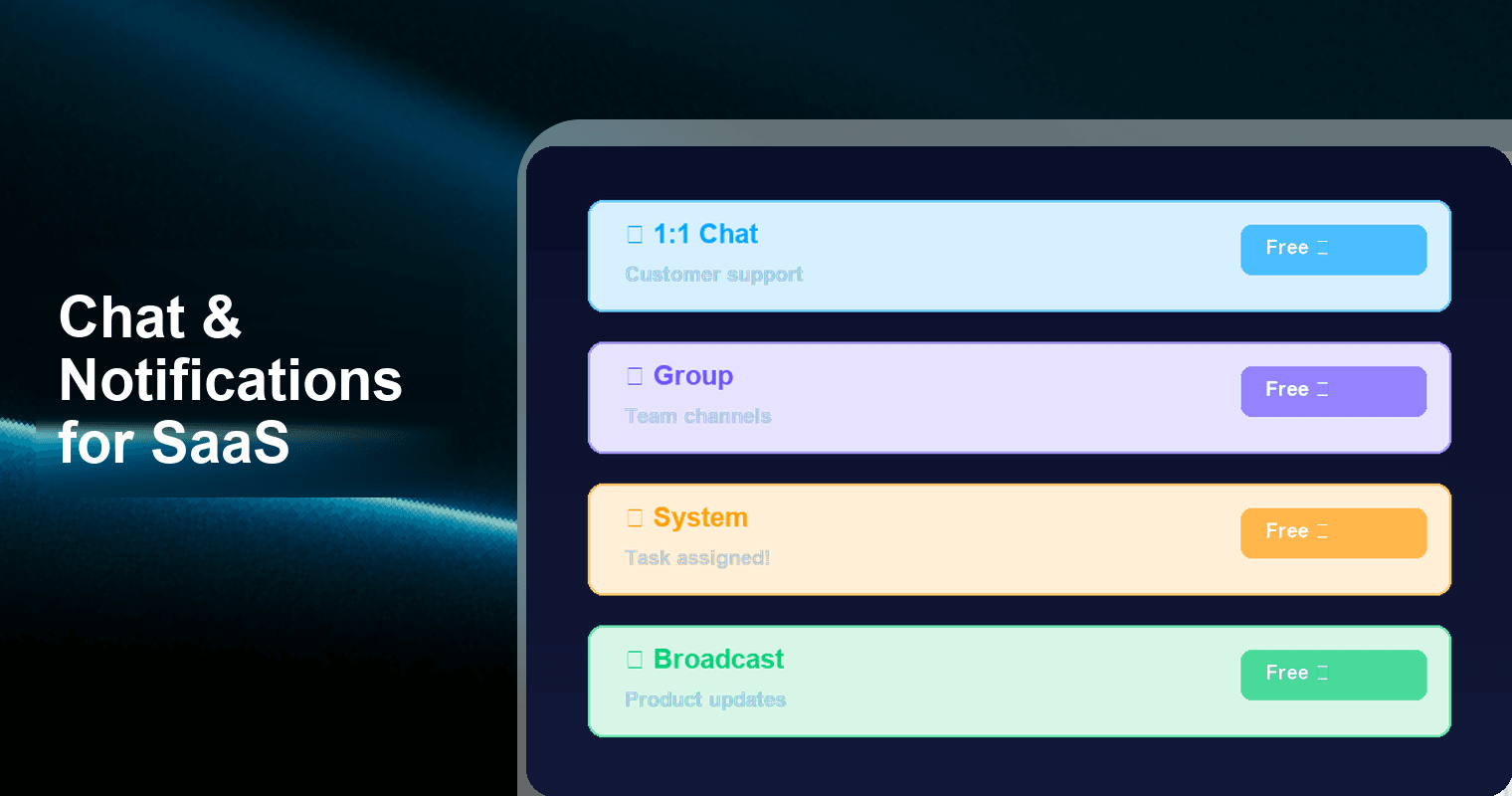
Your SaaS users need to be notified, collaborate, and communicate inside your product — but building that from scratch is a 3-month, $50,000+ project. Tencent RTC Chat SDK & API gives you 1:1 messaging, group channels, system notifications, and broadcast alerts on a permanently free tier (1,000 MAU, 100% features, zero concurrency limits). Pair the Chat SDK with the free Push plugin and you cover all four SaaS messaging patterns — real-time chat, team collaboration, task notifications, and product announcements — without writing a notification backend from scratch. Start free →
The SaaS Messaging Problem Nobody Warns You About
Every SaaS product eventually needs messaging. It starts small — "let's add a notification when someone comments on a document." Then a customer asks for team chat. Then your CS team wants in-app support. Then product needs a way to announce features and maintenance windows.
Before you know it, you're building four separate systems:
- A real-time messaging layer for 1:1 and group chat
- A notification pipeline for task assignments, approvals, and mentions
- A push delivery system for offline re-engagement
- A broadcast mechanism for product-wide announcements
According to industry estimates, building a standard notification system alone costs $15,000–$50,000 and takes 40–70 engineering days. An advanced system with user segmentation, A/B testing, and multi-channel delivery pushes past $200,000 and 200+ engineering days. And that's just notifications — before you've touched real-time chat.
The irony: messaging isn't your product. It's table stakes. Every engineering week you spend on notification plumbing is a week you don't spend on the features that differentiate your SaaS.
The Four SaaS Messaging Patterns (and Why You Need All of Them)
Most chat SDK comparisons focus on consumer messaging — dating apps, social platforms, marketplaces. SaaS products are different. Your messaging isn't the product; it's the connective tissue between features.
Here are the four patterns every B2B SaaS product needs:
| Pattern | Use Cases | Examples | Delivery Requirement |
|---|---|---|---|
| 1:1 Messaging | Customer support, user-to-user DMs, sales conversations | "Your account manager sent you a message" | Real-time + offline push |
| Group Messaging | Team channels, project rooms, department threads | "#design-team", "Project Alpha" channel | Real-time + offline push |
| System Notifications | Task assignments, document comments, approval chains, status changes | "Task assigned to you", "Sarah commented on your proposal", "Invoice #4021 approved" | In-app + push for offline users |
| Broadcast | Product updates, maintenance alerts, feature announcements, onboarding tips | "Scheduled maintenance: March 30, 2am–4am UTC", "New feature: AI summaries now available" | Push to all users or segments |
The critical insight: Patterns 1–2 are real-time conversations. Patterns 3–4 are notifications. Most SaaS teams try to build both on the same system and fail — either the chat feels clunky, or the notifications are unreliable.
The architecture that works: Chat SDK for patterns 1–2, Push plugin for patterns 3–4. Two capabilities, one vendor, zero glue code.
Build vs. Buy: The Math That Changes Your Mind
SaaS founders love building. But messaging is one of the worst candidates for DIY — it's deep infrastructure with edge cases that take years to surface (message ordering, offline sync, delivery receipts, presence, push token management across six Android OEM channels).
Here's the honest comparison:
| Dimension | Build In-House | Buy (Chat SDK + Push) |
|---|---|---|
| Time to MVP | 8–12 weeks (real-time chat) + 4–6 weeks (notifications) | 1–3 days |
| Upfront cost | $50,000–$200,000+ in engineering time | $0 (free tier) |
| Annual maintenance | 20–30% of build cost ($10,000–$60,000/yr) | $0 until you exceed 1,000 MAU |
| Push channel coverage | FCM + APNs (unless you integrate OEM SDKs individually) | APNs, FCM, Huawei, Xiaomi, OPPO, vivo — automatic |
| Scalability risk | You own connection management, message fanout, presence servers | Managed infrastructure, auto-scaling |
| Edge case handling | Offline sync, message ordering, duplicate suppression — you build it all | Handled by SDK |
| Team distraction | Ongoing — every push delivery bug becomes a P1 | Vendor responsibility |
| Time to breakeven | Never (maintenance never stops) | Immediate — free tier covers first ~1,000 paying users |
The bottom line: Building messaging in-house makes sense only if messaging is your product (i.e., you're building Slack). For every other SaaS, it's a trap that consumes engineering bandwidth indefinitely.
A 2025 analysis of SaaS development costs found that infrastructure features like messaging and notifications account for 15–25% of total development budgets at early-stage startups — budget that delivers zero competitive differentiation.
Architecture: How Chat SDK + Push Covers All Four Patterns
Here's how Tencent RTC Chat SDK and its Push plugin map to the four SaaS messaging patterns:
Pattern 1 & 2: Real-Time Chat (1:1 + Group)
The Chat SDK handles conversations natively:
// Create a 1:1 conversation (customer support)
const conversation = await chat.getConversation('C2C_support_agent_42');

// Send a message in a project room
const message = chat.createTextMessage({
  to: 'GROUP_project_alpha',
  conversationType: 'GROUP',
  payload: { text: 'Design review scheduled for Thursday 3pm' }
});
await chat.sendMessage(message);
What you get out of the box: message history, read receipts, typing indicators, file/image sharing, message reactions, online presence, offline message sync. Every feature is available on the free tier — no feature gates.
Pattern 3: System Notifications
System notifications are the backbone of SaaS workflows. When a user assigns a task, comments on a document, or approves an invoice, the affected user needs to know — immediately if they're online, via push if they're not.
The architecture:
- Your backend detects the event (task assigned, comment posted, approval completed)
- Server-side API call sends a custom message or triggers push via Tencent RTC's REST API
- If the user is online → message appears in their notification feed instantly
- If the user is offline → Push plugin delivers a native notification
// Server-side: Send a system notification when a task is assigned
POST /v4/openim/sendmsg
{
  "From_Account": "system",
  "To_Account": "user_jane",
  "MsgBody": [{
    "MsgType": "TIMCustomElem",
    "MsgContent": {
      "Data": "{\"type\":\"task_assigned\",\"task_id\":\"T-4021\",\"title\":\"Review Q1 report\",\"assigner\":\"Mike\"}"
    }
  }],
  "OfflinePushInfo": {
    "Title": "New task assigned",
    "Desc": "Mike assigned you: Review Q1 report",
    "Ext": "{\"action\":\"open_task\",\"task_id\":\"T-4021\"}"
  }
}
The re-engagement loop: User gets pushed "Mike assigned you: Review Q1 report" → taps → app opens directly to the task → user completes the action. This is the exact pattern that drives daily active usage in tools like Asana, Linear, and Notion.
Pattern 4: Broadcast Messages
Product updates, maintenance windows, feature announcements — messages that go to all users or targeted segments.
The Push plugin handles this with tag-based targeting:
// Broadcast: Maintenance alert to all users
POST /v4/openim/push
{
  "Condition": { "TagsAnd": ["all_users"] },
  "MsgBody": [{
    "MsgType": "TIMCustomElem",
    "MsgContent": {
      "Data": "{\"type\":\"maintenance\",\"title\":\"Scheduled maintenance\",\"body\":\"March 30, 2am-4am UTC. Expect 30 min downtime.\"}"
    }
  }]
}

// Targeted: Feature announcement to premium users only
POST /v4/openim/push
{
  "Condition": { "TagsAnd": ["premium_plan"] },
  "MsgBody": [{
    "MsgType": "TIMCustomElem",
    "MsgContent": {
      "Data": "{\"type\":\"feature_launch\",\"title\":\"New: AI Summaries\",\"body\":\"Auto-summarize any document with one click. Try it now.\"}"
    }
  }]
}
No separate notification service needed. The Push plugin handles device token management, multi-vendor routing (APNs, FCM, Huawei, Xiaomi, OPPO, vivo), and delivery across all six channels automatically.
Real SaaS Workflows Powered by Chat + Push
Here's how the four patterns map to actual SaaS workflows:
Project Management Tool
- Group chat: Each project gets a channel. Team members discuss tasks, share files, @mention teammates.
- System notification: "Sarah moved 'Homepage redesign' to In Review" → pushed to the assignee.
- 1:1 chat: Manager sends direct message with feedback on a deliverable.
Document Collaboration Platform
- System notification: "Alex commented on paragraph 3 of 'Q1 Strategy Doc'" → user taps push → app opens to the exact comment.
- Group chat: Document-level discussion thread for async collaboration.
- Broadcast: "New feature: Real-time co-editing is now live for all workspaces."
B2B Marketplace / Platform
- 1:1 chat: Buyer-seller communication with message history and file sharing.
- System notification: "New order #8842 received" → pushed to the seller.
- Broadcast: "Holiday shipping deadlines: Order by Dec 18 for guaranteed delivery."
HR / Internal Tools SaaS
- System notification: "Your PTO request for April 5–9 has been approved" → push notification.
- Group chat: Department channels for announcements and quick questions.
- 1:1 chat: Employee-to-HR private messaging for sensitive topics.
Why 1,000 Free MAU Matters for SaaS
Consumer apps hit 1,000 MAU on day one. SaaS products don't.
A typical B2B SaaS trajectory:
- Month 1–6: 0–50 users (founders + beta testers)
- Month 6–12: 50–200 users (early customers)
- Month 12–24: 200–1,000 users (product-market fit phase)
1,000 MAU on the free tier means your messaging infrastructure costs $0 through your entire pre-PMF phase — potentially 18–24 months of zero messaging spend. That's $0 while your competitors on Sendbird ($399/month for their Starter tier), Stream (usage-based pricing after the Makers plan), or CometChat ($49/month for Basic plan) are burning $1,800–$4,800/year on chat infrastructure alone.
And the free tier isn't crippled. You get:
- 100% feature access — no gates on message types, push, file sharing, or moderation
- Unlimited concurrent connections — no throttling during peak usage
- Full Push plugin — offline notifications across all six channels
- Server-side REST API — for system notifications and broadcast
- Message history and sync — critical for SaaS where users switch devices
Integration Timeline: From Zero to All Four Patterns
Here's a realistic implementation plan for a small SaaS engineering team (1–2 developers):
Day 1: Core Setup + 1:1 Chat
- Create Tencent RTC account, generate app credentials
- Integrate Chat SDK (Web, iOS, Android, or cross-platform)
- Implement user authentication and session management
- Build 1:1 messaging UI (or use pre-built UI components)
Day 2: Group Chat + Notification Feed
- Create group conversation types for team channels / project rooms
- Build in-app notification feed for system messages
- Configure Push plugin for offline delivery
Day 3: System Notifications + Broadcast
- Set up server-side REST API calls for event-triggered notifications
- Implement push payload handling (deep links to specific screens)
- Configure tag-based user segments for targeted broadcast
- Test end-to-end: online delivery, offline push, deep link routing
Total: 3 days to cover all four SaaS messaging patterns. Compare that to 12–18 weeks building from scratch.
Frequently Asked Questions
Q: Can I use the Chat SDK just for notifications without building a chat UI?
Yes. Many SaaS products start by using the server-side REST API exclusively for system notifications and broadcast — no chat UI required. You send custom messages from your backend, and the Push plugin delivers them as native notifications. You can add conversational chat (1:1 and group) later when your product needs it. The SDK supports both use cases on the same infrastructure.
Q: How does the free tier handle growth? What happens when I exceed 1,000 MAU?
The free tier is permanent — it doesn't expire or convert to a trial. When you exceed 1,000 MAU, you move to a paid tier with transparent per-MAU pricing. There's no service interruption and no migration. The same SDK, same API calls, same Push plugin — just a billing change. Most SaaS products operate within the free tier for 12–24 months.
Q: Can I send notifications triggered by events in my backend (webhooks, task assignments, etc.)?
Absolutely — this is the primary use case for SaaS. Your backend calls the Tencent RTC REST API when an event occurs (task assigned, comment posted, invoice approved). The API delivers the message in-app if the user is online, or as a push notification if they're offline. You control the payload, title, body, and deep link action. The OfflinePushInfo field lets you customize exactly what the native notification looks like on iOS and Android.
Q: Does the Push plugin work on all devices, including Huawei and Chinese Android phones?
Yes. The Push plugin supports six channels: APNs (iOS), FCM (Google Android), and four OEM-specific channels — Huawei HMS Push, Xiaomi Mi Push, OPPO Push, and vivo Push. The SDK auto-detects the device and routes to the correct channel. This is critical for SaaS products with global or Asia-Pacific users, where FCM-only delivery rates drop below 50% on non-Google Android devices.
Q: How does this compare to building notifications with Firebase Cloud Messaging + a custom backend?
FCM is free but covers only one push channel (Google Android + iOS via APNs). You still need to build: message storage, delivery tracking, user-to-device mapping, offline sync, notification grouping, and deep link handling. That's 6–10 weeks of backend work. With Tencent RTC Chat, the SDK handles storage, sync, presence, and delivery — and the Push plugin adds multi-vendor push routing across six channels. You write API calls; the SDK handles infrastructure.
Q: Can I customize the notification UI inside my SaaS app?
Yes. In-app notifications are delivered as custom message types (TIMCustomElem), which means you fully control rendering. You can build a notification center, a bell icon with unread counts, a slide-out panel — whatever matches your SaaS product's design. The SDK provides unread counts, message callbacks, and conversation-level metadata to power any UI pattern.
Start Free: All Four Patterns, Zero Cost
Your SaaS product needs messaging. Not in six months — now. Every day without in-app notifications is a day users miss task assignments, ignore comments, and churn because your product feels silent.
Tencent RTC Chat SDK gives you the complete stack:
- ✅ 1:1 and group chat — real-time, with history, receipts, and file sharing
- ✅ System notifications — server-triggered, with offline push fallback
- ✅ Broadcast — tag-based targeting to all users or segments
- ✅ Push across 6 channels — APNs, FCM, Huawei, Xiaomi, OPPO, vivo
- ✅ 1,000 MAU free — permanently, with 100% features and zero concurrency limits