


Introduction
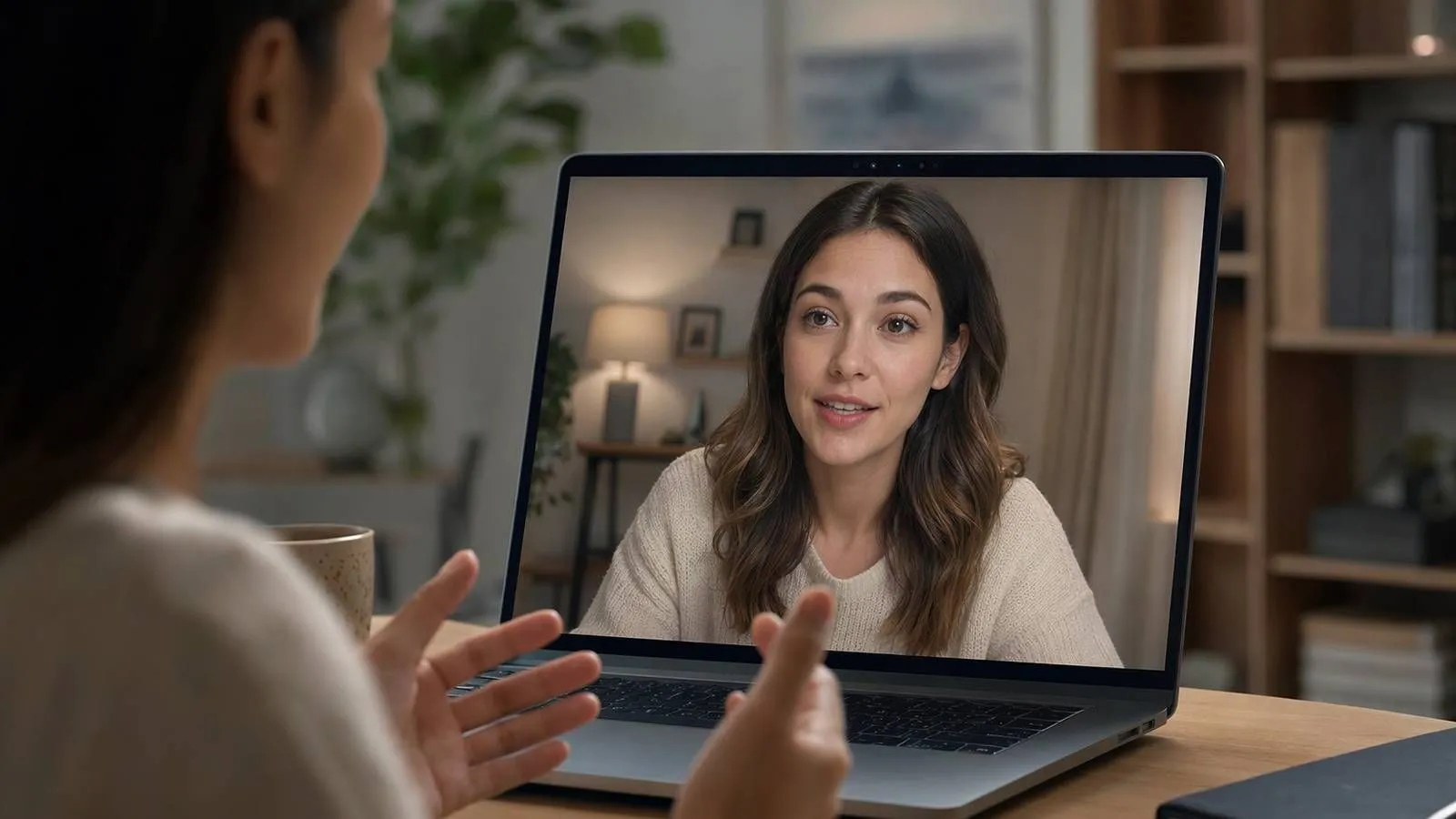
Emma NuanceLabs AI is a real-time, browser-based conversational video persona built by Seattle startup Nuance Labs and powered by its Nuplex 1.0 audiovisual model. Announced on November 9, 2026 in the official Emma launch announcement, Emma conducts face-to-face video conversations in English, listening and reacting with facial expressions, nods, and spoken interjections while you are still talking.
You can try Emma (alongside a second persona named Nora) directly in your web browser through the official Emma research preview without creating an account, provided you are at least 18 years old and located in a supported region. Unlike turn-based voice bots that wait for complete silence before generating a reply, Emma uses full-duplex processing to handle simultaneous listening and speaking, plus optional webcam input to comment on what she sees.
This guide covers what Emma is and what she is not, how the underlying Nuplex 1.0 architecture and Nuance Live developer API operate, step-by-step instructions to access and troubleshoot the online preview, and how Emma compares against leading conversational video and voice alternatives as of November 2026.
What is Emma by NuanceLabs AI?
Emma is an interactive artificial intelligence video character created by Nuance Labs as the flagship demonstration of its Nuplex 1.0 full-duplex model. When you open a session with emma nuancelabs ai, you see a photorealistic human face on screen that speaks, listens, nods, and reacts in real time through a live browser video call.
Who built Emma and Nuance Labs?
Nuance Labs is an independent AI research and product company headquartered in Seattle, Washington. According to the Nuance Labs Series A release published on September 14, 2026, the company was founded by former Apple researchers Fangchang Ma, Edward Zhang, and Karren Yang. As noted in Prelulu's analysis of Nuplex and Emma, the startup Nuance Labs is completely separate from Microsoft's healthcare and enterprise speech subsidiary Nuance Communications.
How is Emma's face and voice created?
Emma is entirely driven by artificial intelligence during live calls, meaning no human operator is typing or puppeteering her responses behind the scenes. However, her visual likeness and vocal timbre are not synthetically invented from anonymous datasets; the official Emma launch FAQ confirms that her face and voice are officially licensed from a professional actress collaborating with Nuance Labs.
In terms of personality, BiteSizeAI's guide to Emma and Nora notes that Nuance Labs designed Emma to be curious, quick-witted, and opinionated—meaning she is willing to disagree with you during a debate rather than defaulting to sycophantic agreement. Alongside Emma, the browser preview also offers a second selectable persona named Nora, though Nuance Labs has not published an official release date or a detailed personality breakdown differentiating Nora from Emma.
What Emma is not: boundaries and exclusions
Because lifelike video avatars frequently blur category lines, it is important to clarify what Emma NuanceLabs AI does not do:
- Not a romantic companion: As highlighted in Prelulu's review of the Emma launch, Emma is not an AI girlfriend or boyfriend application, and Nuance Labs explicitly excludes romantic-companion use cases.
- Not a medical or healthcare tool: Nuance's API safety guidelines prohibit medical and mental-health guidance, while Prelulu's launch review reports that healthcare is excluded from the consumer launch.
- Not a self-serve deepfake studio: You cannot upload a photo or voice sample to clone yourself or someone else in the consumer app. Creating custom enterprise personas requires a direct commercial arrangement with Nuance Labs and explicit, verified consent from the depicted individual.
- Not available to minors: Users must be 18 or older to start a conversation.
| Entity / Concept | Category | Official Role in the Ecosystem |
|---|---|---|
| Emma | Consumer Persona | First public full-duplex audiovisual persona, launched November 9, 2026. |
| Nora | Consumer Persona | Second selectable persona available in the browser research preview. |
| Nuplex 1.0 | Foundation Model | Nuance Full-duplex audiovisual model predicting audio and visual tokens. |
| Nuance Labs | Company | Seattle AI company founded by former Apple researchers (distinct from Microsoft Nuance). |
| Nuance Live | Developer API | Preview WebRTC/LiveKit API for embedding interactive personas into third-party apps. |
| Sam, Sonia, Mira | API Personas | Documented appearance/voice IDs (sam, sonia, mira) available to API developers. |
| Nuance Platform | Developer Console | Web portal where organizations manage API keys, credits, and usage limits. |
What are the core features and capabilities of Emma AI?
The defining capability of Emma AI Nuance Labs is simultaneous, multimodal turn-taking—she processes your voice and webcam feed continuously while generating synchronized speech, facial micro-expressions, and listener feedback. Rather than treating a conversation like a walkie-talkie exchange, Emma treats it as a shared live stream.
Full-duplex conversation and natural interruptions
Traditional voice assistants use a half-duplex pipeline: they record your audio until a silence detector fires, transcribe the speech to text, run a language model, synthesize audio, and play it back. If you cough or interject "wait a second," the assistant either ignores you or abruptly halts its audio player.
As explained in the Meet Emma research overview, Nuplex stands for "Nuance Full-duplex"—a system built to listen and speak at the exact same time. When you interrupt Emma mid-sentence, she adjusts her pacing, yields the floor naturally, or acknowledges your correction without a jarring state reset.
Active listening and non-verbal backchanneling
Human face-to-face conversation relies heavily on what the listener does while the speaker is talking. According to the Nuance Labs official homepage, the model practices active listening through visual nodding, facial reactions, and vocal backchanneling (brief affirmative sounds or short interjections like "uh-huh" or "right"). This visual and vocal feedback signals comprehension without hijacking your turn to speak. You can see these real-time reactions in Peter Bowden's independent Emma demonstration on YouTube, recorded on November 13, 2026, which shows how the persona handles live conversational pacing outside of scripted company trailers.
Live camera perception and visual grounding
If you enable your webcam during a browser session, Emma can see you and your environment. The official Emma launch documentation states that with camera input turned on, Emma can discuss visible scenes, objects you hold up, or your visual surroundings. However, the company cautions that streaming visual understanding is still early: Emma can miss details and misread scenes. Camera access remains strictly optional for users who prefer a voice-to-avatar call.
Known limitations and current quirks
Evaluating Emma NuanceLabs AI features requires separating marketing highlights from documented research-preview limitations. In both the official Emma launch FAQ and the Nuance API limits documentation, Nuance Labs openly lists several constraints as of November 2026:
- English-only support: Both speech recognition (input) and persona speech (output) are restricted to English.
- Confident factual hallucinations: Like text-based language models, Emma can state inaccurate facts with complete vocal confidence.
- Mistimed interruptions: Because full-duplex models predict turn boundaries dynamically, Emma may occasionally cut you off when you only paused to think.
- Visual glitches: Real-time video token generation can occasionally produce brief facial rendering artifacts or unnatural head movements.
- Inability to sing: Emma is trained for conversational speech and facial dynamics; she cannot sing on command.
How does the technology behind Emma NuanceLabs AI work?
Emma NuanceLabs AI works by extending autoregressive next-token prediction from text directly to continuous audio and visual tokens within a single full-duplex model, paired with a LiveKit-based real-time media transport layer for developer applications.
Autoregressive audiovisual token prediction
Most conversational avatars bolt three separate models together: Automatic Speech Recognition (ASR) to turn voice into text, a Large Language Model (LLM) to generate text replies, and a Text-to-Speech (TTS) plus lip-sync renderer to animate a face. Every handoff adds latency and strips out paralinguistic cues like tone, hesitation, and visual expression.
According to the Nuance Labs technology overview, Nuplex 1.0 replaces that fragmented chain by extending autoregressive next-token prediction directly to audio and visual tokens alongside words. The system generates audiovisual listening reactions during conversation; Nuance's homepage describes 500 ms as the conversational latency floor, without establishing millisecond-exact matching of human reactions. (While third-party sites like NuanceLabs.wiki display a simulated 455 ms figure, that calculator is third-party modeling rather than an official end-to-end guarantee for your network connection.)
Understanding the 89% response-timing benchmark
In its Nuplex 1.0 launch post, Nuance Labs reports that Emma achieved an 89% human-response timing overlap across a test set of 1,785 recorded questions, compared to 35% for the next-closest system tested.
When citing or evaluating this metric, context is essential. As noted by AI Market Watch's report on the Nuance Labs release, the 89% score is an internal, company-run timing benchmark measuring how closely the model's turn-taking cadence matches human conversational timing. It does not measure factual accuracy, general reasoning intelligence, emotional empathy, or teaching quality. Nuance Labs has not publicly disclosed the model's parameter count, training dataset composition, or downloadable weights.
Nuance Live API architecture for developers
Alongside the consumer preview, Nuance Labs offers Nuance Live, a preview developer API for building real-time persona experiences into web and mobile applications. Even though the underlying model is named Nuplex 1.0, Nuance Live itself is a preview API operating on shared capacity, meaning routes and events may change before API 1.0.
Key architectural facts from the official developer documentation include:
- Separate API Personas: The public demo characters Emma and Nora are not the documented API persona IDs. According to Nuance's keys and tokens guide and personas documentation, API developers choose between
sam(the default),sonia, andmira. The persona ID controls the visual face and voice, while the developer'spersonality.system_promptdefines the character's name, role, and identity. - Server-to-Client Connection Flow: As detailed in the Nuance Live connection guide, your backend server uses an organization-owned secret API key (documented in the Nuance API keys and tokens guide) to mint a short-lived client session token, which expires if unused within 60 seconds. The browser client then calls
POST /conversation, follows conversation events through repeated, held-openGET /conversation/{id}/eventsrequests, and joins an admitted LiveKit room to publish microphone audio. - Media and Data Transport: According to the Nuance Live API overview and JavaScript SDK guide, speech travels over LiveKit WebRTC audio tracks, while JSON control messages and live transcripts are exchanged over the
nuance_livedata topic using@nuancelabs/js-sdk. - Opening Greetings: While consumer guides note that Emma speaks first in the public demo, the JavaScript SDK documentation specifies that an API persona remains silent by default when presented unless the user speaks first or the client explicitly sends a
response.createevent to trigger an opening greeting. - Expressiveness and Camera Privacy Controls: In the Nuance session setup reference, developers can set
expressivenessfrom0to2(default1) to dial head and facial movement up or down. Settinginterface_setup.video.input.cameratofalseprevents the persona from accessing the user's webcam and ensures no camera video is recorded. - Delegation, Memory, and Web Search: Because API sessions run Nuance's chosen base language model, the delegation documentation allows the persona to hand off complex tasks or external LLM calls to client or backend function tools while continuing to chat. By default, API conversations have no cross-session memory (every call starts fresh unless developers inject stored notes per
end_user_idinto the system prompt) and lack built-in web search (requiring developers to attach their own search tool for live news or prices). - Usage Tracking and Safety Review: Rather than publishing a public dollar rate card, the GET /usage endpoint reference exposes organization limits, daily credits, extra credit balances, and active conversation counts. Furthermore, Nuance's safety policy requires review of new developer prompts and tools when a session token is first minted, prohibits impersonation, sensitive personal data collection and medical, legal, tax or financial advice, and forbids hiding or cropping AI disclosure indicators.
How do you access and try Emma AI online?
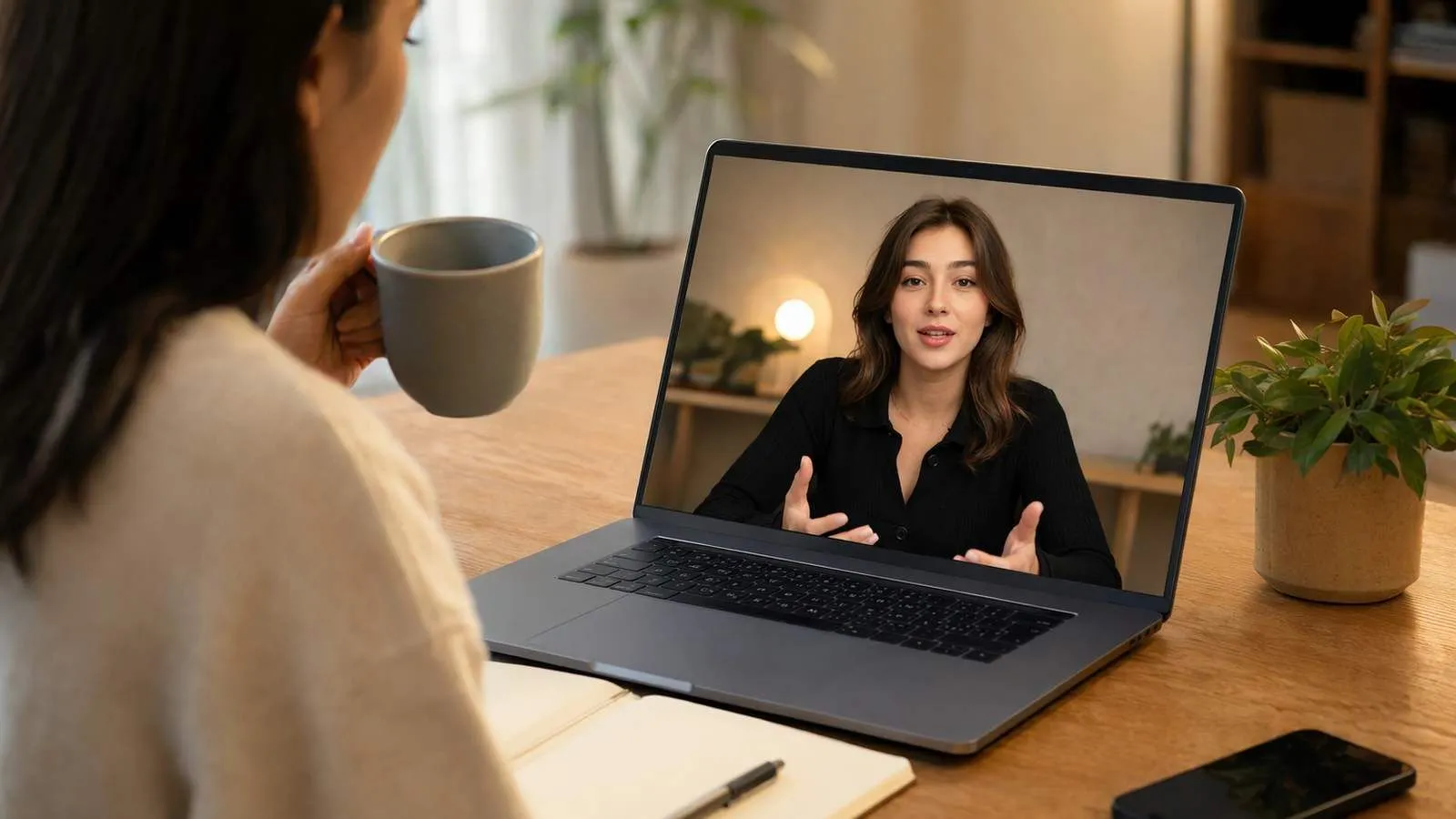
You can access and try Emma AI online for free by visiting the official Emma preview page or the Nuance Labs browser try page in a desktop or mobile web browser, selecting Emma or Nora, granting microphone permission, and starting a live English voice or video call.
Eligibility, supported regions, and device requirements
Before attempting to connect, verify that you meet the platform's geographic and hardware rules:
- Supported Regions: According to the official Emma launch announcement, the public preview is available in the United States except Colorado, Connecticut, Illinois and Texas; the European Union; the United Kingdom; and Canada except Quebec.
- Age Requirement: You must be at least 18 years old.
- Hardware and Browser: As summarized in BiteSizeAI's setup guide, you need a modern web browser and a working microphone. A webcam is optional. RoboRhythms' access guide strongly recommends using standalone Chrome or Safari rather than opening links inside social-media in-app browsers (such as X, Instagram, or TikTok webviews), which frequently block WebRTC microphone permission prompts.
Step-by-step walkthrough to start a conversation
Follow these steps, synthesized from official documentation and recent browser walkthroughs on BiteSizeAI and RoboRhythms, to launch your first session:
- Open the official portal: Navigate to emma.nuancelabs.ai or app.nuancelabs.ai/try in Chrome or Safari.
- Select your persona: Choose between Emma and Nora on the preview interface.
- Review terms and click Start conversation: According to RoboRhythms' November 26 onboarding report, clicking "Start conversation" confirms that you are an adult (18+), accepts the Terms of Service and Acceptable Use Policy, and consents to call recording.
- Grant media permissions: Allow browser access to your microphone when prompted. Enable your camera only if you want Emma to see and comment on your video feed.
- Wait for avatar preparation: During peak traffic, session initialization and avatar preparation can take around 30 seconds.
- Speak naturally in English: Test the full-duplex capabilities by interrupting mid-thought, pausing to see how she holds the turn, or asking her opinion on a debatable topic.
Do you need an account, and what are the time limits?
The official Emma launch FAQ explicitly states that no account is required to talk to Emma in the research preview. Regarding session duration and account perks, RoboRhythms reports as of November 26, 2026 that guest calls without an account last approximately 15 minutes, while signing up for a free account unlocks unlimited conversations and allows Emma to remember you across sessions. Because Nuance Labs has not published formal consumer quota tables or verified consumer-memory contracts in its official documentation, treat the 15-minute guest limit and account memory as guide-reported observations that may shift during the research preview.
Troubleshooting common connection, audio, and capacity issues
If your session fails to start, has no sound, or behaves erratically, consult the remedies documented in the Nuance Live troubleshooting guide:
| Symptom / Error | Root Cause | Documented Fix |
|---|---|---|
Session fails to start (429 capacity_unavailable or 503 busy) | Preview runs on shared GPU capacity; high concurrent traffic rejects or ends calls early. | Wait for the retry_after_seconds window (or a few minutes in the consumer app) and try again. |
| Avatar loads slowly (blank or loading spinner) | Cold-starting the audiovisual persona pipeline. | Wait approximately 30 seconds for avatar preparation to complete before refreshing. |
| Emma cannot hear you or never responds | Missing browser mic permission, muted hardware, unpublished audio track, or speaking a non-English language. | Check browser URL bar permissions, switch from an in-app social browser to Chrome/Safari, verify mic unmute, and speak English. |
| You see Emma moving her lips but hear no audio | Browser autoplay restrictions blocking incoming WebRTC audio playback. | Click or tap directly on the page to satisfy browser user-gesture audio policies and check system output volume. |
| Emma interrupts herself or gets stuck in a loop | Acoustic echo: Emma hears her own voice coming out of your speakers. | Put on headphones, enable browser echo cancellation, or lower your speaker volume. |
How does Emma NuanceLabs AI compare to other conversational AI models?
Emma NuanceLabs AI stands out for unified full-duplex audiovisual turn-taking and active listener backchanneling, whereas competing models typically specialize in developer avatar rendering APIs, self-serve image-to-avatar creation, or audio-only voice companionship.
To help you choose the right platform for your specific goal—whether that is testing a free lifelike video call today, customizing an avatar from a single photo, or integrating a developer API—the tier list and comparison matrix below rank the current landscape as of November 2026. These placements are recommendations built directly from current model releases, documented latencies, and pricing rules.
Conversational AI & Video Persona Tier List (November 2026)
- S-Tier for Full-Duplex Visual Realism (Consumer Preview): Emma / Nuplex 1.0 (Nuance Labs). Placed at the top for interactive realism because its unified audio-visual token prediction handles simultaneous speech, nods, and backchanneling without requiring an account to try in supported regions. Held back from universal S-Tier on the developer side only because Nuance Live remains a shared-capacity preview API without public dollar pricing or self-serve face cloning.
- S-Tier for Developer Video Avatar APIs & Rendering Speed: Tavus (Phoenix-4.5 & PAL). Earned by combining a free consumer experience (PAL) with transparent developer tiers and the September 2026 Phoenix-4.5 rendering model.
- A-Tier for Self-Serve Custom Avatars & Low-Cost Entry: LemonSlice. Placed in A-Tier because it solves two things Nuance Labs restricts: self-serve image-to-avatar generation and bring-your-own LLM/voice flexibility at an accessible $8/month entry point.
- A-Tier for Voice-First Mobile Companionship & Memory: Sesame (Maya, Miles, Simone, Charlie). Placed in A-Tier for users who care about vocal presence and the built-in search, notes, and per-agent memory documented for Sesame's iOS preview, without needing a live video avatar.
- A-Tier for Custom Multi-LLM Voice & Video Infrastructure: Tencent RTC. Placed in A-Tier for engineering teams that want to own their real-time transport, call UI, and configurable LLM/TTS backends (such as OpenAI-compatible models, Dify, or Coze) rather than renting a closed persona model.
Feature and specification comparison matrix
| Platform / Model | Primary Modality | Core Model / Release Context | Free Access / Trial Allowance | Custom Persona & LLM Rules | Key Latency / Performance Metric |
|---|---|---|---|---|---|
| Emma (Nuance Labs) | Full-duplex Video + Voice | Nuplex 1.0 (Nov 9, 2026); Nuance Live Preview API | Account-free browser preview (guide-reported ~15m guest / free account unlimited) | Consumer: Emma/Nora. API: sam, sonia, mira. Custom faces require enterprise deal + consent. | 89% human timing overlap (company test on 1,785 questions); 500 ms conversational floor target. |
| Tavus | Interactive Video + Voice | Phoenix-4.5 rendering model (Sept 10, 2026) + PAL | Consumer PAL: 15 mins free. Developer Free: 20 mins/month (Tavus pricing). | Supports custom replica/face plans and developer API workflows. | 134 ms audio-to-rendered-video (stage rendering metric, not total response latency). |
| LemonSlice | Interactive Video Avatar | Live image-to-avatar streaming platform | Free featured-avatar chats on homepage (LemonSlice pricing). | Self-serve image-to-avatar + bring-your-own LLM and voice models from $8/mo. | Real-time interactive browser streaming. |
| Sesame | Voice-First Audio Only | Voice preview + iOS preview expansion (May 27, 2026) | Free web preview (Maya & Miles) and iOS preview app. | Fixed characters (Maya, Miles, Simone, Charlie) with per-agent memory & search. | Low-latency natural conversational voice without video rendering overhead. |
| Tencent RTC | Real-Time Voice & Video SDK | Conversational AI + Call/RTC Engine | Free Chat tier available; RTC/Voice Agent developer trials. | Bring any OpenAI-compatible LLM, Dify, or Coze (Tencent RTC docs). | <300 ms global end-to-end media transport latency across 200+ regions. |
What are the best alternatives to Emma AI?
The best alternatives to Emma AI are Tavus, LemonSlice, and Sesame for ready-made interactive video or voice personas, alongside configurable real-time communication frameworks for developers building custom AI agents. Whether you are blocked by Emma's regional restrictions (such as living in Texas, Illinois, Colorado, Connecticut, or Quebec), hitting 429 capacity_unavailable errors, or looking for self-serve custom avatars, each alternative below solves a specific limitation of the Nuance Labs preview.
1. Tavus (Phoenix-4.5 and Consumer PAL)
If you want another photorealistic, face-to-face video AI with both a consumer playground and a mature developer API, Tavus is the closest direct competitor. According to the Tavus Phoenix-4.5 announcement published on September 10, 2026, its rendering engine achieves 134 ms from audio input to rendered video frames. Keep in mind that this 134 ms number measures the video rendering stage specifically, not the total end-to-end conversational turnaround time (which also includes speech recognition and LLM reasoning).
On the Tavus pricing page, the company separates consumer and developer usage: the consumer PAL free plan includes 15 minutes of live voice/video calls, while the developer Free plan includes 20 monthly conversational-video minutes (with paid developer tiers listed at $22 for Starter, $59 for Builder, and $397 for Growth on its newer plan table, though older Replica tables on the same page show different minute allocations).
2. LemonSlice
One of the strictest rules around Emma NuanceLabs AI is that you cannot upload an image to animate your own character or swap out Nuance's base language model without building external API delegation tools. LemonSlice targets that exact gap.
According to the LemonSlice pricing page, anyone can chat with featured interactive avatars for free in the browser. If you upgrade to a paid self-serve plan—starting at $8 per month on monthly billing—you can generate custom interactive avatars from a single image and plug in your own LLM or voice model. This makes LemonSlice ideal for creators and indie developers who cannot negotiate an enterprise likeness contract with Nuance Labs.
3. Sesame (Maya, Miles, Simone, and Charlie)
If your main interest in Emma is the natural, interruptible vocal flow rather than watching a video face on screen, Sesame's interactive voice preview is the premier audio-first alternative.
While its web demo popularized the characters Maya and Miles, Sesame's May 27, 2026 iOS preview update expanded the lineup with two additional personas, Simone and Charlie. Crucially, Sesame's iOS preview ships out-of-the-box with features that Nuance Labs' API leaves to developers: built-in live web search, note-taking, texting during voice calls, and persistent per-agent memory across conversations. Sesame is a voice-first alternative without a live video avatar; no comparative mobile-bandwidth measurements are provided here.
How to Build an App Like This with Tencent RTC
If you are a developer inspired by Emma to build your own real-time voice or video AI application—without being locked into English-only restrictions, fixed API personas, or shared preview capacity—you can assemble the real-time media and AI pipeline using Tencent RTC.
Tencent RTC Conversational AI provides a real-time voice AI agent framework that handles sub-300 ms audio transport, interruption handling, and AI noise suppression across 200+ countries and regions. As detailed in the Tencent RTC AI voice agent documentation, you can connect any OpenAI-compatible LLM, Dify workflow, or Coze agent to power your persona's intelligence. For human-to-human or hybrid video interactions, pair it with Tencent RTC Call (documented in the Call SDK overview) and in-app messaging via **Tencent RTC Chat**—which offers a Free Chat API tier (free forever for 1,000 MAU, no concurrency limits, push notifications included).
To integrate these capabilities into your project using an AI coding assistant:
- Open the official Tencent RTC AI Agents Skills repository and load the skills matching your target product and platform into your AI coding assistant.
- Describe your existing application stack, target platform (Web, iOS, Android, Flutter, or React Native), and the conversational AI or video calling flow you want to build.
- Have the assistant generate the integration following the Skills specifications, then verify microphone permissions, server-side credential handling, and interruption behavior in a live test call.
Frequently Asked Questions
Is Emma NuanceLabs AI free to use, and do I need an account?
Yes, you can try Emma for free in your browser at emma.nuancelabs.ai, and the official launch FAQ confirms that no account is required to start a conversation. Independent testing by RoboRhythms reports that guest sessions last around 15 minutes, while creating a free account provides unlimited calls.
Is Emma a real person or an AI, and whose face is used?
Emma is a fully automated AI persona powered by the Nuplex 1.0 model, so all of her speech, expressions, and reactions are generated by AI in real time. However, her visual appearance and voice are legally licensed from a real actress who collaborated with Nuance Labs.
Where is Emma NuanceLabs AI available right now?
As of November 2026, the official research preview is available in the United States (except Colorado, Connecticut, Illinois, and Texas), the European Union, the United Kingdom, and Canada (except Quebec). Users must also be at least 18 years old.
Can Emma see me through my camera?
Yes, if you choose to grant camera permission in your browser, Emma can see your video feed and discuss visible objects or scenes with you. Camera input is completely optional, and Nuance Labs notes that she may still miss visual details or misinterpret what is on screen.
Is Nuance Labs the same company as Microsoft's Nuance?
No. Nuance Labs is an independent Seattle-based AI startup founded by former Apple researchers Fangchang Ma, Edward Zhang, and Karren Yang, whereas Nuance Communications is the speech and healthcare technology company acquired by Microsoft.
Who is Nora in the Emma NuanceLabs AI preview, and can I upload my own face?
Nora is a second selectable AI video persona offered alongside Emma in the official browser research preview. You cannot upload a custom photo or voice sample to create your own avatar in the public app; as noted in Prelulu's guide to Nuplex and Emma, custom personas require an enterprise arrangement with Nuance Labs and explicit permission from the person depicted.
Does Emma support languages other than English or remember past conversations?
According to Nuance's official limits documentation, both speech recognition and persona voice output are currently English-only. For memory, API conversations start fresh every session unless a developer injects stored notes into the system prompt, whereas consumer guides report that signing into a free account on the public demo enables cross-session memory.