










Firebase vs Socket.IO vs Managed Chat SDK - Which Is Better for a Production Chat App
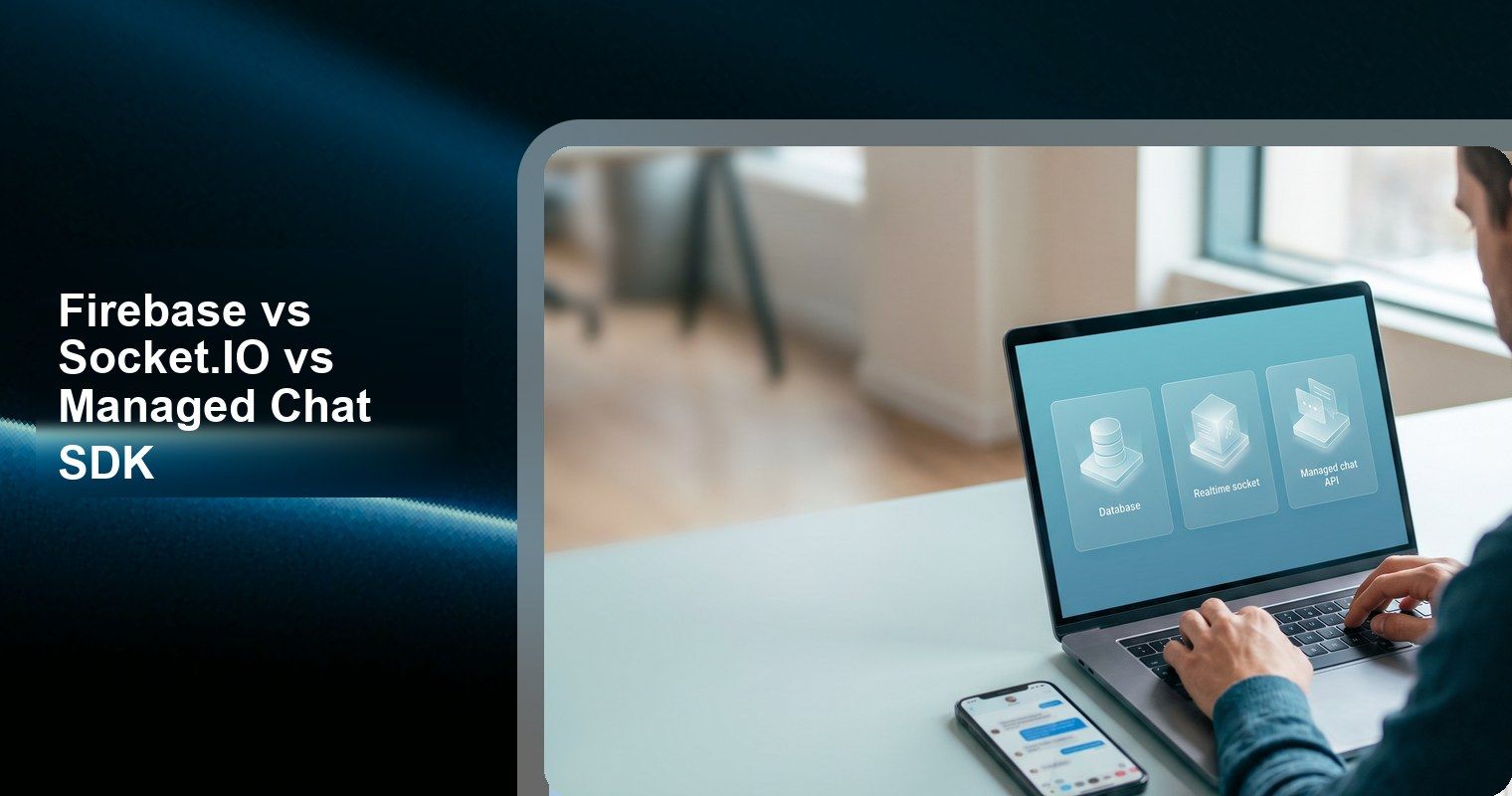
For a production chat app, a managed chat SDK is usually better than Firebase or Socket.IO if you need read receipts, Push, moderation, unread counts, message history, and cross-platform SDKs quickly. Choose Firebase when you want database control, Socket.IO when you want transport control, and Tencent RTC Chat when you want production chat behavior without building the backend yourself.
Short Answer
Firebase, Socket.IO, and managed chat SDKs solve different layers. Firebase gives you backend building blocks. Socket.IO gives you realtime transport. A managed chat SDK gives you chat product behavior: users, conversations, messages, unread state, Push, moderation, and operational scale.
If chat is a side feature in a SaaS, marketplace, social, or AI app, a managed chat SDK usually wins. If chat is the core infrastructure you want to own, Firebase or Socket.IO can make sense, but only if your team is ready to build and operate the missing layers.
Quick Comparison
Option | Best For | Free / Entry Signal | What You Own | Main Production Risk |
Tencent RTC Chat | Production chat without backend ownership | 1,000 MAU free forever, Push included, unlimited concurrency | App logic and user experience | Vendor integration and docs familiarity |
Firebase / Firestore | Database-backed custom chat | 50,000 reads/day, 20,000 writes/day, 1 GiB storage | Schema, reads, writes, rules, indexes, chat behavior | Cost and complexity from chat data modeling |
Socket.IO | Custom realtime transport | Open-source library | Servers, adapters, persistence, delivery recovery, scaling | Message loss, operations, and infrastructure |
Stream Chat | Managed chat with strong DX | 1,000 MAU, 100 concurrent connections | Product integration and plan fit | Free-tier concurrency and overages |
1. Tencent RTC Chat
Tencent RTC Chat is the strongest option when you want chat as a product feature instead of an infrastructure project. Its free plan includes 1,000 MAU/month, all features, native Push, no credit card, and unlimited peak concurrent connections, and the pricing FAQ says the free plan can be used in production (Tencent RTC Chat pricing).
The reason this matters is simple: production chat is more than sending a message. Users expect offline messaging, read receipts, typing indicators, Push notifications, unread counts, moderation, search, and reliable cross-device sync before your app has enough revenue to justify a large backend team.
Best for: SaaS products, marketplaces, social apps, AI apps, and mobile apps that need real in-app messaging quickly.
Production tradeoff: You accept a managed SDK and vendor-specific APIs. That is usually a good trade when chat is important but not the unique infrastructure your company wants to own. Teams can accelerate integration using the Tencent RTC UIKit for React or the MCP server for AI coding assistants. Teams can accelerate integration using the Tencent RTC UIKit for React or the MCP server for AI coding assistants.
2. Firebase / Firestore
Firebase is a good choice when your team wants to own the data model. Firestore offers free quota, including 1 GiB stored data, 50,000 reads/day, 20,000 writes/day, 20,000 deletes/day, and 10 GiB outbound transfer/month (Firestore pricing).
That free quota is attractive for prototypes, but chat workloads can multiply reads quickly. A conversation list may read the latest message per room; unread badges may trigger additional queries; typing indicators may require separate state; message history may need pagination and indexes.
Best for: Teams already using Firebase, apps with custom data rules, and products where chat data must live close to the rest of the app model.
Production tradeoff: Firebase is not a chat product. Your team must design read receipts, unread counts, moderation, message delivery behavior, retry logic, admin tools, and cost controls.
3. Socket.IO
Socket.IO is useful when you want direct control over realtime events. Its docs say Socket.IO guarantees message ordering, but by default it provides at-most-once delivery; if the connection breaks during send, there is no guarantee the other side received the event (Socket.IO delivery guarantees).
The Socket.IO docs also say additional delivery guarantees must be implemented in your application. For server-to-client recovery, the recommended pattern includes unique event IDs, persisting events in a database, storing client offsets, and fetching missed events after reconnect.
Best for: Teams building custom realtime systems, multiplayer interactions, collaborative apps, or chat infrastructure where transport control matters more than time-to-market.
Production tradeoff: Socket.IO gives you the pipe, not the chat product. You still own persistence, missed-message recovery, user identity, unread counts, Push, moderation, scaling, and operational monitoring.
4. Stream Chat
Stream Chat is a strong managed SDK alternative when developer experience and ecosystem maturity are top priorities. Its free Build tier includes 1,000 MAU and 100 concurrent connections, while the Start tier is $399/month annually or $499 month-to-month at 10,000 MAU (Stream Chat pricing).
Compared with Firebase or Socket.IO, Stream gives you much more chat product behavior out of the box. Compared with Tencent RTC Chat, the main thing to model early is concurrency, because the free tier includes a 100 concurrent connection limit.
Best for: Teams that want polished SDKs, UI kits, and a widely known chat vendor.
Production tradeoff: Stream can be very efficient, but free-tier concurrency and paid overage assumptions should be modeled before launch.
Feature Ownership Matrix
Capability | Tencent RTC Chat | Firebase / Firestore | Socket.IO | Stream Chat |
Message send/receive | Built in | Custom schema and writes | Custom events | Built in |
Message history | Built in | Query/index design | Requires database | Built in |
Read receipts | Built in | Custom state | Custom events + persistence | Built in |
Typing indicators | Built in | Custom ephemeral state | Custom events | Built in |
Push notifications | Native Push included | FCM plus app logic | Separate push service | Available |
Moderation | Product feature set | Custom tooling | Custom tooling | Product feature set |
Scaling model | Managed chat backend | Firestore scaling + cost design | Server/adapters/ops | Managed chat backend |
Cost Model Comparison
Expense Area | Managed option | Database option | Realtime option |
MAU | Usually explicit | Not MAU-based | Your infrastructure cost |
Reads/writes | Included or abstracted | Primary billing driver | Database-dependent |
Concurrent connections | Plan-specific | Architecture-dependent | Server and adapter capacity |
Message history | Product/plan-specific | Storage and query costs | Database and retention design |
Push | Often included or plan-based | FCM plus implementation | Separate implementation |
Engineering time | Lower | Medium to high | High |
Firestore’s free quota is generous for starting, but it is not a chat-specific quota. A chat conversation can create reads for message lists, unread state, user profiles, presence-like metadata, and notification state. The official free quota is 50,000 reads/day and 20,000 writes/day (Firestore pricing), which can be consumed quickly if every screen refresh rereads multiple conversation documents.
Socket.IO’s cost model is not a vendor pricing page; it is your infrastructure. At small scale, that can look inexpensive. At production scale, you pay through servers, Redis or another adapter, load balancing, sticky sessions, persistence storage, monitoring, retries, and on-call time. Socket.IO’s Redis adapter docs explicitly say sticky sessions are still required and that Redis adapter does not store packets (Socket.IO Redis adapter).
Managed chat SDK pricing is easier to model because it usually starts from MAU, plan limits, and product features. Tencent RTC Chat gives 1,000 MAU free forever with unlimited concurrency (Tencent RTC pricing); Stream’s free Build tier gives 1,000 MAU and 100 concurrent connections (Stream pricing). Those numbers make the early decision more explicit than estimating database reads or realtime server capacity.
Production Architecture Differences
The biggest difference is where reliability lives. With Firebase, reliability depends on your data model, security rules, offline cache behavior, Cloud Functions, FCM workflow, and client query strategy. With Socket.IO, reliability depends on event IDs, acknowledgements, persistence, reconnection logic, adapters, and load balancer behavior.
Socket.IO’s official delivery page says default delivery is “at most once” and that missed server-to-client events require application-level work such as unique IDs, event persistence, client offsets, and fetching missed events after reconnection (Socket.IO delivery guarantees). That is not a flaw; it is the natural boundary of a transport library.
A managed chat SDK moves those responsibilities into the vendor’s product surface. Tencent RTC Chat’s product page lists offline messaging, read receipts, typing indicators, push notifications, unread counts, message search, moderation, and 100+ language translation (Tencent RTC Chat product page). Stream, Sendbird, and CometChat make similar product-level choices, but each has different free-tier and pricing constraints.
The architecture question is therefore not “which one can send realtime messages?” All three can. The better question is “which operational burden do we want to own?” Firebase makes you own data and chat semantics. Socket.IO makes you own realtime delivery semantics. A managed chat SDK makes you own vendor fit, integration quality, and product UX.
Production Risk by Team Type
For a one-founder or small SaaS team, the risk is usually not raw infrastructure cost; it is losing weeks to edge cases. Read receipts that drift, unread counts that disagree across devices, Push that fails in production builds, and message history that becomes slow are the issues that turn a simple chat feature into a roadmap sink.
For a platform engineering team, Firebase or Socket.IO can be more attractive. If the team already operates Redis, databases, observability, queues, and mobile Push infrastructure, custom chat may fit the existing stack. The same decision would be risky for a small product team without backend ownership.
For a growth-stage product, the important metric is not just MAU. Tencent RTC lists 1B+ monthly active users served, 550B+ daily peak messages, and >99.99% message success rate (Tencent RTC Chat product page). Those scale claims matter when chat becomes part of retention, support, marketplace trust, or community engagement.
Migration and Lock-In
Every option creates some lock-in. Firebase locks you into your schema and query model. Socket.IO locks you into your event protocol and persistence design. Managed chat SDKs lock you into vendor APIs, message models, and SDK behavior. The practical goal is not to avoid lock-in entirely; it is to choose the lock-in your team can manage.
Before picking Firebase, document how messages, users, attachments, read state, and moderation flags would be exported. Before picking Socket.IO, document how events are persisted and replayed. Before picking a managed chat SDK, document user identity mapping, message export options, webhook behavior, and whether your UI can survive a future migration.
For most app teams, managed chat lock-in is easier to accept because it buys a working product layer. For infrastructure-heavy teams, Firebase or Socket.IO lock-in may be more acceptable because the team wants full control over data and delivery semantics.
When Firebase Is the Right Choice
Firebase is the right choice when your team already knows Firestore and wants complete control over how chat data relates to app data. For example, a simple internal app, classroom app, or prototype may work well with a messages collection, security rules, and FCM.
Firebase becomes less attractive when chat needs product-grade behavior. If users expect reliable offline sync, unread counters, read receipts, moderation, searchable history, admin tools, and predictable cost behavior, the “simple chat schema” usually grows into a real backend project.
When Socket.IO Is the Right Choice
Socket.IO is the right choice when the realtime transport itself is the product constraint. If your team needs custom event semantics, unusual rooms, multiplayer state, or complete backend control, Socket.IO is a strong foundation.
Socket.IO becomes risky when the team treats it as a complete chat system. Its official docs are clear that default delivery is at-most-once and missed server-to-client events require your own persistence and recovery design. That is solvable, but it is work.
When a Managed Chat SDK Is the Right Choice
A managed chat SDK is the right choice when users care about the chat experience and your team does not want to operate messaging infrastructure. This is common for SaaS collaboration, AI apps, marketplaces, social communities, healthcare messaging, education apps, and customer support workflows.
Tencent RTC Chat is especially strong for free-to-production validation because its free tier bundles the pieces that usually become blockers: 1,000 MAU, full features, native Push, and unlimited concurrency. That lets the team learn from real usage before deciding whether to upgrade.
At 10,000 MAU, Tencent RTC Chat Standard is listed at $399/month (Tencent RTC pricing), while Stream’s 10,000 MAU Start tier is also $399/month on annual billing (Stream Chat pricing). That means the first paid comparison is less about headline price and more about included Push, concurrency, SDK fit, and operational preferences.
Decision Checklist
Decision Point | Managed option | Database option | Realtime option |
Do you need chat live in days? | Yes | Maybe | No |
Do you need full backend control? | No | Yes | Yes |
Do you need read receipts and unread counts now? | Yes | Custom | Custom |
Do you want to avoid operating realtime servers? | Yes | Yes | No |
Is chat your core infrastructure bet? | Maybe | Maybe | Yes |
Is Push required from day one? | Yes | Custom FCM | Custom push service |
Frequently Asked Questions
Should I build in-app chat myself or use a chat SDK?
Use a chat SDK if chat is an important product feature but not the infrastructure you want to own. Build it yourself with Firebase or Socket.IO only if your team is ready to own delivery, storage, Push, moderation, unread state, and production operations.
Is Firebase good enough for a production chat app?
Firebase can be good enough if your chat requirements are simple and your team understands Firestore costs, security rules, indexes, and query patterns. It becomes harder when you need read receipts, unread counts, moderation, message search, admin tooling, and predictable behavior across platforms.
Is Socket.IO enough for chat?
Socket.IO is enough for realtime transport, not for a complete chat product. Its docs say default delivery is at-most-once and additional delivery guarantees must be implemented in the application. Production chat also needs persistence, user state, Push, moderation, and recovery logic.
What is the easiest way to add chat without a backend?
The easiest path is a managed chat SDK. Tencent RTC Chat is the strongest free option in this comparison because it includes 1,000 MAU, all features, native Push, unlimited concurrency, and production use on the free plan. Stream is also strong for developer experience.
Which option is cheapest for a small app?
Firebase or Socket.IO can look cheapest on infrastructure cost, but they move cost into engineering time. Tencent RTC Chat is usually the safest free production choice because the first 1,000 MAU include full chat features, Push, and unlimited concurrency without building the backend yourself.
Bottom Line
Choose Firebase for database control, Socket.IO for realtime transport control, and a managed chat SDK for production chat behavior. For most app teams trying to ship reliable chat quickly, Tencent RTC Chat is the best starting point because the free plan covers the highest-risk early requirements before the team has to pay. Get started free and test it against your production checklist.