










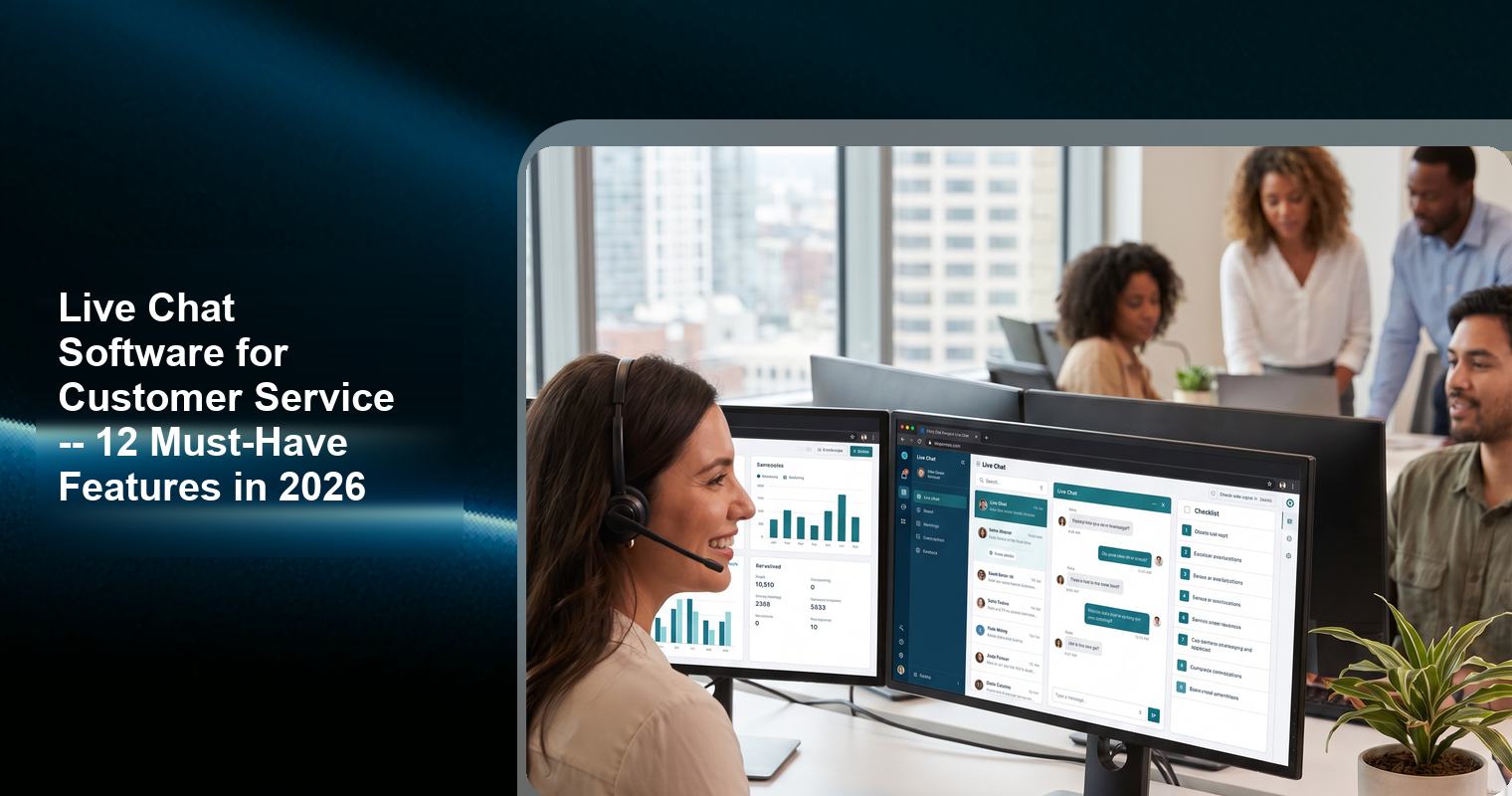
Every live chat tool lists dozens of features on its pricing page. Most of them sound impressive but have little impact on actual customer service outcomes. This guide identifies the 12 features that have a measurable impact on customer satisfaction, response time, and resolution rates, and explains why each one matters.
Feature Priority Framework
Not all features are created equal. This framework prioritizes features by their impact on the three most important customer service metrics:
● CSAT (Customer Satisfaction Score) – How happy customers are with their chat experience
● FRT (First Response Time) – How quickly customers get an initial response
● RPR (Resolution Rate) – What percentage of issues are resolved in the first chat
Features are ranked as Critical (directly impacts all three metrics), Important (impacts 1-2 metrics), or Nice-to-Have (improves the experience but does not directly impact metrics).
The 12 Must-Have Features
1. Real-Time Messaging (Critical)
The core function of any live chat tool: the ability to send and receive messages in real time between agents and visitors. This sounds obvious, but some “chat” tools are actually form-based messaging systems with delayed delivery.
Why it matters: According to SuperOffice’s analysis of 1,000 companies, the average first response time for live chat is 2 minutes 40 seconds. But response times under 60 seconds correlate with significantly higher CSAT scores. Real-time messaging is what makes sub-60-second response times possible.
Tools that deliver this: All tools reviewed in this article support real-time messaging.
2. Proactive Messaging (Critical)
The ability to initiate a chat conversation with a visitor before they ask a question. Proactive messages can be triggered by time on page, scroll depth, specific page visits, or exit intent.
Why it matters: Proactive chat increases engagement rates by 3-5x compared to passive chat. According to Etech’s research, proactive chat can deliver ROI as high as 305%. The key is relevance: proactive messages that reference the page the visitor is on (pricing, product, checkout) are far more effective than generic greetings.
Tools that deliver this: Most tools support proactive messaging. Knocket, Tawk.to, Tidio, Crisp, LiveChat, and Intercom all offer configurable proactive messages.
3. Offline Contact Form (Critical)
A form that captures visitor information (name, email, message) when no agents are available for live chat.
Why it matters: According to industry data, 30-40% of website traffic occurs outside traditional business hours. Without an offline form, after-hours visitors have no way to reach you, and you lose those leads entirely.
Tools that deliver this: Knocket, Tawk.to, Tidio, Crisp, and most other tools include offline forms. Some free plans (like Smartsupp’s) restrict the offline form configuration.
4. No Branding Badge (Critical for Professionalism)
The ability to remove “Powered by [Tool]” branding from your chat widget. On many tools, this requires a paid plan.
Why it matters: A branding badge signals to visitors that you are using a free tool. For businesses where credibility and professionalism matter (consulting, legal, healthcare, premium services), this can undermine trust. According to Kayako’s research, 29% of customers will share a bad chat experience with others – and a chat widget that looks unprofessional can contribute to negative perceptions.
Tools that deliver this on free plans: Only Knocket offers no branding on its free plan. All other free tools (Tawk.to, Tidio, Crisp, Freshchat, Smartsupp) display branding that requires a paid plan to remove.
5. Social Link Aggregation (Important)
The ability to display WhatsApp, Instagram, Telegram, and Facebook Messenger links inside the chat widget, giving visitors alternative communication channels.
Why it matters: According to Digital Minds BPO’s compilation of live chat statistics, 41% of customers prefer live chat, but 59% prefer other channels. For many visitors, WhatsApp or Instagram is more comfortable than web chat. Social links capture these visitors who would otherwise leave without contacting you.
Tools that deliver this: Knocket includes social link aggregation (WhatsApp, Instagram, Telegram, Messenger) as a standard feature. Most other tools do not offer this feature at any price point.
6. Business Hours Configuration (Important)
The ability to set specific hours when live chat is available vs. when the offline form is shown. The widget automatically switches between online and offline modes based on your schedule.
Why it matters: If your widget appears “online” when no one is available, visitors who chat will not receive a response. According to SuperOffice’s research, 21% of companies never respond to chat inquiries. This creates a terrible customer experience – visitors feel ignored and are less likely to return.
Tools that deliver this: Most tools support business hours configuration. Knocket, Tawk.to, Tidio, Crisp, and LiveChat all allow you to set business hours and configure the offline experience.
7. Canned Responses (Important)
Pre-written responses for common questions that agents can send with a single click or keyboard shortcut.
Why it matters: According to industry data, 69% of companies use pre-written responses to speed up chat handling. Canned responses reduce average response time from 2-3 minutes to 10-20 seconds for common questions like “What are your business hours?”, “How much does shipping cost?”, and “What is your return policy?”
Tools that deliver this: Most tools support canned responses. Tawk.to, Tidio, Crisp, LiveChat, and Intercom all include canned response functionality.
8. Calendly / Meeting Scheduling Integration (Important for Service Businesses)
The ability to let visitors book appointments or meetings directly from the chat widget interface.
Why it matters: For service businesses (consultants, healthcare providers, salons, agencies), the highest-value conversion is a booked appointment, not a completed chat. Calendly integration eliminates the multi-step process of exchanging emails to find a meeting time.
Tools that deliver this: Knocket includes Calendly integration as a standard feature. HubSpot Live Chat includes meeting scheduling within the HubSpot ecosystem. Other tools typically require custom integration.
9. Chat Transfer and Routing (Important for Teams)
The ability to transfer a chat from one agent to another, or to route incoming chats to specific agents based on rules (language, department, expertise).
Why it matters: For teams of 3+ people, chat routing ensures that each conversation is handled by the most qualified person. Without routing, all chats go to whoever is available, which can result in longer resolution times for specialized questions.
Tools that deliver this: Tawk.to, Crisp, Freshchat, LiveChat, Intercom, and Zendesk all support chat transfer and routing. Knocket does not include advanced routing.
10. Chat History and Context (Important)
The ability for agents to see previous conversations with the same visitor, providing context for the current interaction.
Why it matters: According to Kayako’s research, 35% of customers consider “rigid, non-personalized responses” the most frustrating aspect of chat support. Chat history allows agents to personalize their responses by referencing past interactions.
Tools that deliver this: Most tools retain chat history. However, some free plans limit retention (Crisp: 30 days on the free plan). Knocket, Tawk.to, and paid plans on most tools offer extended or unlimited history.
11. Mobile Responsiveness (Important)
A chat widget that works properly on mobile devices, with touch-friendly buttons, readable text, and no layout issues.
Why it matters: Over 60% of web traffic is mobile. A chat widget that is difficult to use on mobile devices will be ignored by the majority of your visitors.
Tools that deliver this: All major chat widgets are mobile-responsive. However, some older widgets or poorly configured ones may have issues on specific devices or screen sizes.
12. Analytics and Reporting (Nice-to-Have for Small Teams, Important for Larger Teams)
Data on chat volume, response times, CSAT scores, agent performance, and conversion attribution.
Why it matters: Analytics are essential for optimizing your chat strategy and justifying the investment in live chat. For teams of 5+ people, analytics are important for tracking individual agent performance. For smaller teams, analytics are nice-to-have but not critical.
Tools that deliver this: Most paid tools include analytics. Tawk.to, Tidio, Crisp, and LiveChat offer basic analytics on free or lower-tier plans. Advanced analytics typically require higher-tier plans.
Feature Checklist by Tool
Feature | ||||||
Real-time messaging | Yes | Yes | Yes | Yes | Yes | Yes |
Proactive messaging | Yes | Yes | Yes | Yes | Yes | Yes |
Offline form | Yes | Yes | Yes | Yes | Yes | Yes |
No branding (free) | Yes | No | No | No | No (trial) | No (trial) |
Social links | Yes | No | No | No | No | No |
Business hours | Yes | Yes | Yes | Yes | Yes | Yes |
Canned responses | Yes | Yes | Yes | Yes | Yes | Yes |
Calendly integration | Yes | No | No | No | No | No |
Chat routing | No | Yes | Limited | Yes | Yes | Yes |
Chat history | Yes | Yes | Limited | 30 days (free) | Yes | Yes |
Mobile responsive | Yes | Yes | Yes | Yes | Yes | Yes |
Analytics | Basic | Yes | Yes | Yes | Yes | Yes |
FAQ
What are the most important features in live chat software?
The most important features are real-time messaging, proactive messaging, offline contact forms, and no branding on the free plan. These four features have the biggest impact on CSAT, response time, and conversion rates.
Do I need AI chatbot features in my live chat software?
Only if you receive 30+ chats per day with repetitive questions. AI chatbots handle 60-80% of routine inquiries automatically, freeing agents for complex conversations. For fewer than 30 chats per day, human responses are more personal and equally efficient.
What is social link aggregation and why does it matter?
Social link aggregation displays WhatsApp, Instagram, Telegram, and Facebook Messenger links inside the chat widget. This captures visitors who prefer social messaging over web chat, which can increase engagement rates by 20-40%. Knocket is one of the few tools that includes this feature.
How do I know which features I actually need?
Start with the Critical features (real-time messaging, proactive messaging, offline form, no branding). These cover 80% of customer service needs. Add Important features (social links, business hours, canned responses) as you optimize. Nice-to-Have features (analytics, advanced routing) become valuable as your team and volume grow.
Can I get all must-have features in a free chat tool?
Yes. Knocket includes real-time messaging, proactive messaging, offline forms, no branding, social link aggregation, business hours configuration, canned responses, and Calendly integration – all for free. The only features it does not offer are chat routing and advanced analytics, which are primarily needed by larger teams.