










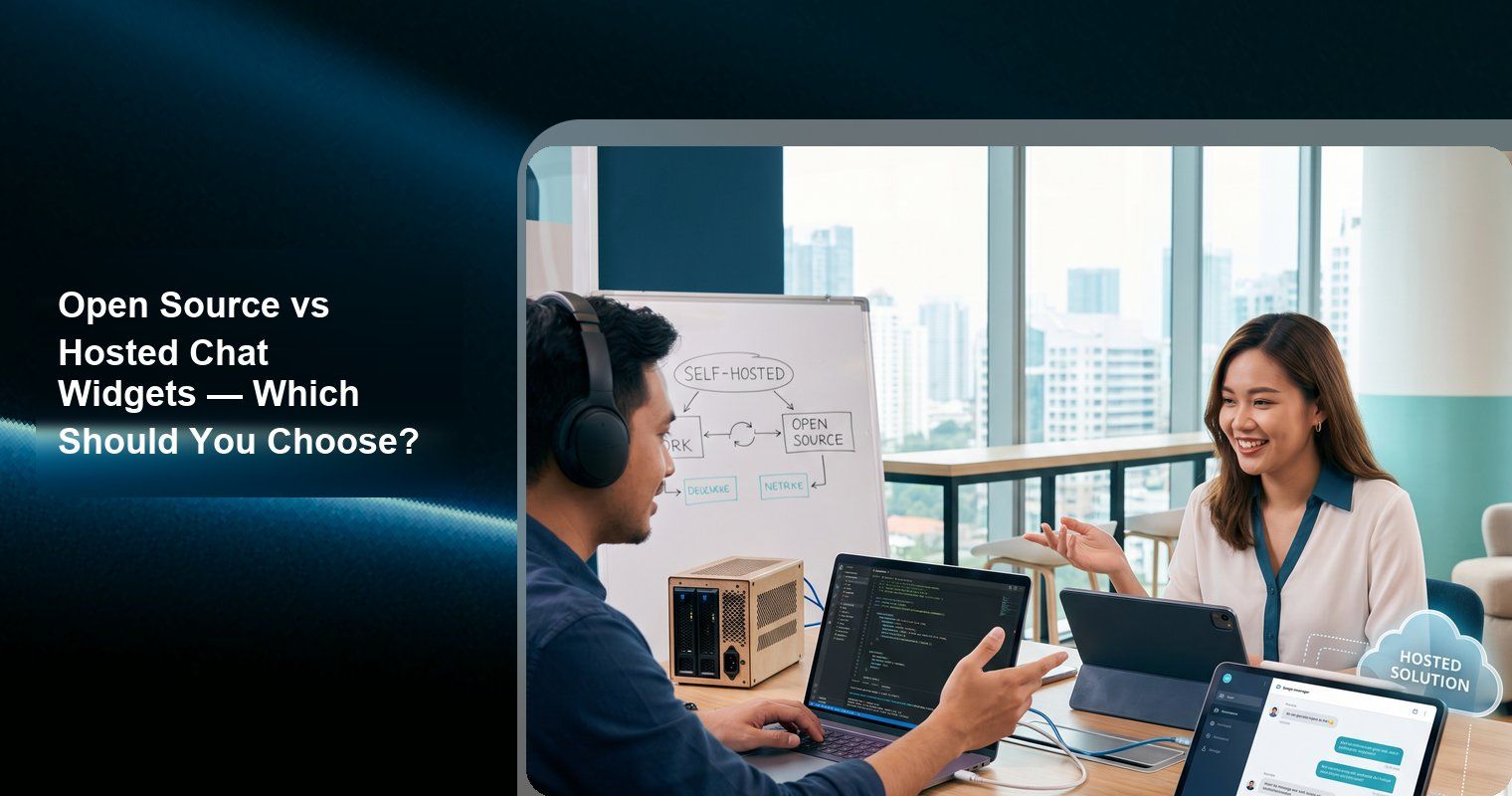
If you want a chat widget running on your website in 5 minutes with zero maintenance, use a hosted solution like Knocket. If you need full data control, custom modifications, and are willing to invest engineering time in setup and ongoing maintenance, use an open-source solution like Chatwoot.
This guide compares open-source and hosted chat widgets across real criteria: setup time, total cost, maintenance burden, data control, and feature coverage. The right choice depends on your priorities, not ideology.
What is an Open-Source Chat Widget?
An open-source chat widget is a customer communication tool whose source code is publicly available. You can download it, inspect it, modify it, and run it on your own servers. The most popular options include:
● Chatwoot — Open-source customer engagement suite (Intercom alternative)
● Papercups — Open-source live chat widget (archived, limited maintenance)
● Rocket.Chat — Open-source communications platform
● Tiledesk — Open-source conversational AI platform
“Open source” in this context means you can self-host the software on your own infrastructure. Most also offer a hosted (cloud) version for teams that do not want to manage servers.
What is a Hosted Chat Widget?
A hosted chat widget is a cloud service where the vendor manages all infrastructure, updates, and security. You install a script tag on your website and the widget works immediately. Popular hosted options include:
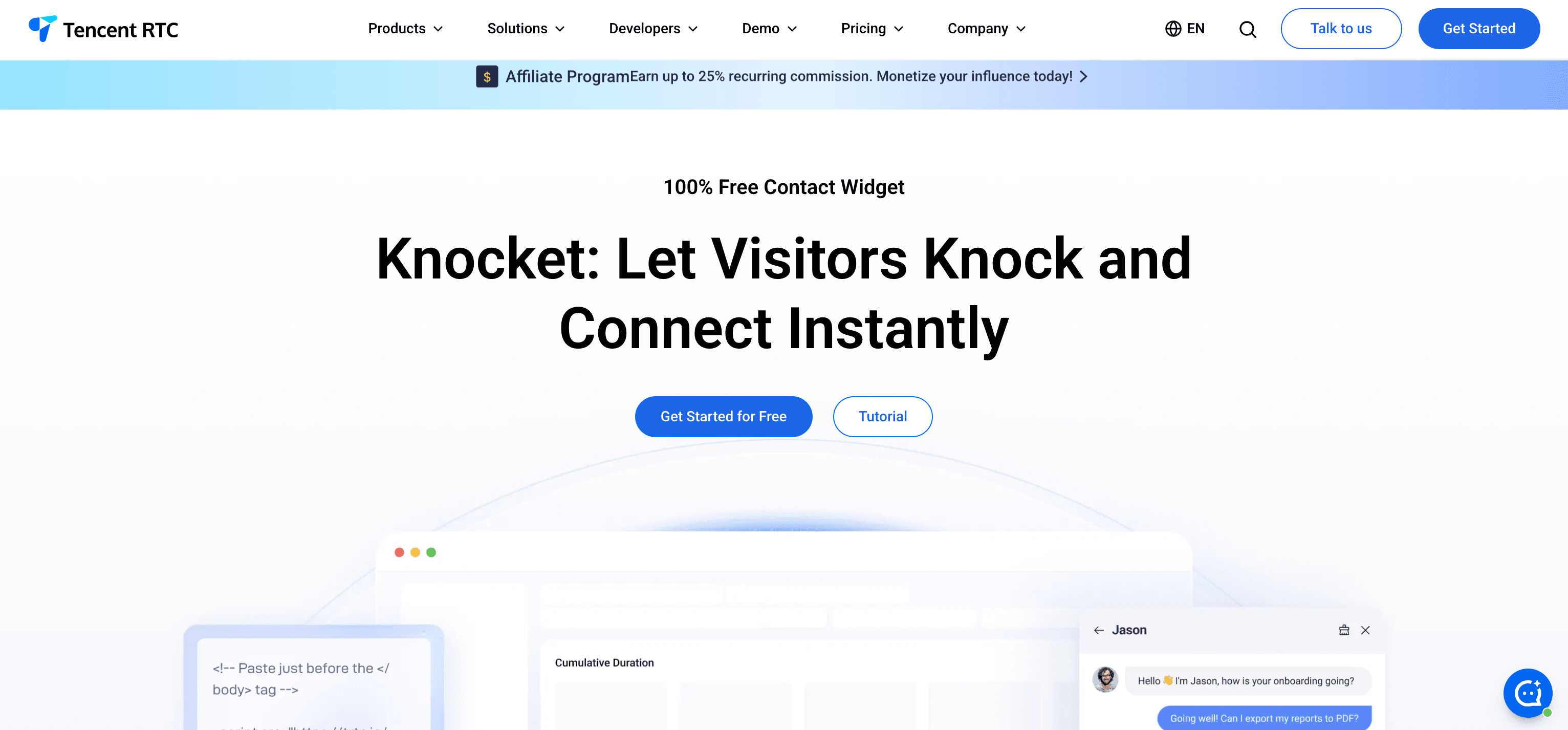
● Knocket — Free forever contact widget (chat + forms + social + scheduling)
● Tawk.to — Free unlimited live chat
● Tidio — Live chat + AI chatbot
● Crisp — Messaging platform + CRM
● Intercom — Enterprise support platform
● LiveChat — Sales-focused live chat
Side-by-Side Comparison
Factor | Open-source (self-hosted) | Hosted (cloud service) |
Setup time | Hours to days (server provisioning, Docker, database, SSL, DNS) | Minutes (paste script tag) |
Maintenance | Ongoing — updates, security patches, backups, monitoring | Zero — vendor handles everything |
Cost | “Free” software + server costs ($10-100+/month) + engineering time | Free to $130+/seat/month depending on tool |
Data control | Full — data lives on your servers | Vendor-hosted — data on vendor’s infrastructure |
Customization | Unlimited — modify source code as needed | Limited to vendor’s configuration options |
Security | Your responsibility — updates, SSL, firewalls, access control | Vendor’s responsibility (check certifications) |
Scalability | You manage scaling (load balancers, database optimization) | Vendor manages scaling |
Support | Community forums, GitHub issues | Vendor support team (varies by plan) |
Uptime | Depends on your infrastructure | Vendor SLA (typically 99.9%+) |
Open-Source Chat Widgets: Detailed Review
Chatwoot — The Most Complete Open-Source Option
Chatwoot is the most popular open-source customer engagement suite, positioned as an open-source alternative to Intercom and Zendesk. It offers live chat, email integration, social channel management, and a shared inbox.
Features:
● Live chat widget with customization
● Omnichannel support (email, WhatsApp, Facebook, Twitter, Telegram, Line)
● Shared inbox for team collaboration
● Chatbot integration (Dialogflow, Rasa)
● Knowledge base / help center
● CRM-like contact management
● Agent routing and automation
● Reporting and analytics
Self-hosted requirements:
Component | Requirement |
Server | 2+ vCPU, 4GB+ RAM minimum |
Database | PostgreSQL |
Cache | Redis |
Storage | S3-compatible (for attachments) |
Deployment | Docker Compose or Kubernetes |
SSL | Let’s Encrypt or similar |
Domain | Custom domain with DNS configuration |
Setup process: Clone the repository, configure environment variables, set up PostgreSQL and Redis, run Docker Compose, configure SSL, point DNS. Estimated time: 2-4 hours for an experienced developer. Ongoing maintenance: updates, backups, monitoring, security patches.
Cloud-hosted option: Chatwoot offers a cloud version starting at $19/agent/month, which removes the self-hosting burden.
Best for: Teams with DevOps capabilities that need full data sovereignty and want Intercom-level features without vendor lock-in.
Source: github.com/chatwoot/chatwoot
Papercups — Lightweight Open-Source Chat
Papercups was a lightweight open-source live chat widget built with Elixir and React. It aimed to be a simpler, open-source alternative to Intercom for small teams.
Current status: The project is archived on GitHub and no longer actively maintained. While you can still self-host the existing code, there are no new features or security updates.
Features (when active):
● Simple live chat widget
● Slack integration for responding to chats
● React-based frontend
● REST API
● Basic analytics
Best for: Only recommended if you specifically need an Elixir-based chat solution and are willing to maintain unmaintained code. For most teams, Chatwoot is the better open-source choice.
Source: github.com/papercups-io/papercups
Rocket.Chat — Open-Source Communications Platform
Rocket.Chat is a large open-source communications platform that includes team messaging (like Slack), live chat for websites, video conferencing, and omnichannel customer service.
Features:
● Live chat widget (Omnichannel LiveChat)
● Team messaging (channels, DMs, threads)
● Video and voice calls
● Chatbot integrations
● Federation support
● Mobile apps
● API and webhooks
Self-hosted requirements: Heavier than Chatwoot — requires more server resources due to the broader feature set. Typical deployment uses Docker or Snap packages.
Best for: Organizations that want a single platform for internal team communication AND external customer chat. Overkill for teams that only need a website chat widget.
Source: github.com/RocketChat/Rocket.Chat
Tiledesk — Open-Source Conversational AI
Tiledesk is an open-source platform for building conversational AI applications. It includes a live chat widget, chatbot builder, and integration with LLMs for AI-powered responses.
Features:
● Live chat widget
● Visual chatbot builder
● LLM integration (OpenAI, etc.)
● Knowledge base with RAG
● Multi-channel support
● Agent dashboard
Best for: Teams that want open-source AI chatbot capabilities with customizable LLM integration.
Source: github.com/Tiledesk
The Real Cost of Self-Hosted Chat Widgets
“Free and open-source” is misleading when applied to self-hosted software. The software license is free, but the total cost includes infrastructure and engineering time:
Infrastructure costs
Component | Monthly cost |
VPS / cloud server (2 vCPU, 4GB RAM) | $10-40/month |
Managed database (PostgreSQL) | $15-50/month |
Object storage (for attachments) | $1-5/month |
SSL certificate | Free (Let’s Encrypt) |
Domain | $10-15/year |
Total infrastructure | $25-95/month |
Engineering time costs
Task | Frequency | Time |
Initial setup and configuration | One-time | 4-16 hours |
Security patches and updates | Monthly | 1-2 hours |
Backup verification and testing | Monthly | 1 hour |
Troubleshooting and debugging | As needed | Variable |
Scaling (when traffic grows) | Quarterly | 2-4 hours |
Monitoring and alerting setup | One-time | 2-4 hours |
For a developer billing at $75-150/hour, the engineering time alone can cost $300-1,500+ for initial setup, plus $150-300/month for ongoing maintenance.
Total cost comparison (1 year, solo founder or small team)
Option | Year 1 cost | Ongoing annual cost |
$0 | $0 | |
$0 ($228 to remove branding) | $0-228 | |
Chatwoot (self-hosted) | $300-1,140 (infra) + engineering time | $300-1,140 + maintenance time |
$228/year (1 agent) | $228/year | |
$300/year | $300/year | |
$348/year | $348/year |
Self-hosting is only cost-effective if you already have infrastructure, DevOps capability, and a specific need for data sovereignty or deep customization.
When to Choose Open-Source
Self-hosted open-source chat widgets make sense when you have specific requirements that hosted solutions cannot meet:
1. Data sovereignty requirements
If your organization is required by regulation (GDPR, HIPAA, industry-specific compliance) to keep all customer data on your own servers, self-hosting is mandatory. No amount of vendor certification satisfies a “data must not leave our infrastructure” requirement.
However, many compliance frameworks do allow hosted solutions that have the right certifications. For example, Knocket is GDPR compliant with ISO 27001/27017/27018/27701/29151 and CSA STAR certifications — which satisfies most regulatory requirements without self-hosting.
2. Deep customization needs
If you need to modify the chat widget’s behavior, appearance, or data handling in ways that vendor APIs and configuration do not support, self-hosting gives you access to the source code. Examples:
● Custom authentication integration with your existing user system
● Modified chat routing logic based on proprietary business rules
● Custom data pipelines for conversation analysis
● White-labeling with deep branding beyond colors and logos
3. Existing DevOps infrastructure
If your team already runs Kubernetes clusters, manages databases, and has CI/CD pipelines, adding Chatwoot is incremental rather than net-new infrastructure. The marginal cost is lower.
4. Avoiding vendor dependency
If vendor lock-in is a strategic concern (the vendor could change pricing, shut down, or degrade the product), self-hosting eliminates that risk. You control the software indefinitely.
When to Choose Hosted
Hosted chat widgets make sense for the majority of use cases:
1. Speed matters more than control
If you need a chat widget working today, a hosted solution installs in minutes. Self-hosting takes hours to days. For startups, founders, and small teams, speed of deployment usually outweighs control benefits.
2. No DevOps capability
If your team does not include someone who can manage Linux servers, Docker containers, PostgreSQL databases, and SSL certificates, self-hosting is a burden that takes time away from your core product.
3. Total cost matters
For small teams, hosted free tools like Knocket ($0/year) or Tawk.to ($0/year) cost less than self-hosted solutions when you factor in infrastructure and engineering time.
4. Reliability and uptime matter
Hosted solutions typically offer 99.9%+ uptime SLAs with professional infrastructure teams. Self-hosted solutions rely on your team’s ability to maintain servers, handle outages, and manage backups. For many teams, vendor-managed reliability is strictly better.
Decision Framework
Question | If yes → | If no → |
Do you have regulatory requirements for data sovereignty? | Open-source (self-hosted) | Either option works |
Do you need to modify the chat widget source code? | Open-source | Hosted is simpler |
Do you have DevOps capabilities and infrastructure? | Open-source is viable | Hosted is better |
Do you need the widget working today? | Hosted | Either option works |
Is your budget $0? | Knocket (hosted, free) | Depends on needs |
Do you need Intercom-level features (ticketing, AI, workflows)? | Chatwoot (self-hosted or cloud) | Simpler tool is better |
Are you a solo founder or team of 1-5? | Hosted (save engineering time) | Either option works |
Hosted Alternatives to Popular Open-Source Tools
If you like the idea of an open-source tool but do not want to self-host, here are hosted alternatives:
Open-source tool | What it does | Hosted alternative | Why |
Chatwoot | Full support suite | Similar features without self-hosting | |
Chatwoot (basic chat only) | Live chat + inbox | Knocket (free) | Simpler, faster, free |
Papercups | Lightweight chat | Papercups is archived; these are actively maintained | |
Rocket.Chat (live chat) | Omnichannel chat | Freshchat ($19+/agent/mo) | Managed multi-channel without heavy infrastructure |
Tiledesk | AI chatbot | Managed AI without ML ops |
The Hybrid Approach
Some teams use a combination:
Hosted widget + open-source backend: Use a hosted chat widget like Knocket for the visitor-facing interface, and connect it to your own systems for data processing, CRM integration, or custom workflows.
Open-source with managed hosting: Use Chatwoot Cloud ($19/agent/month) instead of self-hosting. You get the benefits of open-source software (transparency, community, portability) without the infrastructure burden.
Start hosted, migrate later: Install a hosted widget today to start collecting feedback immediately. If your needs grow to require self-hosting, migrate later when you have the infrastructure and team to support it. This approach optimizes for speed now and flexibility later.
Frequently Asked Questions
Is Chatwoot a good alternative to Intercom?
For self-hosted deployments, Chatwoot is the best open-source Intercom alternative. It covers most of Intercom’s core features: live chat, shared inbox, omnichannel support, chatbot integration, and knowledge base. However, Chatwoot’s AI capabilities are less mature than Intercom’s Fin AI Agent, and self-hosting adds infrastructure complexity. If you do not need to self-host, consider Crisp (flat-rate pricing) or Knocket (free contact widget) as simpler alternatives.
How much does it cost to self-host a chat widget?
Expect $25-95/month for infrastructure (VPS, database, storage) plus 2-4 hours/month of engineering time for maintenance. Initial setup takes 4-16 hours. For a solo founder or small team, a free hosted solution like Knocket is almost always more cost-effective.
Can I use an open-source chat widget for free?
The software license is free, but self-hosting requires infrastructure that costs money. The minimum viable self-hosted setup costs approximately $25/month for a basic VPS with Docker. If you want truly $0 cost, use a hosted free solution like Knocket or Tawk.to.
Is self-hosted more secure than hosted?
Not automatically. Self-hosted is only more secure if your team actively manages security updates, patches vulnerabilities promptly, configures firewalls correctly, and monitors for threats. A well-run hosted solution with ISO 27001 certification and GDPR compliance (like Knocket) is often more secure than a self-hosted setup managed by a team without dedicated security expertise.
Can I migrate from a hosted widget to self-hosted later?
Yes. Chat widgets are front-end components — switching from one to another involves replacing the script tag on your website. Conversation history typically does not migrate (it stays with the previous tool), but the switch itself takes minutes.
Choose based on your actual constraints — budget, team capability, compliance requirements, and time. For 90% of teams, a free hosted widget gets you running today. For the 10% with specific data sovereignty or customization needs, open-source self-hosting is worth the investment.