










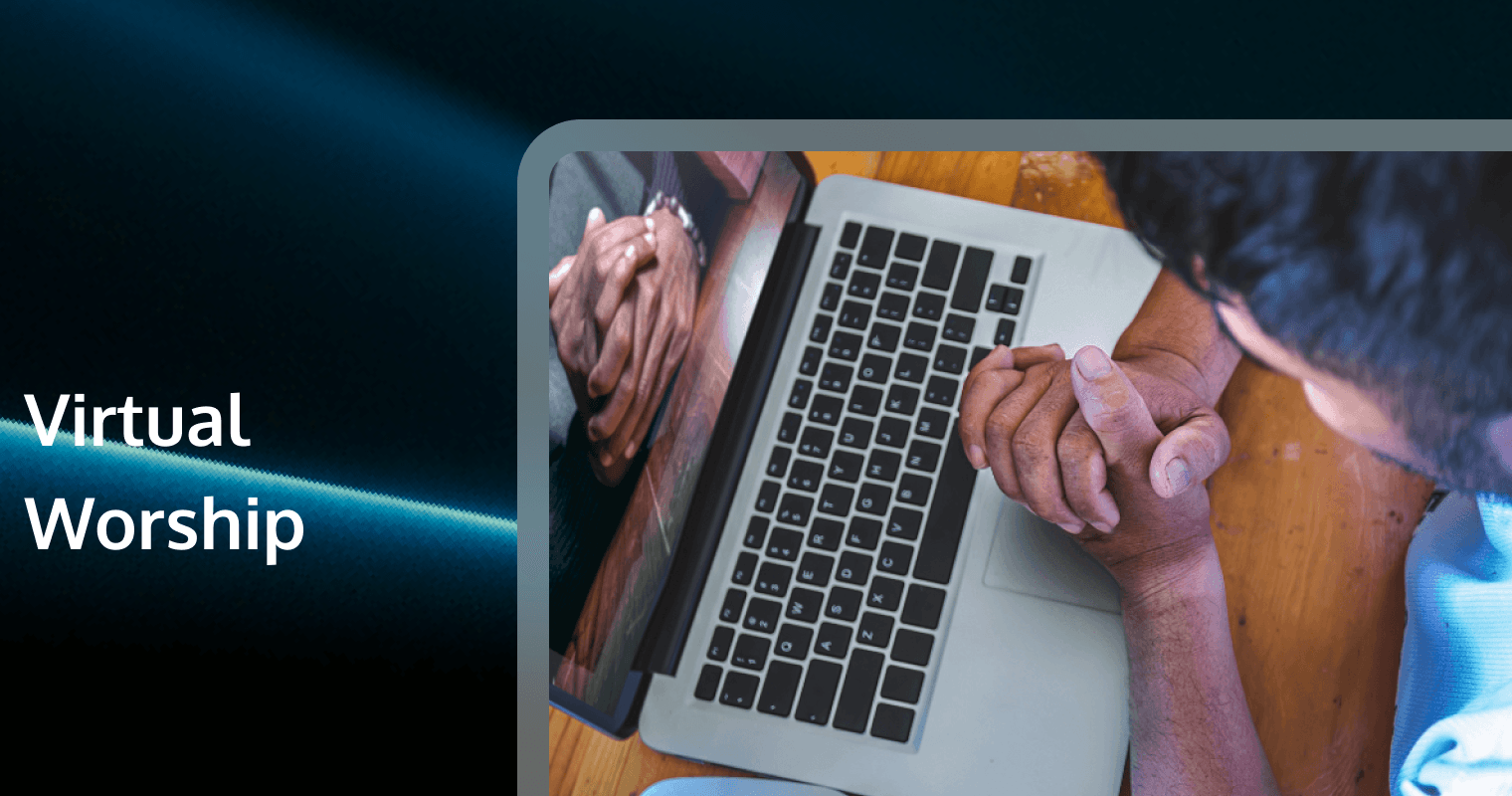
In the span of a few short years, “Virtual Worship” has transitioned from a niche stopgap measure to a permanent pillar of religious life. It is no longer enough to simply point a camera at a stage and broadcast a signal. The modern digital congregation demands immersion, interaction, and stability.
We have moved from the era of emergency streaming to the era of digital ministry design. This guide is not about how to survive; it is about how to thrive. It is a comprehensive blueprint for Technical Directors, Worship Pastors, and Creative Leads who aim to build a Virtual Worship ecosystem that rivals—and in some ways surpasses—the physical experience.
Here, we will dismantle the complexities of hybrid audio-video architecture, explore the psychology of digital engagement, and detail the software stacks required to build a proprietary platform that you own and control.
1. The Evolution of Worship: From Physical to Digital and Hybrid
To engineer a successful Virtual Worship experience, one must first understand the medium. Virtual worship is not merely a “broadcast” of a physical event; it is a distinct venue with its own rules, physics, and sociology.
The Shift from “Watcher” to “Worshiper”
The greatest failure of early virtual worship was treating the online viewer as a passive spectator—similar to watching a football game on TV. However, worship is participatory.
● Passive Model: One-way video feed. No Chat. No acknowledgment of the online room.
● Active Model: Two-way communication. Moderated Chat. Direct address from the pulpit to the camera. Virtual prayer rooms.
The Hybrid Imperative
The future is hybrid. A “Hybrid Service” synchronizes the in-person and online experience so neither feels like an afterthought. This requires a shift in mindset: the camera is not a recording device; the camera is a person. It is a window through which hundreds or thousands of people are sitting in your front row. When a pastor looks into the lens, they must understand they are making eye contact with the digital congregation.
2. The Three Pillars of Virtual Worship Strategy
Before buying a single cable, you must define your strategy based on three pillars: Content, Community, and Consistency.
Content: The Digital Liturgy
Physical services rely on volume, atmosphere, and presence. Digital services rely on clarity, pacing, and visual engagement. You cannot simply stream a 20-minute transition where the stage crew moves drums; online viewers will leave in 10 seconds.
● Pacing: Virtual worship requires tighter transitions.
● Visuals: Lower thirds, scripture overlays, and distinct camera angles are mandatory, not optional.
Community: The “Lobby” Experience
The physical church has a lobby where community happens. The Virtual Worship space must replicate this. This is achieved through robust Chat features, breakout video rooms for prayer, and “virtual foyers” open before and after the stream. If your platform doesn’t allow users to talk to each other, you are hosting a show, not a service.
Consistency: Reliability builds Trust
Technical failures erode spiritual trust. If the stream buffers during the sermon, the connection is broken. High availability, redundant internet connections, and professional-grade encoding are the bedrock of consistency.
3. Technical Architecture: Hardware Essentials
Professional Virtual Worship requires a shift from consumer webcams to broadcast infrastructure.
The Visual Chain
1. Cameras: Move beyond DSLRs to PTZ (Pan-Tilt-Zoom) cameras. They allow a single operator to control multiple angles remotely. Look for cameras with SDI or NDI outputs for low latency.
2. The Switcher: A hardware switcher (like Blackmagic ATEM) or software switcher (vMix/OBS) is the heart of your broadcast. It allows you to layer graphics, switch angles, and manage audio embedding.
3. Lighting: Cameras crave light. Key lighting (lighting the subject) and backlighting (separating the subject from the background) are critical. Flat lighting makes the experience feel “cheap” and disengaging.
The Audio Chain (Critical)
Bad video is forgivable; bad audio is not.
● The Separate Mix: Never send your “Front of House” (in-room) mix to the live stream. It will sound washed out and hollow.
● Dedicated Broadcast Mix: You need a dedicated audio engineer mixing specifically for the stream. They should use compression and limiting to ensure the volume is consistent for someone listening on a smartphone or laptop.
● Ambience: Use crowd microphones to capture the sound of the room singing/clapping. Without this, the music feels sterile and isolated.
4. The Software Stack: Protocols and Destinations
How does your video get from the church to the viewer? Understanding the invisible data flow is essential for troubleshooting.
Protocols: RTMP vs. SRT
● RTMP (Real-Time Messaging Protocol): The old standard. Reliable but can have high latency (15-30 seconds).
● SRT (Secure Reliable Transport): The modern standard. It adapts to network fluctuations and delivers higher quality video with lower latency. If you are sending video point-to-point (e.g., from a satellite campus to a main campus), use SRT.
Multi-Streaming
Do not limit yourself to one platform. Use a cloud-based restreaming service to push your content simultaneously to:
● YouTube (for searchability and TV apps)
● Facebook (for sharing and social graph)
● Your Custom Website (The Primary Goal)
Why You Must Own the Platform
Social media platforms are fickle. They can mute your audio due to copyright algorithms or bury your notification. The ultimate goal of Virtual Worship is to drive users to your own website or app. This is where you control the data, the Chat environment, and the user journey.
5. Designing the Digital Liturgy
Adapting the service order for the screen is an art form.
The Pre-Show
Start your stream 10-15 minutes early. Do not show a static logo. Show a countdown, play engaging music, and have a “Digital Host” appear on screen to welcome people in the Chat. This warms up the digital room.
Interactive Elements
● Polls: Ask questions during the sermon. “What is your biggest struggle this week?”
● Q&A: Allow the digital audience to submit questions that are answered live.
● Prayer Buttons: Implement a feature where a user can click “Request Prayer” and be instantly connected to a pastor via private Chat or Video Call.
The “Direct Address”
Teach your speakers to look at the camera. When speaking to the room, they address the crowd. When making a crucial point, they should look down the barrel of the lens. This creates intimacy for the viewer sitting alone in their living room.
6. Community Engagement Strategies: Beyond Passive Viewing
Engagement is the metric that matters. View counts are vanity; engagement is ministry.
The Role of the Chat Host
Every Virtual Worship service needs a designated Chat Host. Their job is not to moderate (delete spam) but to facilitate.
● Prompting: “Where is everyone watching from today?”
● Summarizing: “That was a great point about forgiveness. Have you ever struggled to forgive?”
● Linking: Dropping links to scripture, giving pages, or signup forms at the exact moment they are mentioned.
Virtual Breakout Rooms
After the service, invite viewers to a “Digital Coffee Hour.” Using video conferencing tools, you can sort people into small groups of 5-10 for discussion. This turns a broadcast into a community gathering.
7. Legal, Copyright, and Privacy Considerations
Virtual Worship operates in a complex legal environment. Ignorance is not a defense against copyright strikes.
The CCLI Streaming License
A standard CCLI license covers in-person lyric display. It does not cover broadcasting those songs. You must acquire a Streaming License. Even with this, you cannot stream Master Recordings (Spotify/CDs). You can only stream your band playing the songs.
Privacy of the Congregation
Be mindful of panning cameras over the in-person congregation. Some attendees may be in sensitive situations (domestic issues, foster care) and do not want to be broadcast online.
● Best Practice: Post signs at entrances stating “Filming in Progress” and designate “No-Film Zones” in the back of the sanctuary for those who wish to remain off-camera.
8. Future Trends: VR, Metaverse, and AI in Ministry
As we look to the horizon, Virtual Worship will continue to become more immersive.
● VR Worship: Fully immersive 3D sanctuaries where avatars can interact, pray, and sit together in a virtual pew.
● AI Translation: Real-time AI dubbing will allow a sermon preached in English to be heard in Spanish, Mandarin, and French simultaneously, opening the doors to a truly global congregation.
9. Enhancing Virtual Worship with Real-Time Communication
To build a truly “owned” platform that rivals the giants of social media, you need robust infrastructure. This is where Tencent RTC (Real-Time Communication) becomes the game-changer for custom Virtual Worship applications.
Tencent RTC provides the SDKs and APIs necessary to build a bespoke digital church environment that integrates high-quality video, audio, and interaction without relying on third-party algorithms.
Recommended Solutions for Ministry:
● Tencent Real-Time Video Call (TRTC):
○ Application: Private Pastoral Counseling.
○ Value: Secure, encrypted, high-definition video calls that allow pastors to meet with members anywhere in the world with low latency, preserving the intimacy of a face-to-face meeting.
● Tencent Live Streaming (CSS):
○ Application: Sunday Service Broadcasting.
○ Value: Ultra-low latency broadcasting ensures that when the pastor says “Amen,” the digital viewer hears it instantly, not 30 seconds later. This synchronization is vital for collective prayer and reading.
● Tencent Chat (IM - Instant Messaging):
○ Application: Congregation Interaction.
○ Value: A robust Chat engine that supports millions of concurrent users. It includes built-in profanity filters and moderation tools to keep the worship environment safe and respectful. It also supports “bullet screen” (danmaku) overlays for high-energy youth events.
● Tencent Voice Chat Room:
○ Application: Virtual Foyers and Prayer Circles.
○ Value: Create audio-only spaces where users can drop in and chat before or after the service, mimicking the casual interactions of a physical church lobby.
By building on Tencent RTC, you are not just “streaming”; you are creating a digital sanctuary—a persistent, interactive space where your community lives, grows, and worships together.
10. Conclusion
Virtual Worship is no longer a temporary alternative; it is a primary expression of faith for the 21st century. It requires the same level of intentionality, preparation, and excellence as physical worship. By investing in professional hardware, mastering the software stack, and prioritizing two-way community engagement, you can create a digital liturgy that transcends the screen.
The tools are in your hands. Whether it is a simple PTZ camera setup or a custom-coded app powered by Tencent RTC, the goal remains the same: connecting the human spirit to the divine, regardless of the miles in between.
Frequently Asked Questions
Q1: How do we prevent “trolls” from disrupting our public worship Chat?
A: You can use Tencent Chat (IM), which offers advanced content moderation capabilities. It allows you to set up automatic keyword filtering (profanity shields) and gives moderators the power to mute or ban disruptive users instantly, ensuring the sanctuary remains peaceful.
Q2: We want to offer prayer during the service, but typing is too slow. What can we do?
A: You can implement a “One-Click Prayer” feature using Tencent Real-Time Video Call. This allows a viewer to click a button and immediately enter a private, secure video room with a prayer team member, moving from a text-based experience to a face-to-face ministry moment.
Q3: Our church has members in low-bandwidth areas. How do we ensure they can watch?
A: Tencent Live Streaming utilizes adaptive bitrate streaming. This technology automatically detects the viewer’s internet speed and adjusts the video quality in real-time, ensuring that the audio continues smoothly even if the video quality needs to drop, keeping them connected to the message.
Q4: Can we build a “Virtual Lobby” where people can talk before church starts?
A: Yes. You can utilize Tencent Voice Chat Room SDKs to create “tables” or “rooms” within your app. Users can join these audio spaces to catch up with friends, discuss the week, and pray together before the main stream begins, replicating the social aspect of church.
Q5: Is it possible to have a global choir perform together live?
A: While extreme latency makes music difficult, Tencent RTC offers industry-leading ultra-low latency. For semi-live productions or connecting remote worship leaders to the main feed, Tencent’s global node optimization minimizes the delay, making synchronized participation smoother than standard conferencing tools.