










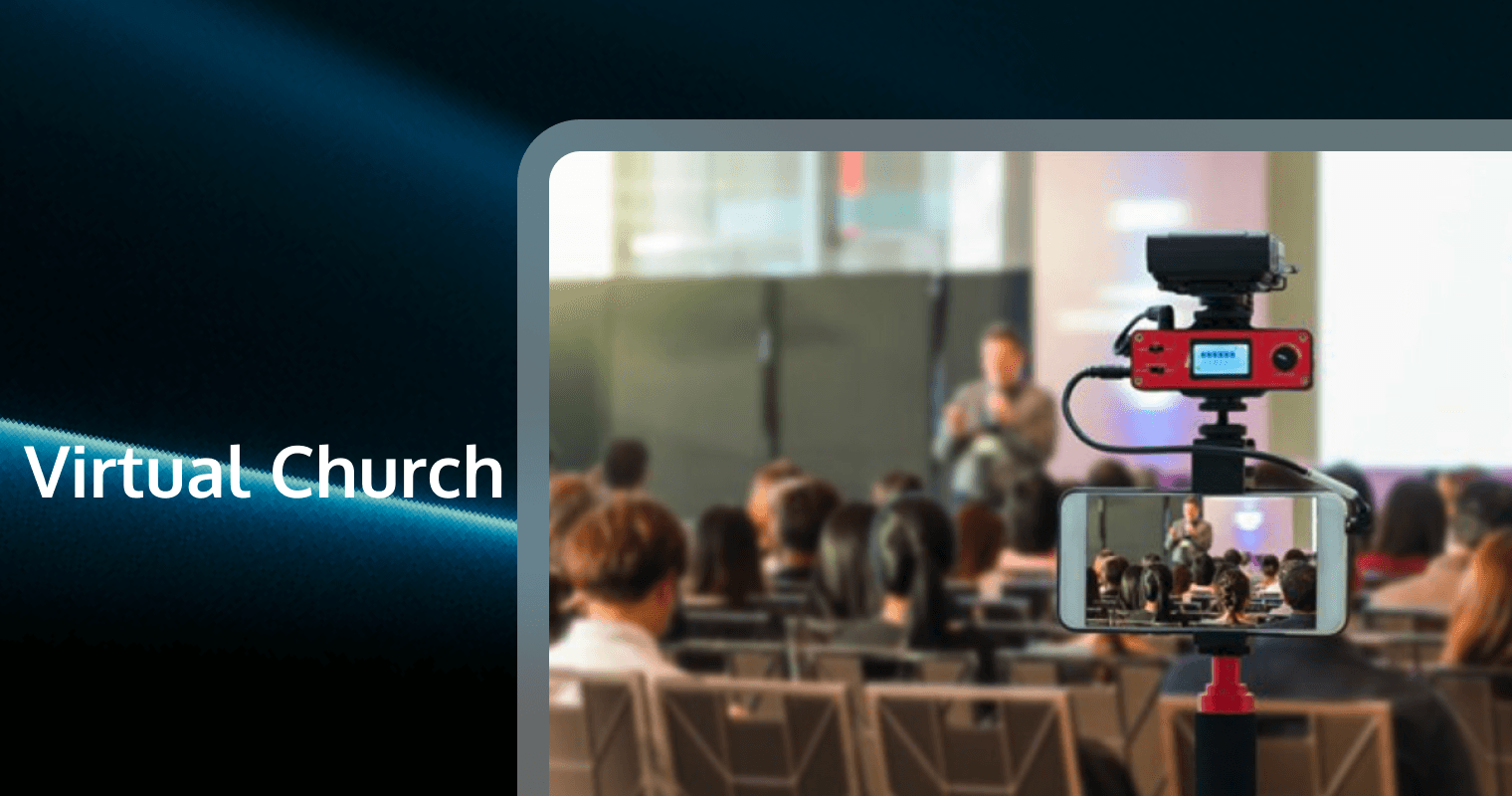
In the last decade, the concept of "church" has expanded beyond stained glass windows and wooden pews. The Virtual Church is no longer a temporary contingency plan for a crisis; it is a permanent, vital expression of faith that transcends geographical boundaries. Whether you are a historic congregation looking to pivot or a church planter launching a digital-first ministry, the stakes are high.
Building a successful virtual church requires more than an iPhone and a Facebook account. It demands a convergence of theological intentionality, media production excellence, and robust technical infrastructure. This comprehensive guide will walk you through every layer of the process—from ecclesiology to the specific Real-Time Communication (RTC) technologies needed to foster genuine community.
1. Defining the Virtual Church: More Than Just a Livestream
Before laying a single cable, you must define what your virtual church is. A common mistake is equating "online church" with "streaming Sunday services."
The Spectrum of Digital Ministry
Most churches fall into one of three categories. Identifying where you stand is crucial for your technical strategy:
● The Content Distributor: You record services and upload them later. This is not a virtual church; it is a digital archive.
● The Simulcast Model: You livestream your physical service to an online audience. The primary focus is the room; online viewers are observers. This is the most common but least effective model for deep engagement.
● The Virtual-Native/Hybrid Model: The online experience is designed as a distinct campus. There are dedicated online hosts, specific Chat interactions, and digital discipleship pathways. The "Virtual Church" is a community, not just a broadcast.
Theological Foundations
Critics often argue that virtual church lacks "incarnational" presence. However, digital ecclesiology argues that presence is defined by connection, not proximity.
● The Omni-Channel Approach: Just as Paul used letters to disciple churches he couldn't visit, modern leaders use video and Chat to shepherd their flocks.
● Accessibility as Ministry: A virtual church reaches the hospitalized, the deployed, the anxious, and the geographically isolated. It is an act of inclusion.
2. The Strategic Foundation: Governance, Teams, and Legalities
Treat your virtual church launch with the same rigor as opening a physical campus. It requires a dedicated budget, leadership structure, and legal framework.
Building the Digital Ministry Team
Do not dump this responsibility on your existing sound tech. You need specific roles:
1. Online Campus Pastor: The spiritual shepherd. They do not need to be tech-savvy, but they must be "Chat-savvy"—able to communicate warmth via text and video.
2. Technical Director: Responsible for the hardware stack, encoding, and platform stability.
3. Chat Hosts/Moderators: These are your digital ushers. They welcome guests, ban trolls, and facilitate prayer in private Chat rooms.
4. Content Manager: Slices sermons into clips for social media (Shorts/Reels) to drive traffic.
Legal and Privacy Considerations
Data is the new currency of ministry, but it comes with liability.
● GDPR and CCPA Compliance: If you have viewers in Europe or California, you must have transparent data policies regarding how you store email addresses and prayer requests.
Music Licensing: A CCLI license for your building does not* cover streaming. You need a streaming-specific license (e.g., CCLI Streaming Plus) to legally broadcast worship music.
● Safeguarding: When ministering to minors online, use platforms that allow for "two-deep" leadership monitoring in video breakout rooms to prevent abuse.
3. Technical Infrastructure: The Hardware Stack
Quality audio and video are the vessels for your message. Poor buffering or bad audio will cause 80% of your visitors to leave within 60 seconds.
The Camera Setup
● Entry Level: High-end webcams (e.g., Logitech Brio) or a smartphone with ND tools. Good for small room setups.
● Mid-Tier: Mirrorless cameras (Sony Alpha series or Canon EOS R) connected via HDMI capture cards (Elgato Cam Link). This provides depth of field and professional lighting control.
● Pro Tier: PTZ (Pan-Tilt-Zoom) cameras controlled remotely. These are essential for hybrid services, allowing a single operator to track the speaker without running around the sanctuary.
Audio: The Most Critical Component
Viewers will forgive grainy video; they will not forgive bad audio.
● Direct Feed: Never rely on the camera microphone. You must pull a mix directly from your soundboard (AUX out) into your streaming interface.
● Room Mics: In a hybrid setup, mix in "room mics" (crowd microphones) so online viewers can hear the congregation singing and laughing. Without this, the service feels sterile and isolated.
● Sync Issues: Video processes slower than audio. You may need to add an audio delay (in milliseconds) in your encoding software to ensure lip-sync accuracy.
4. The Platform Decision: Rented Land vs. Owned Real Estate
Where will your virtual church "meet"? This is the most significant strategic decision you will make.
Option A: Social Streaming (Facebook/YouTube)
● Pros: Free, massive built-in audience, easy discovery.
● Cons: You don't own the data. Algorithms can bury your content. A copyright strike can shut down your channel mid-service. Distractions (ads, other videos) are high.
Option B: Church Online Platform (ChOP)
● Pros: Designed for ministry, includes a "Request Prayer" button, integrates with Bible apps.
● Cons: Limited customization. You are still playing in a sandbox designed by someone else.
Option C: Custom Web/Mobile App (The Skyscraper Solution)
● The Goal: Integrating video, Chat, and giving into a branded mobile app or website.
● Why do it: You control 100% of the user experience. You can implement high-quality video (Video Call features) for small groups directly in the app. You own the user data for follow-up.
5. Creating Engaging Worship Experiences Online
Translating a 90-minute in-person service to a screen requires adaptation. Attention spans online are shorter.
The "Digital-First" Order of Service
● The Pre-Show: Start the stream 10 minutes early with a countdown, upbeat music, and a host greeting people by name in the Chat.
● Shorter Sermon Segments: Consider breaking a 40-minute sermon into two 20-minute blocks, separated by a worship song or a testimony video. This resets the viewer's attention.
Direct Eye Contact: Teach your pastors to look at the camera lens, not the room. This makes the online viewer feel spoken to, rather than spoken at*.
Interactive Elements
Passive watching is the enemy of discipleship. Use tools to break the fourth wall:
● Live Polls: "How are you feeling today? 1. Blessed 2. Tired 3. Anxious."
● Q&A Segments: Have the pastor answer questions from the Chat live after the sermon.
● Virtual Altar Calls: Offer a digital hand-raising feature or a private "Prayer Room" link where users can transition from the public stream to a private Video Call with a prayer counselor.
6. Digital Discipleship: From Views to Engagement
Measuring "views" is a vanity metric. Measuring "engagement" is a ministry metric.
Virtual Small Groups
Small groups are the lifeblood of a church. Do not just use a generic conference link.
● Structured Format: Virtual groups need a tighter structure than physical ones. Use the "30-40-20" rule: 30 mins social connection, 40 mins study/discussion, 20 mins prayer.
● Hybrid Groups: If some members are in-person and others are online, use a 360-degree camera or a dedicated monitor at the table so the online members have a physical "seat" at the table.
The Digital Pipeline
How does a visitor become a member?
1. First Touch: Viewer comments in Chat.
2. Second Touch: DM from a host with a "Digital Connection Card" link.
3. Conversion: Viewer signs up for a "Virtual Coffee with the Pastor" (10-minute Video Call).
4. Assimilation: Viewer joins an online membership class.
7. Marketing and Outreach: Getting Found
"Build it and they will come" does not apply to the internet. You must actively market your virtual church.
SEO for Churches
● Keyword Strategy: Target keywords like "online church service," "prayer request online," and "Christian community near me."
● Local SEO: Even for virtual churches, local SEO matters. Google prioritizes local results. Optimize your Google Business Profile to say "Online Appointments Available."
Social Media Ad Strategy
Stop boosting flyers. Run ads that solve problems.
● Hook: "Feeling anxious? Join our calm mid-week meditation stream."
● Story: "Meet Sarah, who found community from her living room."
● Call to Action: "Click here to chat with a pastor now."
8. The Future of Virtual Church: VR, AI, and Automation
To outclass the competition, you must look five years ahead.
The Metaverse and VR
Virtual Reality churches allow avatars to interact in a 3D space. This creates a sense of spatial presence that video cannot match. Baptisms, communion, and prayer circles are being reimagined in VR spaces like VRChat or AltspaceVR.
AI in Ministry
● Translation: Real-time AI captioning can translate your sermon into 50+ languages instantly, opening your virtual church to a global audience.
● Chatbots: An AI-driven Chat assistant on your website can answer basic questions ("What time is service?", "How do I donate?") 24/7, freeing up your pastoral staff for complex care.
Enhancing Virtual Church with Real-Time Communication
As your virtual church matures, you will hit the limits of standard streaming platforms. Latency (the delay between you speaking and the viewer seeing it) on YouTube can be 15-30 seconds. This kills spontaneity. To build a truly interactive "Digital Sanctuary," you need Real-Time Communication (RTC) solutions.
Why Low Latency Matters
Imagine a pastor asking for an "Amen" in the Chat. On a standard stream, he sees the response 30 seconds later. With RTC, the latency is under 300ms. This allows for real-time prophecy, prayer, and dialogue.
The Solution: Tencent RTC
For churches looking to build custom, high-fidelity experiences, Tencent RTC is the premier choice. It offers a suite of tools that can be integrated directly into your church app or website via SDKs.
Key Tencent RTC Products for Ministry:
1. Tencent Real-Time Communication (TRTC):
* Use Case: Powering your "Virtual Foyer." Create a space where members can jump into spontaneous, high-quality audio/video conversations before and after the service.
* Benefit: Ultra-low latency ensures that singing or praying together feels natural, not disjointed.
2. Instant Messaging (IM) / Chat SDK:
* Use Case: Building a robust congregational Chat. Unlike basic Chat widgets, Tencent's IM supports distinct "Chat Rooms" (e.g., Prayer Room, Youth Group, General Lobby).
* Benefit: Supports millions of concurrent users, content moderation (filtering profanity), and rich media messages (sending photos/videos of church events).
3. Cloud Streaming Services (CSS) & Live Video Broadcasting (LVB):
* Use Case: Broadcasting your main Sunday service with adaptive bitrate streaming. This ensures that a member in a rural area with poor 4G can still watch the service without buffering, while a member with Fiber gets 4K quality.
* Benefit: Global content delivery network (CDN) ensures your mission reaches every corner of the earth.
4. AI Audio Effects:
* Use Case: Noise reduction for outdoor services or enhancing the clarity of a pastor's voice in a distinct acoustic environment.
By integrating Tencent RTC, you move from being a "content creator" to being a "platform owner," providing a seamless, branded environment for your spiritual family.
Frequently Asked Questions
1. How do I solve the "lag" problem during interactive prayer meetings?
Standard video conferencing tools often suffer from latency when internet connections fluctuate. You can use Tencent RTC's TRTC (Tencent Real-Time Communication) SDK, which is designed for ultra-low latency (under 300ms) and high resilience against packet loss. This ensures that when someone says "Amen," everyone hears it instantly, maintaining the spiritual momentum of the meeting.
2. Can we build a private social network just for our church members?
Yes, and you should. Public social media is full of distractions. You can build a custom church app using Tencent's Instant Messaging (IM) SDK. This allows you to create secure, private Chat groups (e.g., "Men's Ministry," "Volunteer Team") where members can text, share files, and support each other without ads or algorithm interference.
3. How can we improve the video quality for members with slow internet?
Buffering ruins the worship experience. Using Tencent's Live Video Broadcasting (LVB), you can implement adaptive bitrate streaming. This technology automatically detects the viewer's bandwidth and adjusts the video quality (from 4K down to 360p) in real-time, ensuring the audio never cuts out even if the video quality drops slightly.
4. Is it possible to host a "Virtual Choir" where everyone sings together?
Synchronizing audio from 50 different homes is incredibly difficult due to network delays. However, Tencent RTC offers superior audio processing and low-latency synchronization capabilities. While perfect synchronization is physically limited by distance, Tencent's optimized audio codecs and customized routing significantly reduce the "echo" and delay, making small ensemble singing much more viable than on standard consumer platforms.
5. How do we moderate the Chat to prevent trolls or inappropriate content?
Pastoral care includes protecting the flock from harassment. When you implement Tencent's IM SDK, you gain access to powerful content moderation tools. You can set up automatic keyword filtering to block profanity or abusive language instantly, and assign roles (like "Moderator" or "Admin") to trusted volunteers who can mute or ban disruptive users from the Chat immediately.