










POWERED BY
TikTok Transcript Tool: Unlock Every Word with Instant Real-Time Translations


Key Features of Our Real-Time Video & Live Stream Translator
Designed for unparalleled performance and user experience, our extension is more than just a TikTok transcript tool. It's your passport to global content.
Instant TikTok video transcript for any content
Universal Platform & Real-Time Subtitles: Seamlessly integrates with major platforms like TikTok, YouTube, Netflix, and more, offering synchronized subtitles for both live streams and pre-recorded content.
Dual Language Subtitles
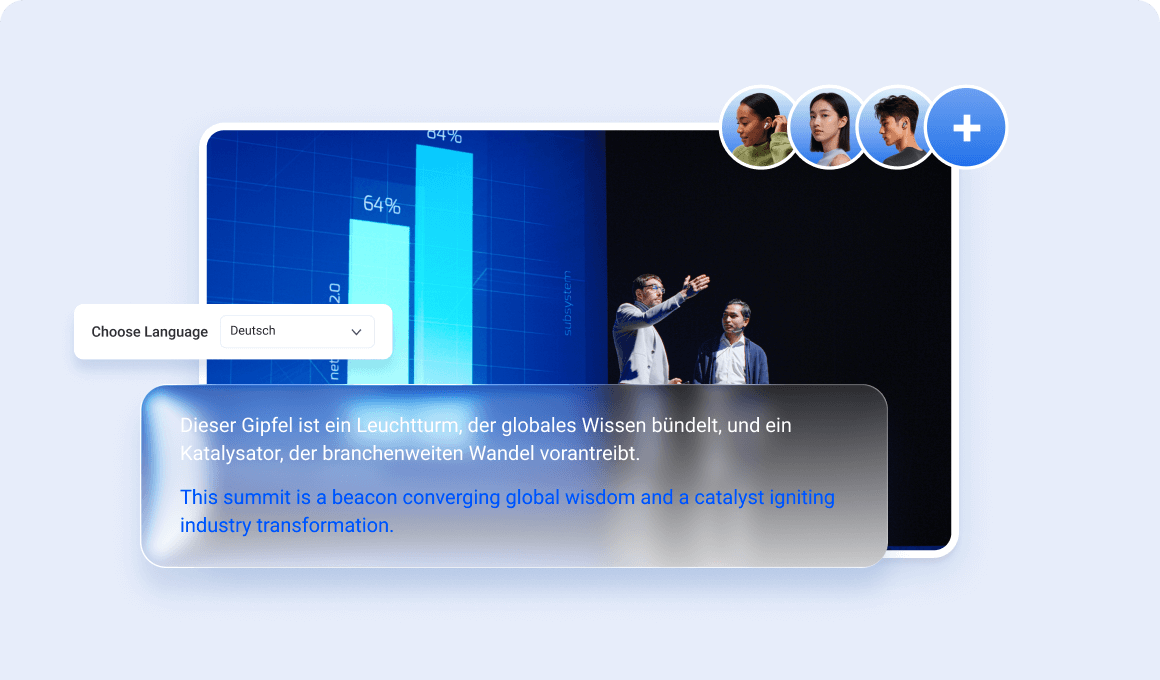
Dual-Language Support & Extensive Language Options: View original and translated subtitles simultaneously, with 15+ languages supported for global content accessibility.
Zero Latency Performance
High Accuracy & Customizable Display: Powered by advanced AI for precise translations, with adjustable subtitle settings for an optimized viewing experience.
How Our Chrome Extension Delivers Real-Time TikTok Transcripts & Translations
Our powerful browser extension integrates seamlessly into your Chrome experience, automatically detecting spoken language in videos and live streams. Here's a glimpse into its innovative process:
Automatic Speech Recognition (ASR)
Advanced AI models listen to the audio and generate an initial, highly accurate video transcript in real-time.
Instant Translation Engine
This transcript is then fed into our optimized neural machine translation engine, converting it into your chosen target language in milliseconds.
Dual-Language Display
Both the original and translated subtitles are displayed simultaneously, often side-by-side or stacked, for maximum clarity and learning efficiency.
Dynamic Sync
Subtitles are perfectly synchronized with the video and update in real-time, even during live broadcasts. Our unique optimization ensures subtitle speed is up to 2 seconds faster than many competing plugins, minimizing lag.
How to Install Our Real-Time TikTok Transcript & Translation Extension (Step-by-Step Guide)
Getting started with our powerful translation tool is quick and easy. Follow these simple steps to unlock a world of understanding:
1. Visit the Chrome Web Store
Click the "Add to Chrome" button below or search for "Tencent RTC Real-time Transcription & Al Translation" in the Chrome Web Store.
2. Add to Chrome
On the extension's page, click the "Add to Chrome" button. A confirmation pop-up will appear.
3. Confirm Installation
Click "Add extension" in the pop-up. The extension will download and install in seconds.
4. Pin to Toolbar (Recommended)
Click the puzzle piece icon (Extensions) in your Chrome toolbar, then click the pin icon next to our extension's name for quick access.
5. Start Translating
Navigate to any video on TikTok, YouTube, Netflix, or a live stream. The extension will automatically start generating and translating subtitles.
Frequently Asked Questions
Does this extension work only for TikTok videos?
No! While it's excellent for TikTok transcripts, our extension supports a wide range of platforms, including YouTube, Netflix, Twitch, Facebook Watch, and many other video and live streaming sites.
How accurate are the real-time translations?
Our extension utilizes advanced AI-powered neural machine translation, providing highly accurate and contextually relevant translations. We continuously update our models for improved performance.
Can I get a TikTok transcript in the original language only, without translation?
Yes, you can choose to view only the original language transcript, only the translated version, or both simultaneously in dual-language mode, depending on your preferences.
Is this TikTok transcript generator free to use?
We offer a free version with core functionalities and a premium version with advanced features like extended language support, higher accuracy, and priority updates. Check the Chrome Web Store for details!
Will using this extension slow down my browser or computer?
No, our extension is meticulously optimized for performance, designed to have a minimal CPU and memory footprint. It runs efficiently in the background without affecting your browsing speed.